Mobile Mode & Console / VR Mode
Host mode is supported from Android v1.1.1 and iOS v1.1.0 onwards, so the earbuds page in the app offers two entries: Mobile Mode and Console & VR Mode.
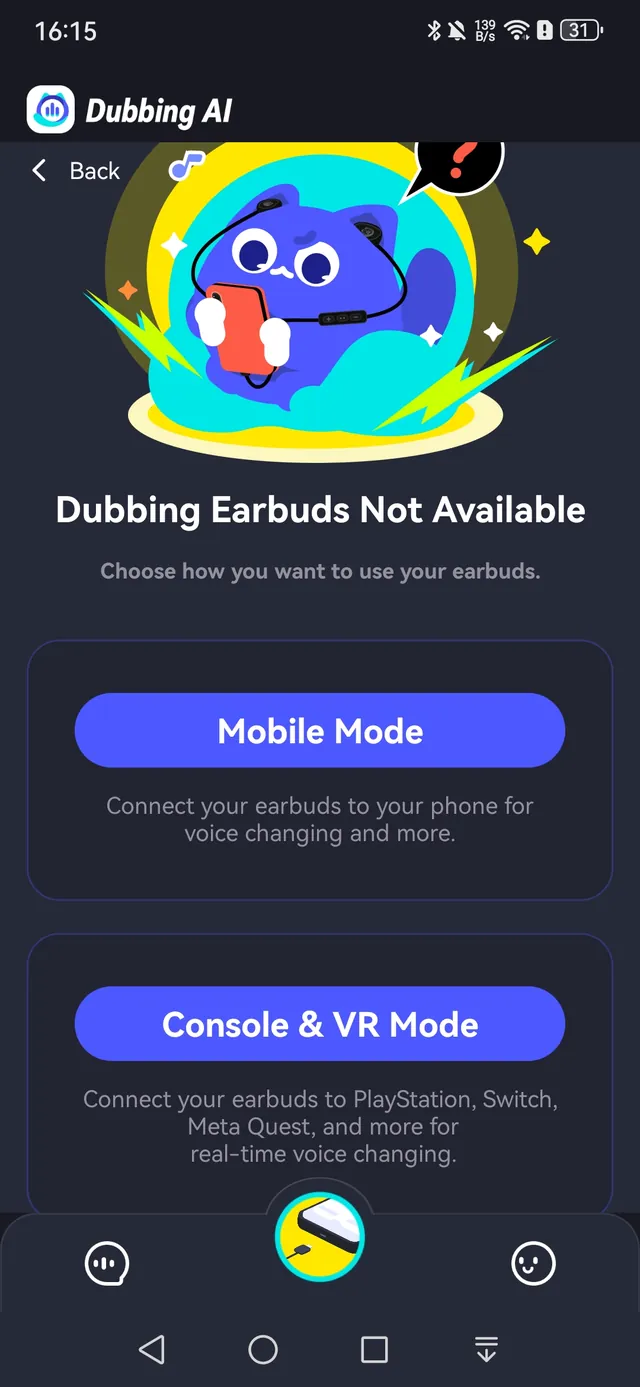
Mobile Mode
Plug the USB-C earbuds into your phone, open Dubbing AI and select Mobile Mode. Complete the app connection and choose a voice. The phone runs the model, so keep Dubbing AI running and the phone online throughout use.
Console & VR Mode
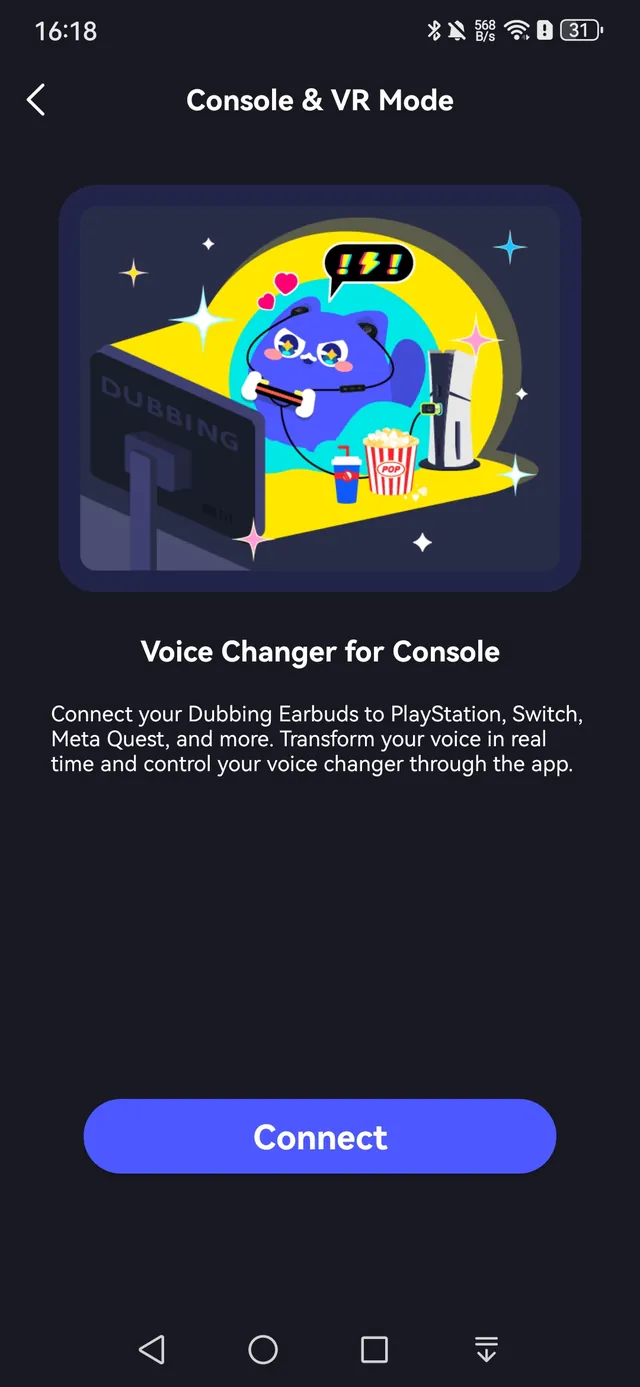
Console & VR Mode was added in Android v1.1.1 and iOS v1.1.0 for consoles and VR headsets. Tap Console & VR Mode on the earbuds page; the basic flow is as follows.
- 1Plug the USB-C earbuds into your phone and open Dubbing AI with internet access.
- 2Select Console Mode (Console & VR Mode) on the earbuds page in the app.
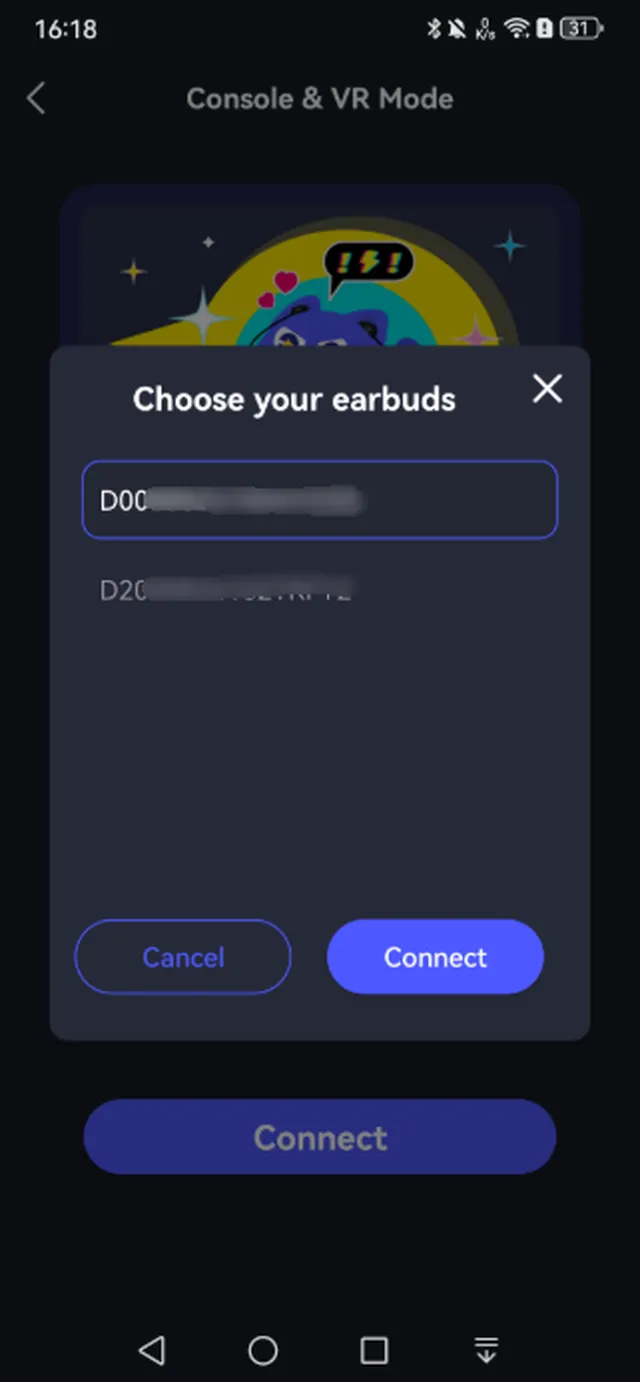
- 3Complete the connection in the app before disconnecting the earbuds from the phone.
- 4Unplug the earbuds from the phone and connect them to the console using the supported connection for that platform.
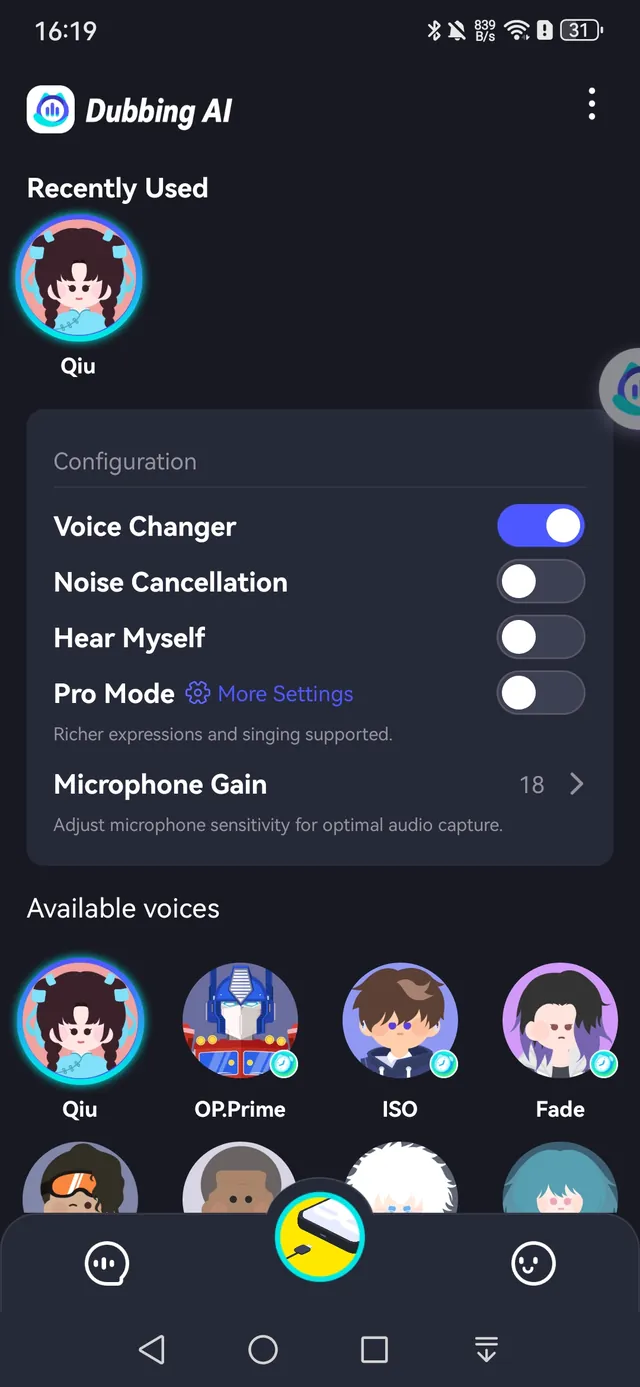
- 5Keep Dubbing AI running and the phone online throughout voice changing. Check the console's active microphone input and ask a listener to confirm the outgoing voice.