Setup & Use

How to Set Up (Dubbing AI App)

Download the Dubbing AI Voice Changer App to unlock voice presets and custom settings.

3. How to Set Up

To unlock the full AI voice-changing features and custom settings, you need to download the Dubbing AI Voice Changer App.

1. Download the app via the official link or by scanning the QR code on the product/retail page.

Scan the QR code to download the Dubbing AI Voice Changer App

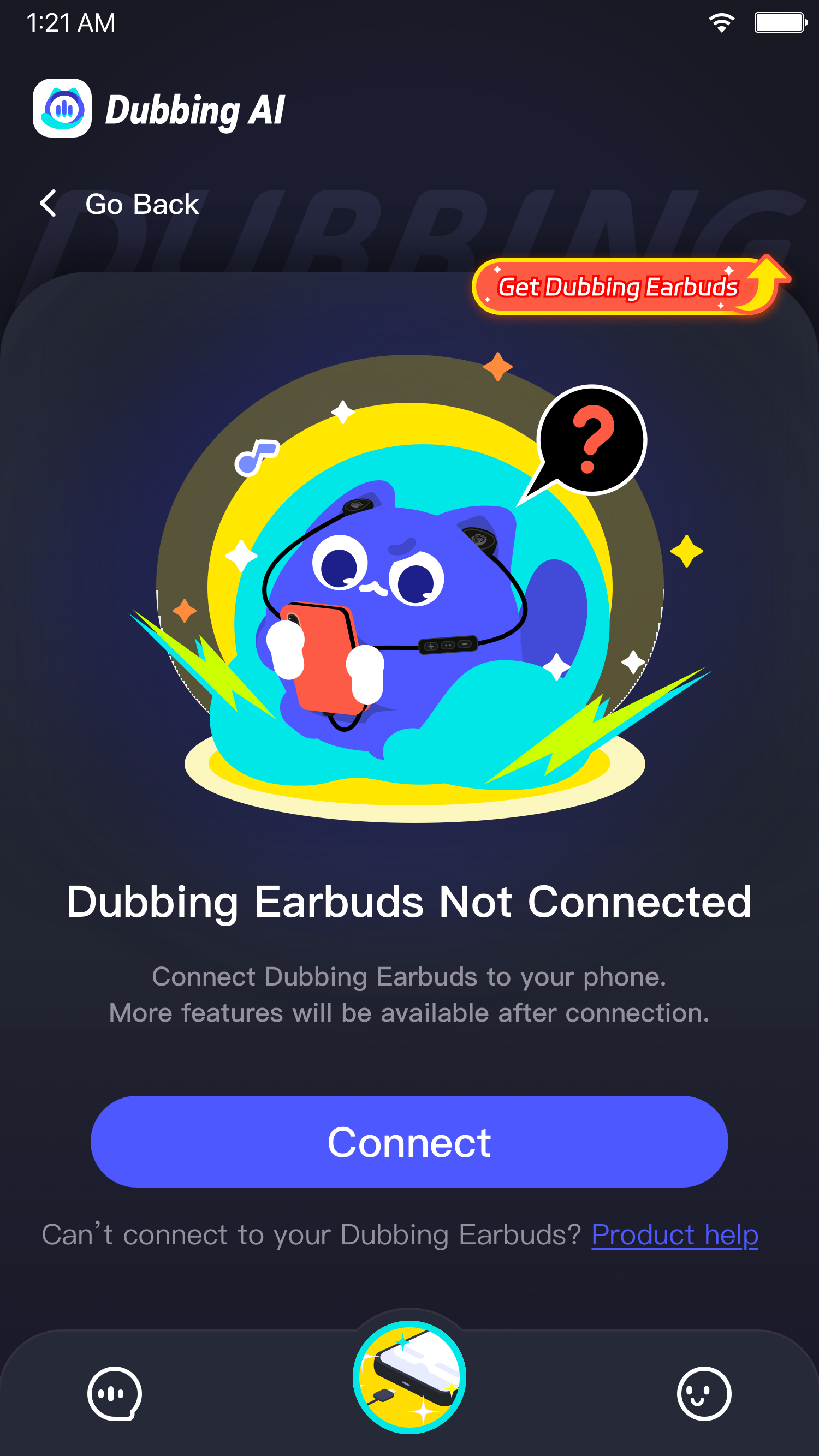
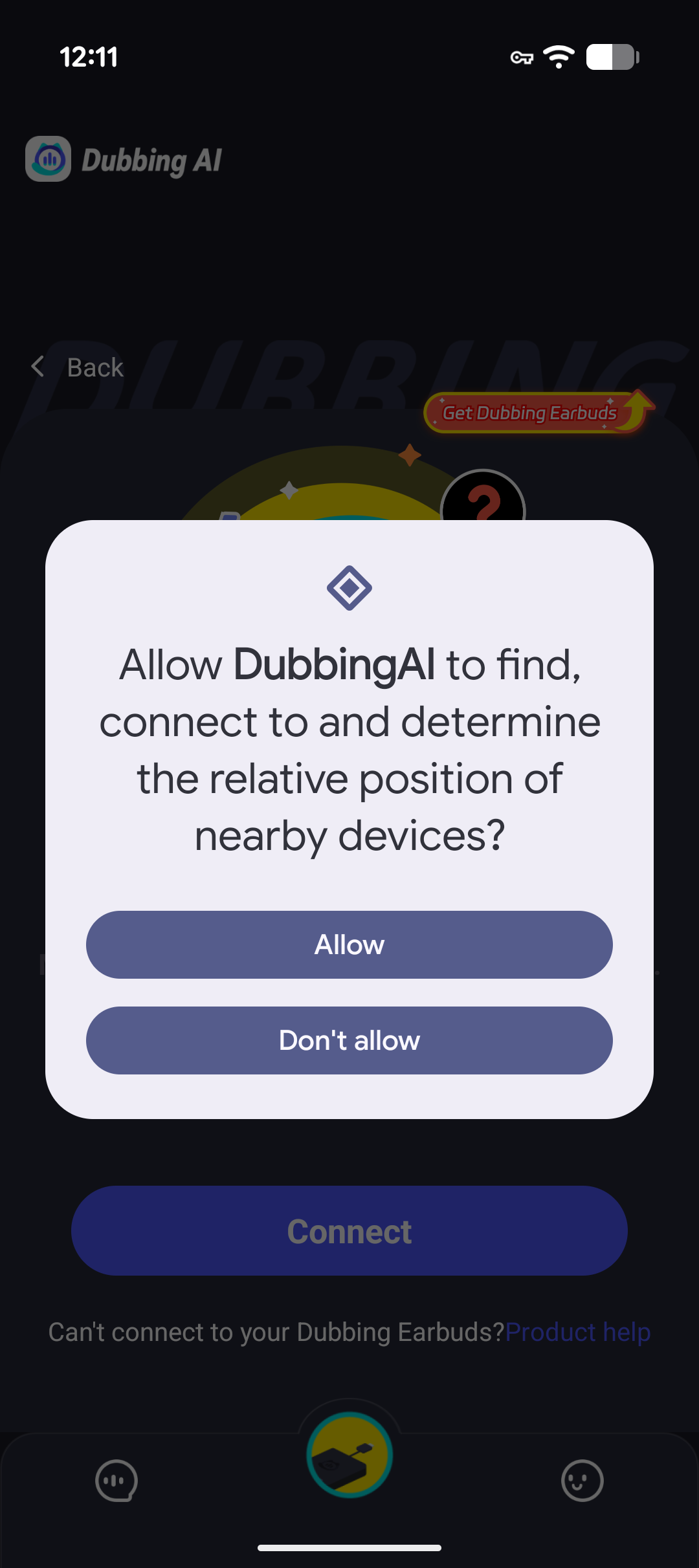
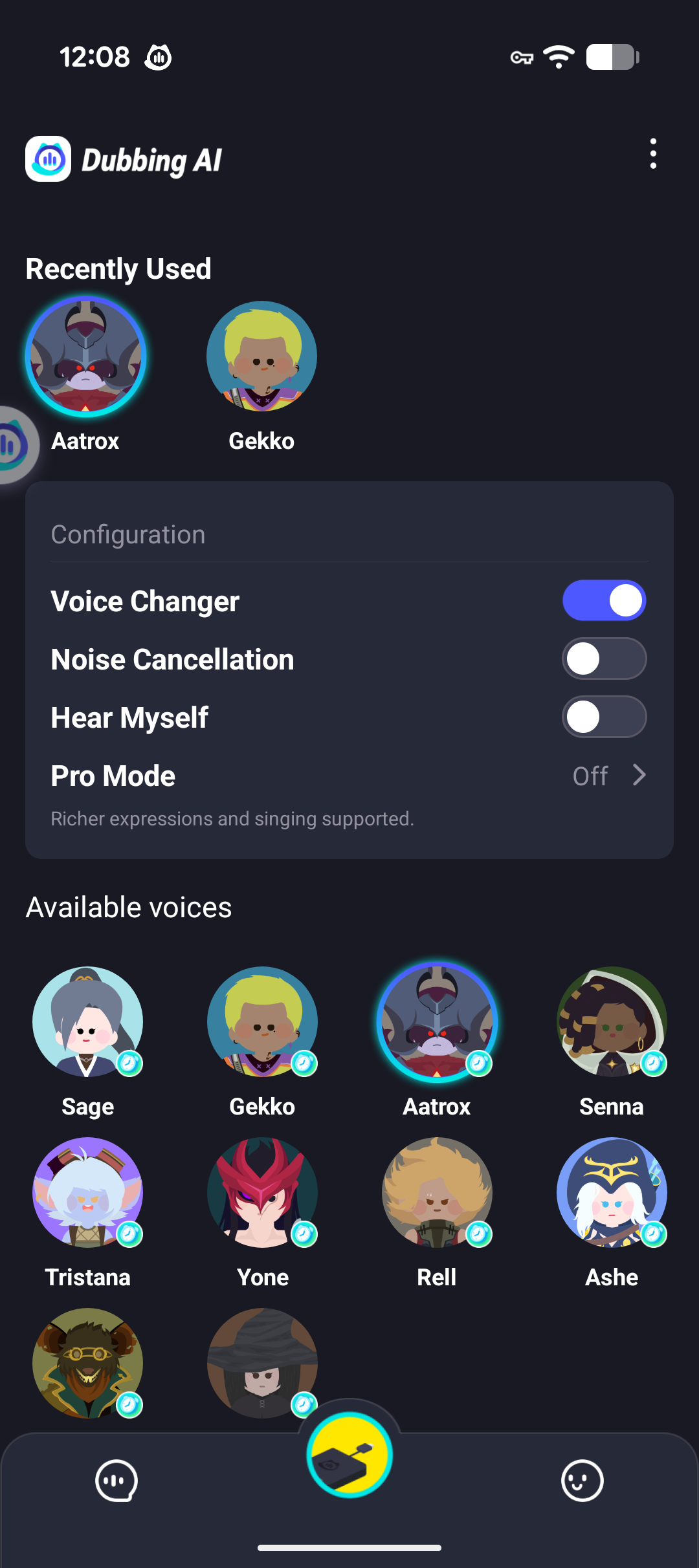
2. After connecting the earbuds to your device, open the app to customize:

  • Voice tone presets
  • Monitor (hear your own voice) toggle
  • Other advanced audio settings
Dubbing AI app voice library screen
Dubbing AI app device connection screen
Dubbing AI app settings screen

Get Your Dubbing AI Earbuds Today

Order from the official Dubbing AI store and start changing your voice in real time, straight from your earbuds.