App Permissions
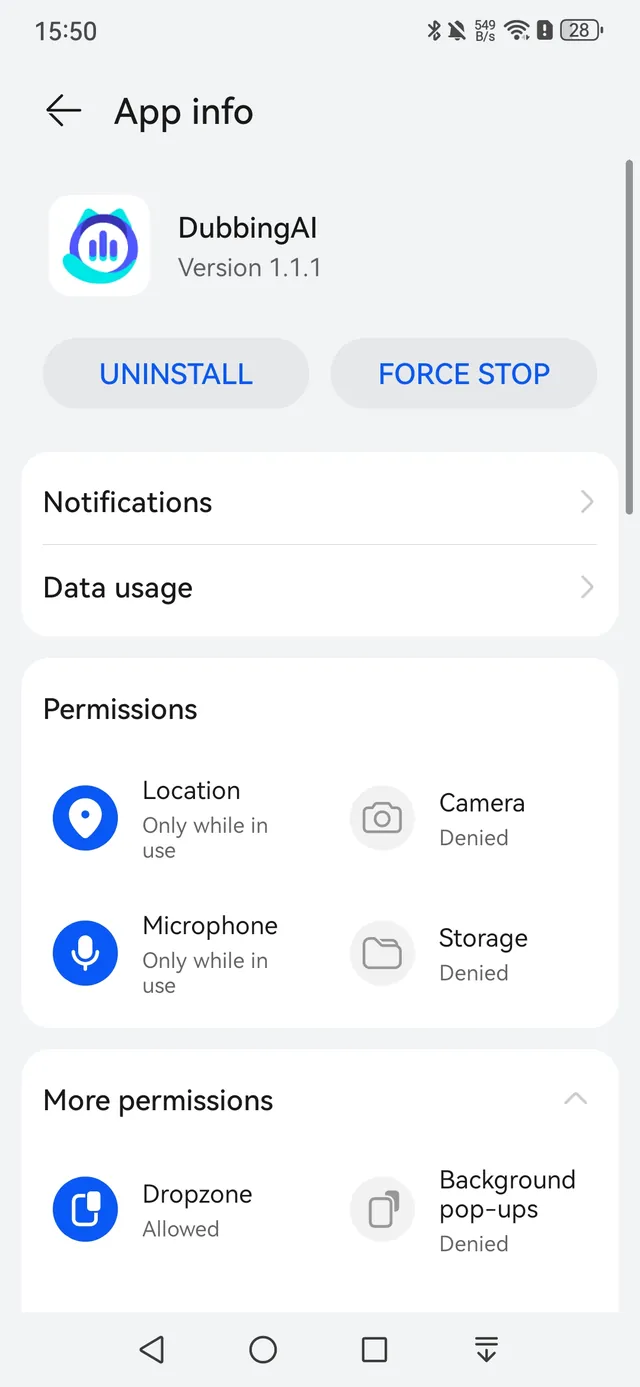
The Dubbing AI app needs the following permissions:
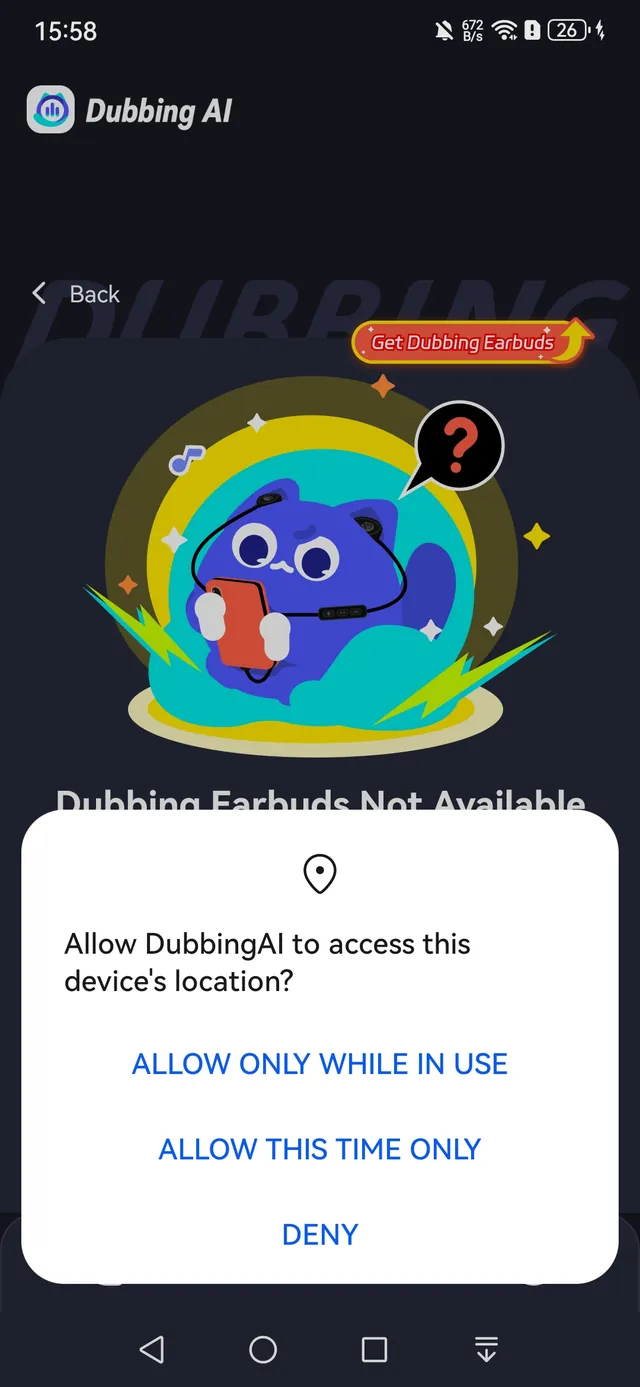
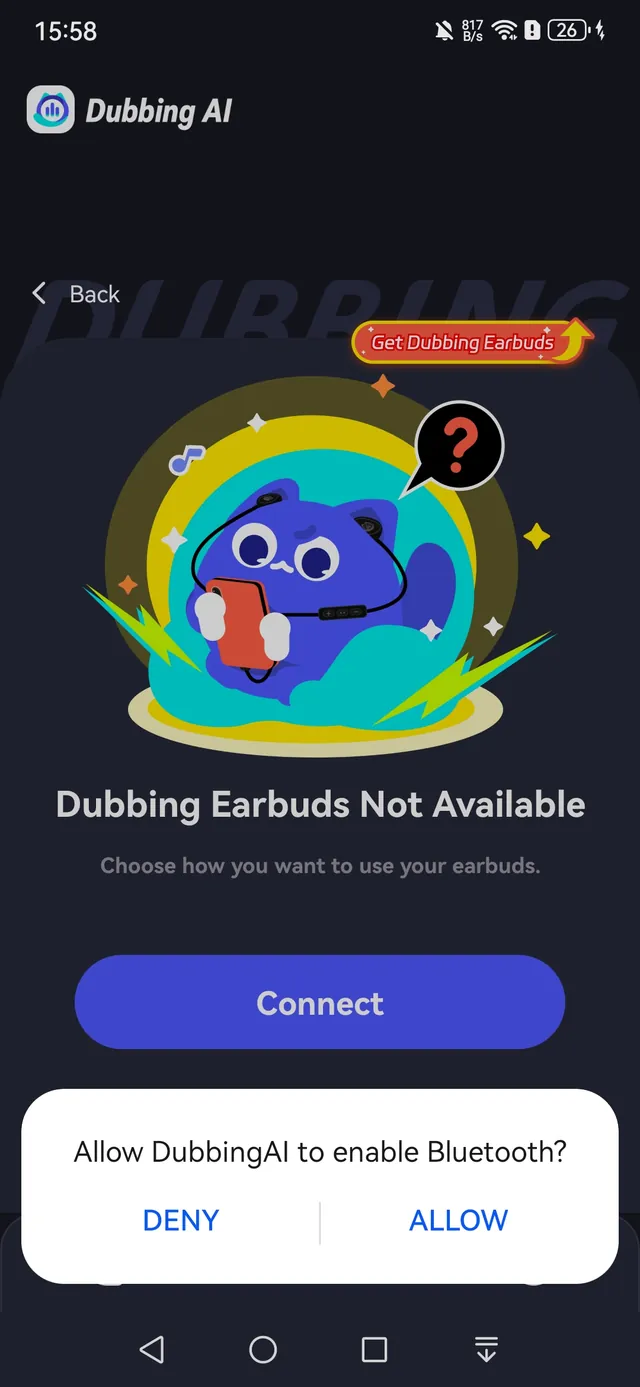
- Location / Bluetooth — required so your phone can scan for and recognize the earbuds.
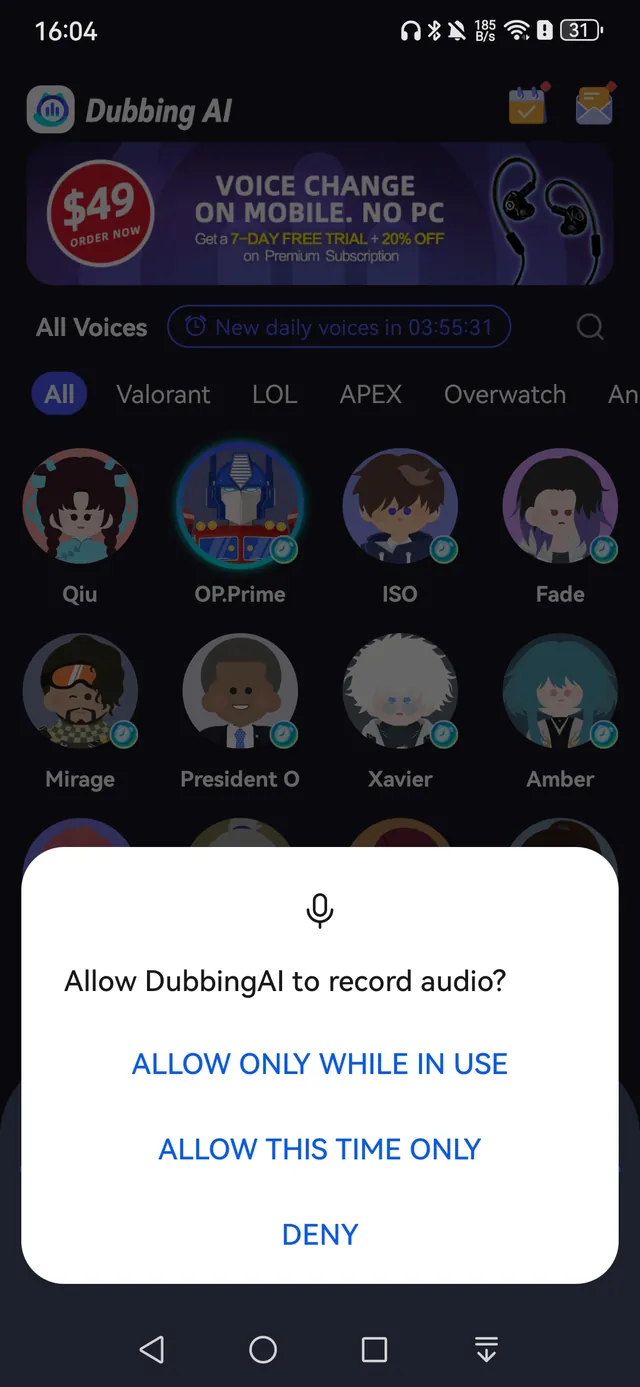
- Microphone — required to record and change your voice.
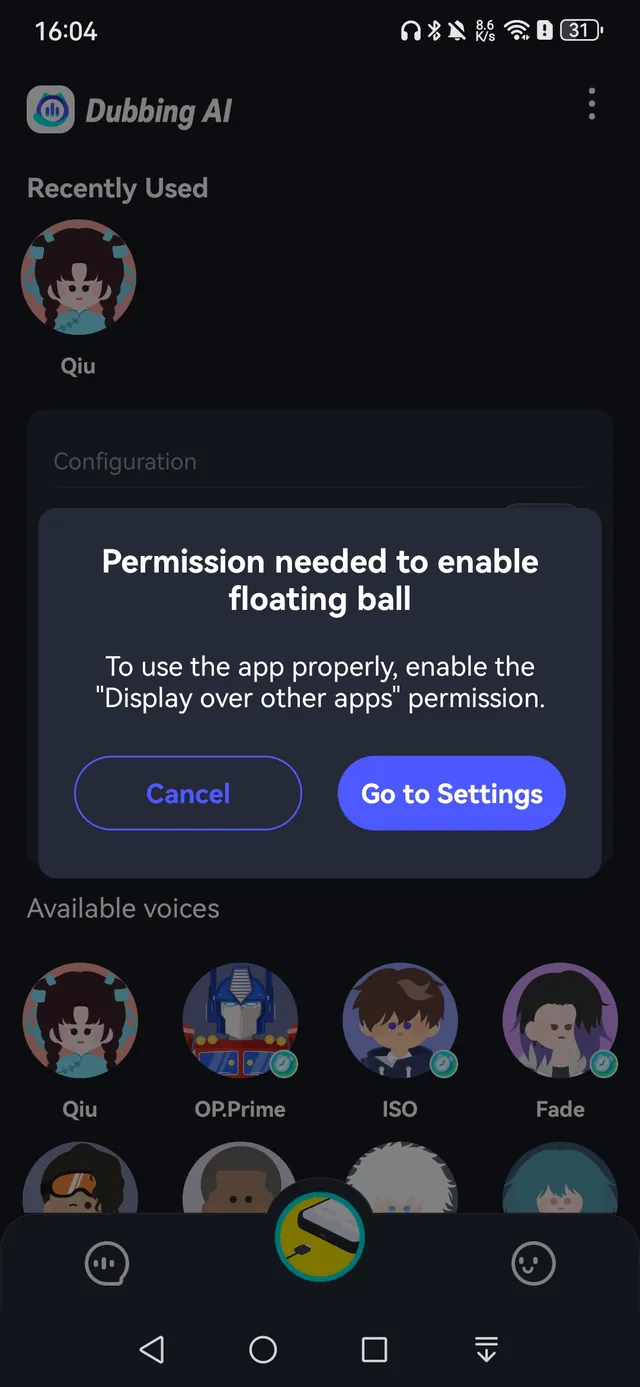
- Dropzone (floating window) — required to keep voice changing running reliably.
In addition, your phone’s own Location and Bluetooth switches must be turned on.
Where to Check the App’s Permissions
On Android, the path is Settings → App & Services → Apps → Dubbing AI. The exact path differs between phone brands.
Granting Permissions in the App
The app also asks for these permissions while you use it — simply tap allow in the permission dialog. The Android dialogs below are examples; the wording and buttons may differ on your phone.