
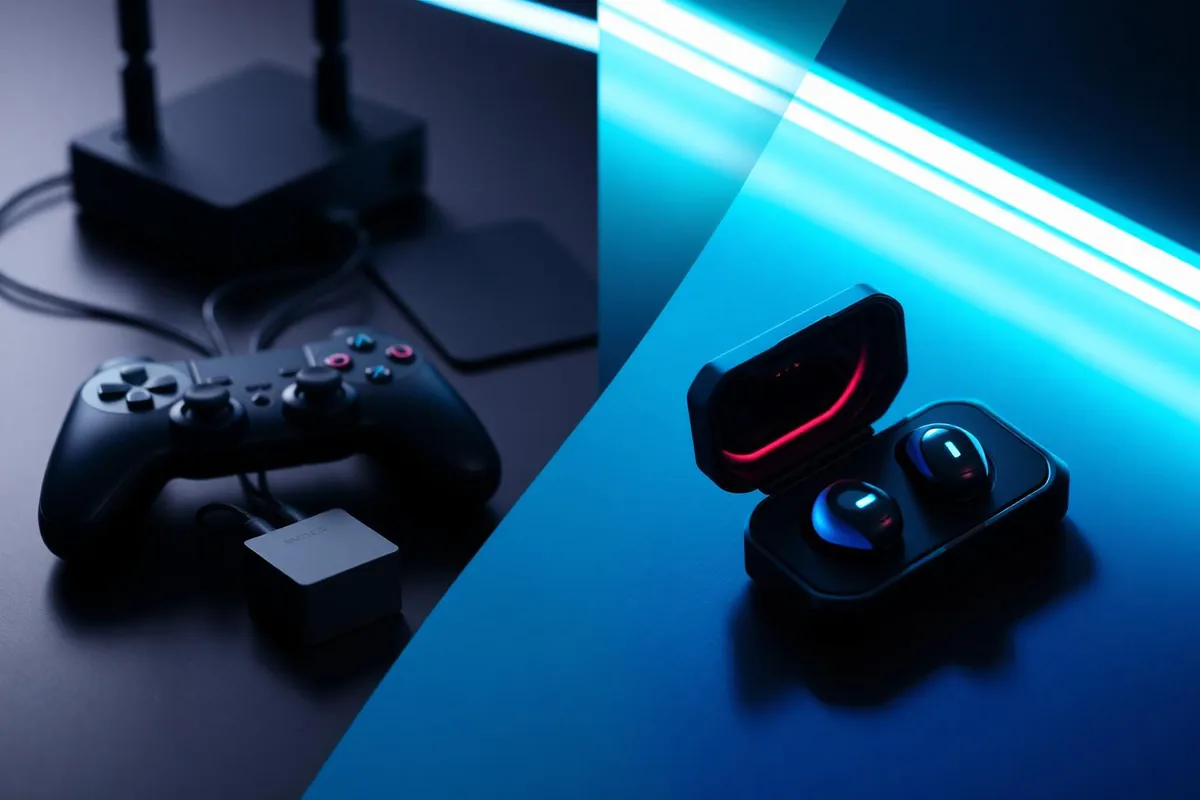
Type "voice changer" into a search bar and you'll get results for two completely different product categories wearing the same name. One is built for consoles — PlayStation, Xbox, Switch. The other is built for phones. They solve the same-sounding problem in opposite ways, and buying the wrong one is the most common mistake in this whole product category.
This article explains why a voice changer for console and a voice changer for mobile are structurally different devices, using Voicemod Key and Dubbing AI Voice Changing Earbuds as the two reference designs. By the end you'll know which architecture matches the way you actually play.
The current Earbuds connection and processing requirements
The Earbuds use wired USB-C audio and have no internal battery. Dubbing AI runs the voice model on the phone, sends the processed sound to the earbuds, and receives it back through USB-C microphone input. The app must remain running and the phone online throughout use. The app's device connection is separate from ordinary Bluetooth headset audio pairing.
Why consoles and phones handle your voice so differently
Everything about this product category follows from one fact: game consoles do not let you touch their audio. PlayStation and Xbox run locked operating systems. You cannot install a voice changing app on a PS5, you cannot insert a virtual microphone between your headset and party chat, and the console makers have no incentive to open that up.
Phones are locked down too, but differently. Android and iOS let you install voice changer apps all day long — those apps just can't do the one thing you want. Mobile operating systems sandbox the microphone during live calls, so an app can process a recording afterward but cannot sit between your voice and a live Discord call or an in-game voice channel. We covered this wall in detail in our piece on why voice changer apps fail across calling apps.
Voicemod had to create hardware to solve software limitations.
Both platforms require the changed voice to reach a supported microphone input. That does not determine where the model runs: Dubbing Earbuds use phone-side processing with a USB-C audio return on mobile, while Console Mode keeps the phone app running after the earbuds move to the console. A bridge product is another arrangement, not the only possible console route.
How a console voice changer works: the bridge design
Since you can't modify the console, a console voice changer moves the conversation off it. Voicemod Key (VMKey) is the reference implementation: a small bridge box that your console, your phone and a wired headset all plug into. The game runs on the console, but your voice chat runs through an app on your phone — Discord, or the console maker's companion app — where the Voicemod app can actually process your voice.
Count the hardware in a working VMKey session:
- The console — running the game on your TV.
- The phone — running the Voicemod app, doing the voice processing, and carrying the actual chat with your squad.
- A wired headset — plugged into the VMKey, because the bridge needs a physical headset in the chain; your everyday earbuds don't substitute.
- The VMKey box itself — cabled between all three.
A console OS limitation does not prove that external processed microphone input is impossible. Check the particular bridge product's supported chat workflow, and distinguish it from the Dubbing Console Mode connection. Do not infer native chat support from a phone-based Discord test.
| Layer | Who controls it | Can a voice changer touch it? |
|---|---|---|
| Console system audio & party chat | Sony / Microsoft / Nintendo | No — locked at OS level |
| Console game running | The console | Yes, untouched — game runs normally |
| Voice chat channel | Moved to a phone app (e.g. Discord) | Yes — the app processes your voice |
| Microphone signal | A wired headset through the bridge | Yes — hardware sits in the chain |
None of this is a criticism of VMKey — it's a genuinely clever answer to a hostile platform, and for console-only players it's one of the few purpose-built options that exists. Just understand what you're buying: a bridge, not a voice changer. The changing still happens in an app, on a second device, in a chat channel that isn't the game's.
How a mobile voice changer works: apps vs hardware
Mobile has the opposite shape. The chat you care about — PUBG Mobile squad voice, CoD Mobile, Discord, WhatsApp, a plain phone call — already lives on the phone. There's no locked console to route around. The only problem is the app sandbox: no app can inject audio into a live call's microphone path.
Hardware solves this by returning phone-processed audio through USB-C. Dubbing AI Voice Changing Earbuds convert your voice in the Dubbing AI app on the phone before the signal reaches the destination app. The phone receives an already-changed voice as plain microphone input, so every app that opens the mic — the game, the call, the voice message — hears the new voice with zero routing tricks.
The practical consequences are significant:
- Earbuds plus the existing phone — the earbuds. No second phone, no bridge box, no wired backup headset.
- Chat stays where it is — your squad hears you in the game's native voice channel, not in a parallel phone call.
- Every app works the same — games, Discord, WhatsApp and carrier calls all receive the converted voice identically.
- It travels — the wired earbuds and a running, online phone app form the setup, not a cabled rig on a desk.
As of August 2026, the earbuds run at roughly 300 ms end-to-end latency with a library of 500+ voices, on both Android and iOS. If you want the full argument for why hardware beats apps at the OS level, we laid it out in voice changer apps vs voice changing earbuds.
USB-C earbuds plus the phone app.
Real-time voice changing with 500+ voices at ~300 ms latency. No second device, no bridge, no extra headset.
See Dubbing EarbudsVoicemod Key vs Dubbing Earbuds: the two approaches side by side
Put the two architectures next to each other and the philosophical difference becomes concrete. VMKey accepts the console's lockdown and builds a detour around it. Dubbing Earbuds assume the phone is the center of your voice life and remove everything else.
| Dubbing AI Earbuds (mobile hardware) | Voicemod Key (console bridge) | |
|---|---|---|
| Design goal | Convert voice before the destination app receives the processed input | Route console chat through a phone app |
| Earbuds plus an online phone app | Earbuds plus phone with Dubbing AI running and online | Console + phone + wired headset + VMKey |
| Where chat happens | Inside the game or call itself | A chat app on your phone, separate from the game |
| Extra headset required | No — the earbuds are the headset | Yes — wired, plugged into the box |
| Voice processing | Built into the earbuds | Voicemod app on the phone |
| Latency | ~300 ms end to end (as of Aug 2026) | Depends on app + phone chain |
| Voice library | 500+ voices (as of Aug 2026) | Voicemod app voices |
| Mobile games & phone calls | Works natively | Not its purpose |
| Consoles (PS / Xbox / Switch) | Available via Console Mode; phone app running and online | Supported today |
| Portability | Compact wired USB-C earbuds plus an online phone app | Desk-bound, cabled |
For a deeper product-by-product breakdown of these two devices — including who each one is actually built for — see our dedicated Voicemod Key alternative comparison.
Where each approach wins
The bridge wins when the console is non-negotiable
If you play exclusively on PlayStation, Xbox or Switch and your squad already coordinates on Discord, VMKey remains a working solution. Since this article first published, Dubbing's Console & VR Mode has shipped (Android app v1.1.1 / iOS v1.1.0), so the earbuds now change your voice on consoles directly — see our step-by-step PS5 setup guide. The bridge still has one niche: routing chat through a separate app like Discord rather than the console's own party channel.
Mobile hardware wins everywhere a phone is involved
If your matches happen in PUBG Mobile, CoD Mobile, Fortnite mobile or Roblox — or if the goal is changing your voice in calls and chat apps — a console bridge simply doesn't apply. The earbuds are the only one of the two architectures that works there at all, and they do it with the smallest hardware footprint in the category.
- Mobile gaming — earbuds work inside the game's own voice channel; a bridge is irrelevant.
- Phone calls and chat apps — earbuds behave like a normal headset; VMKey was never designed for calls.
- Console gaming — both work now: VMKey via a phone-based chat bridge, the earbuds directly through Console & VR Mode.
- Mixed lifestyle — if you move between mobile games, streams and everyday calls, only the earbuds follow you through all of it.
Which one fits the way you play
Ignore the marketing pages and answer one question: where do your conversations actually happen?
- 1For console-native voice chat, check the platform's supported input route and the product's current instructions. Available Console Mode is not a blanket guarantee for every port or channel.
- 2You play on console and your squad already uses Discord on a phone → a bridge like VMKey is built for exactly this and works today.
- 3You play mobile games or want your voice changed in calls and chat apps → Dubbing Earbuds, with no second device and no extra headset.
- 4You want one purchase covering gaming, streaming and everyday calls → the earbuds, because a console bridge has no role outside console sessions.
- 5You play on both console and mobile → the earbuds now cover both through Console & VR Mode, which shipped with Android app v1.1.1 and iOS v1.1.0.
The category confusion exists because "voice changer" sounds like one product. It isn't. It's two architectures pointed at two different locked platforms — and once you see which lock each one picks, the right choice makes itself.
Playing on your phone? Skip the bridge entirely.
Dubbing AI Voice Changing Earbuds: 500+ voices, ~300 ms latency, Android and iOS. Console & VR Mode now available.
Get Dubbing EarbudsFrequently asked questions
Dubbing AI Team
Hardware & Voice AI
We build real-time voice changing hardware for gaming, streaming and calls.