
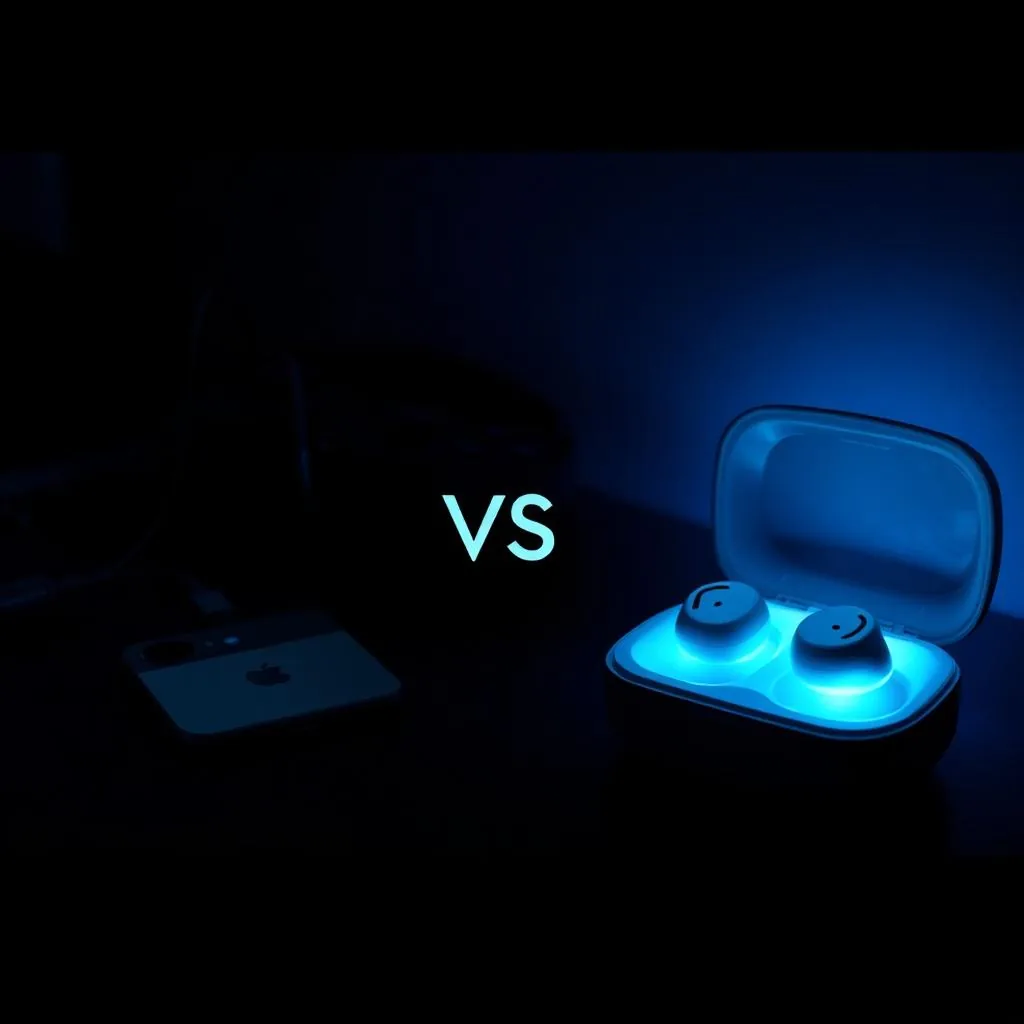
Search for a way to change your voice on a console and you will land on the Voicemod Key within a minute. It is one of the few pieces of hardware built specifically for that problem, and it deserves credit for existing. But the moment you look at how it actually connects, a second question appears: is there a simpler way to do the same job?
This article compares Voicemod Key (VMKey) with Dubbing AI Voice Changing Earbuds — what each device physically requires, where each one genuinely wins, and which one matches the way you actually play and talk.
The current Earbuds connection and processing requirements
The Earbuds use wired USB-C audio and have no internal battery. Dubbing AI runs the voice model on the phone, sends the processed sound to the earbuds, and receives it back through USB-C microphone input. The app must remain running and the phone online throughout use. The app's device connection is separate from ordinary Bluetooth headset audio pairing.
What Voicemod Key actually is (and who it's built for)
VMKey is not a voice changer by itself. It is a bridge — a small box that sits in the middle of three other things. According to Voicemod's own setup documentation, you connect your smartphone, your headset and your console to it, and the Voicemod app on the phone does the actual voice processing.
That design exists for a good reason. Consoles like PlayStation and Xbox do not let you install voice changing software, and their system-level party chat is locked down. Voicemod's workaround is to move the conversation off the console entirely.
Voicemod had to create hardware to solve software limitations.
So the pitch is precise: if your goal is changing your voice while playing on a PlayStation, Xbox or Switch, VMKey is one of the only purpose-built answers on the market today. The question is what you give up for it.
The two-device reality of using VMKey
Here is the part that surprises most buyers after unboxing. VMKey does not put your changed voice into the console's own game chat. Instead, your voice chat runs through an app on your phone — Discord, or the console maker's companion app — while the game itself runs on the console.
In practice, a VMKey session looks like this:
- Device one — your console, running the game on the TV.
- Device two — your phone, running the Voicemod app and carrying the actual voice chat with your squad.
- A wired headset — plugged into the VMKey, because the box needs a physical headset in the chain. Your usual earbuds do not replace it.
- The VMKey itself — cabled to all three of the above.
That is four pieces of hardware on your desk before you have said a word. Your teammates hear you through a phone call, not through the game, which means the setup works for pre-made squads on Discord but does nothing for random teammates in a console's native voice channel.
| What a VMKey session requires | Detail |
|---|---|
| Gaming device | Console (PS / Xbox / Switch) running the game |
| Second device | Phone running the Voicemod app — this is where chat actually happens |
| Extra headset | A wired headset connected to the VMKey unit |
| Bridge hardware | The VMKey box, cabled between all three |
| Chat channel | App-based chat (e.g. Discord) — not in-game console voice chat |
None of this makes VMKey a bad product. It solves a problem nobody else had solved. But it is a console accessory with a phone attached, not a portable voice changer — and if your gaming happens on the phone itself, the entire chain is redundant.
How Dubbing Earbuds simplify the same job
Dubbing AI Voice Changing Earbuds take the opposite approach: put the conversion inside the thing you already wear. The earbuds convert your voice before the destination reads its microphone input ever receives the signal, so every app that opens the microphone — a game, a call, Discord, WhatsApp — hears the new voice with no routing tricks at all.
The setup is USB-C earbuds plus a phone running Dubbing AI online. On mobile, the app processes voices and the earbuds return them through USB-C microphone input. Console Mode adds a phone-first connection before moving the earbuds to the console. This is the routing distinction behind our app versus earbuds comparison, not autonomous processing inside the earbuds.
As of August 2026, the earbuds run at roughly 300 ms end-to-end latency with a library of 500+ voices, on both Android and iOS. Because they behave like an ordinary audio device, they also work for regular phone calls — something a console bridge was never designed to do.
USB-C earbuds plus a running, online phone app.
Real-time voice changing with 500+ voices at ~300 ms latency. No second device, no extra headset, no bridge box.
See Dubbing EarbudsVoicemod Key vs Dubbing Earbuds, side by side
| Dubbing AI Earbuds | Voicemod Key | |
|---|---|---|
| Earbuds plus an online phone app | Earbuds plus phone with Dubbing AI running and online | Console + phone + wired headset + VMKey |
| Where chat happens | Inside the game or call itself | A chat app on your phone, separate from the game |
| Extra headset required | No — the earbuds are the headset | Yes — a wired one plugged into the box |
| Voice processing | Built into the earbuds | Voicemod app on the phone |
| Latency | ~300 ms end to end (as of Aug 2026) | Depends on app + phone chain |
| Voice library | 500+ voices (as of Aug 2026) | Voicemod app voices |
| Mobile games & phone calls | Works natively | Not its purpose |
| Consoles (PS / Xbox / Switch) | Available via Console Mode; phone app running and online | Supported today |
| Desk footprint | Pocket-sized | Cabled, multi-device |
Read the table twice and the pattern is clear: these products barely overlap. VMKey is a console accessory that borrows your phone. Dubbing Earbuds are a phone accessory that replaces everything else.
Where each device wins
VMKey wins when the console is the whole point
If you play exclusively on PlayStation, Xbox or Switch and your squad already lives on Discord, VMKey is a working solution you can buy today. Console & VR Mode is available. Connect the earbuds to your phone, select Console Mode in Dubbing AI and complete the connection, then unplug them and connect them to the console. Keep the phone app running and online throughout voice changing. Pure console players should check both products' current compatibility pages before buying either.
Earbuds win everywhere a phone is involved
If your matches happen in PUBG Mobile, CoD Mobile, Fortnite mobile, or Roblox — or your goal is changing your voice in calls and app chat — the earbuds are not just simpler, they are the only one of the two that works at all. The same goes for creators who move between mobile gaming, live streams and phone conversations, a flexibility we also covered in our three-way comparison of earbuds, apps and PC setups.
- Mobile gaming — earbuds work inside the game's own voice channel; VMKey does not apply.
- Phone calls and chat apps — earbuds work like a normal headset; VMKey is not designed for calls.
- Console & VR Mode is available. Connect the earbuds to your phone, select Console Mode in Dubbing AI and complete the connection, then unplug them and connect them to the console. Keep the phone app running and online throughout voice changing.
- Portability — wired USB-C earbuds plus an online phone versus a cabled bridge setup.
Which one should you buy?
Decide by where your conversations happen, not by the marketing page:
- 1Your squad talks in a console game's native voice chat → neither device changes that today; console chat is locked down regardless.
- 2You play on console and your squad already uses Discord on a phone → VMKey is built for exactly this and works today.
- 3You play mobile games or want your voice changed in calls and chat apps → Dubbing Earbuds, with no second device and no extra headset.
- 4You want one purchase that covers gaming, streaming and everyday calls → earbuds, because a console bridge has no role outside console sessions.
For the majority of people who land on this comparison — mobile-first players who saw VMKey mentioned in a video and wondered if they need it — the answer is usually that they were never VMKey's audience to begin with.
Skip the bridge. Wear the voice changer.
Dubbing AI Voice Changing Earbuds: 500+ voices, ~300 ms latency, Android and iOS. Console & VR Mode is available. Connect the earbuds to your phone, select Console Mode in Dubbing AI and complete the connection, then unplug them and connect them to the console. Keep the phone app running and online throughout voice changing.
Get Dubbing EarbudsFrequently asked questions
Dubbing AI Team
Hardware & Voice AI
We build real-time voice changing hardware for gaming, streaming and calls.