
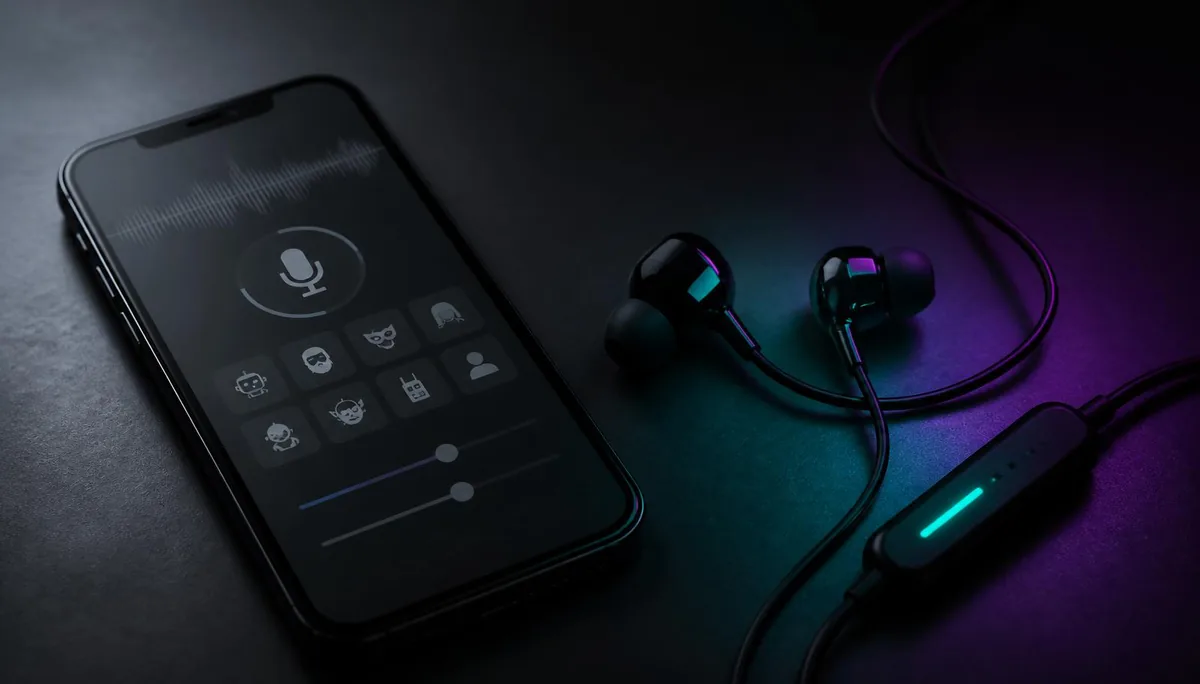
You install a voice changer app, pick a deep villain preset, tap record, and it sounds perfect. Then you join a match or a call, speak, and your teammates hear you. Just you. Nothing about the app is broken — it is doing exactly what a phone allows it to do, which is less than the store listing implies.
This article explains why that gap exists at the operating-system level, what a hardware approach changes, and when paying for earbuds is genuinely unnecessary.
Why your app sounds right to you and normal to everyone else
A voice changer app lives in its own sandbox. It can open the microphone, process the signal, and play the result through your speaker. What it cannot do is hand that processed signal to Discord, a mobile game, or the dialer, because those apps read the system microphone directly and no app is allowed to sit in front of that input.
On a desktop, software solves this by installing a virtual audio driver that other programs can select as an input device. Neither Android nor iOS exposes that mechanism to third-party apps, and most mobile games do not offer an input selector at all.
The preview inside the app is not a demo of what your teammates will hear. It is the only place that voice exists.
The four limits every phone voice changer app runs into
Different apps fail in different ways, but the underlying causes reduce to four. None of them are fixable with a better algorithm.
1. There is no virtual microphone to write into
This is the decisive one. Without a system-level audio device, an app's output has nowhere to go except the speaker. Apps that advertise Discord or game support usually mean you can play a processed clip out loud near your phone, not that they route audio into the call.
2. The system suspends it the moment you switch apps
Mobile operating systems reclaim resources from apps that are not on screen. A changer running behind a game gets throttled or suspended, and microphone access is often revoked outright when another app takes the input. Live conversion needs a process that never gets paused — a phone cannot promise that to a background app.
3. Most apps are record-then-play, not pass-through
Look closely at the interface of a typical free changer: a record button, a waveform, a list of effects, a play button. That is a clip editor. It is a perfectly good one, and it is a different product category from real-time conversion, even when both are called voice changers.
4. Delay stacks up at every stage
Even when an app manages some form of live monitoring, the chain is long: microphone buffer, app processing, output buffer, then a speaker-to-microphone hop if you are looping into another device. Each stage adds delay and each re-recording adds room noise, so the result arrives late and sounds hollow.
Skip the workarounds
Dubbing AI Voice Changing Earbuds convert your voice before the phone hears it — about 300 ms end to end, 500+ voices, Android and iOS.
Shop Dubbing EarbudsWhat changes when conversion happens in the earbuds
Hardware conversion inverts the problem. Instead of asking the phone to intercept audio it will never release, the signal is processed in the earbuds and arrives at the phone already changed. As far as Android or iOS is concerned, a normal microphone is connected and it happens to have a different voice on it.
That single difference removes the sandbox question entirely. Any app that can read a microphone — a game, Discord, WhatsApp, the standard phone dialer, a screen recorder — hears the converted voice, with no input selector and no permissions to grant. The product page for Dubbing AI Voice Changing Earbuds lists the current voice library and platform support.
The tradeoff is honest: conversion adds about 300 ms end to end. In practice that reads as a short beat before teammates hear a callout, which does not disrupt coordination but is noticeable if you try to sing along to something in time with another person.
Console and VR headset support for PS5, Xbox and Switch 2 is planned for late August 2026. Treat it as a roadmap item rather than a current capability.
App vs earbuds, feature by feature
| Dubbing AI Voice Changing Earbuds | Phone voice changer app | |
|---|---|---|
| Where conversion happens | In the earbuds, before the phone | Inside the app's own sandbox |
| Heard in games and calls | Yes, in any app that reads the mic | No — playback only |
| Setup per app | None — no input selector needed | Not possible to configure |
| Survives app switching | Unaffected, it is not software on the phone | Suspended in the background |
| Latency | About 300 ms end to end | Not real time, or speaker-loop delay |
| Extra gear | The earbuds themselves | None |
| Cost | One-time hardware purchase | Often free with ads |
| Best for | Live voice chat, calls, streaming | Voice notes, clips, edited video |
If you want the same comparison extended to desktop software, the three-way breakdown of earbuds, mobile apps and PC tools covers latency and tuning depth on the desk side too.
When a free app is still the right call
There is a real category of work where apps win, and it is not a small one. If your output is a file rather than a conversation, everything that makes apps weak in live chat stops mattering.
- Voice notes and prank clips. Record, apply an effect, send. No routing problem exists because nothing needs to reach another app live.
- Short-form video. You can process audio after filming and drop it into an editor, with unlimited takes and no latency budget.
- Trying out the idea. Before buying anything, a free app tells you whether you actually enjoy speaking in a different voice.
- Occasional novelty use. If you change your voice twice a month for laughs, hardware is overkill.
The line is simple: apps handle recorded audio well and live audio not at all. Buying hardware to make voice notes would be a waste of money.
How to decide in under a minute
- 1Does anyone need to hear the changed voice while you are speaking? If no, keep the free app.
- 2Does it need to work inside an app you do not control — a mobile game, Discord, a normal phone call? If yes, no app-only route will do it.
- 3Are you willing to hold a second phone playing audio into your microphone? If no, the remaining option is conversion in hardware.
- 4Is about 300 ms of delay acceptable for your use? For chat, calls and gaming it generally is; for live musical timing it is not.
Most people who arrive at this question have already answered step one by being disappointed. If you want the longer technical background on why the mobile category stayed thin for so long, the rundown of what actually works on a phone goes deeper into the sandbox restrictions.
The choice is not really app versus earbuds in quality terms. It is whether your voice needs to exist outside the app that created it.
Change your voice where it counts
500+ voices, roughly 300 ms latency, and nothing to configure in your games, calls or chat apps.
Buy Dubbing EarbudsFrequently asked questions
Dubbing AI Team
Hardware & Voice AI
We build real-time voice changing hardware for gaming, streaming and calls.