
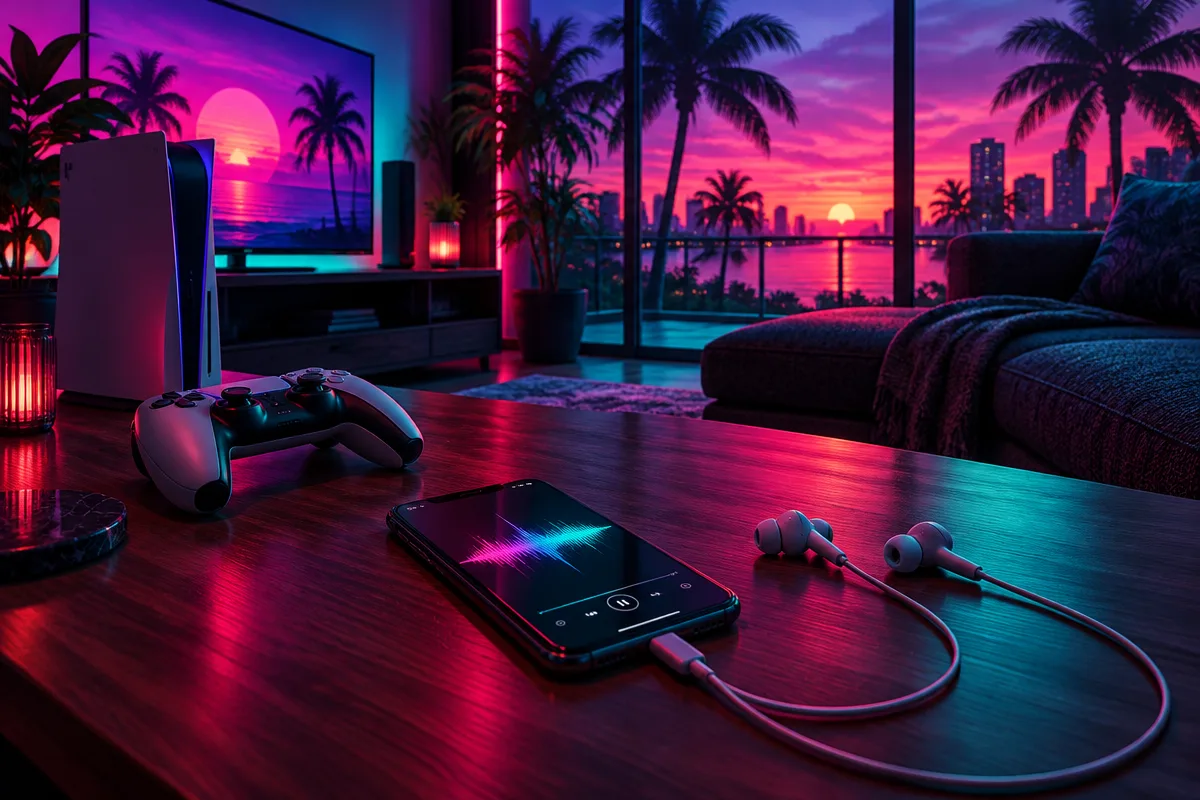
Grand Theft Auto VI launched on November 19, 2026 for PlayStation 5 and Xbox Series X|S, according to Rockstar. Within days, players started asking the same question: can I sound like a different character while I chat with my crew? The answer depends less on the game and more on where your voice travels.
This guide explains that audio path, the console setup for voice-changing earbuds, and how to check the result with a real listener. It does not cover cheats, mods or anything that alters game files.
Why GTA 6 voice changing works differently on consoles
On a PC you would install a virtual microphone and pick it in the game. A PS5 or Xbox runs a locked system, so no voice app can sit between your headset and party chat. Any effect must be applied before the sound reaches the console's microphone input.
That leaves two families of options. One is a hardware bridge that processes audio outside the console. The other is moving the conversation to a phone app such as Discord on mobile, where a phone-side voice changer can work. Our console vs mobile voice changer comparison explains both in more depth.
| Where you talk | What has to carry the effect | Practical route |
|---|---|---|
| PS5 party chat or in-game chat | Console microphone input | Earbuds in Console Mode via console USB-C |
| Xbox party or in-game chat | Console microphone input | Console Mode; check the app's current Xbox connection notes |
| Discord on your phone while playing | Phone microphone input | Earbuds plugged into the phone |
| Clips recorded for social posts | Whatever mic the recorder uses | Test the recording before a long session |
Setting up Dubbing Earbuds in Console Mode for GTA 6
The Earbuds use wired USB-C audio and have no internal battery. Dubbing AI runs the voice model on the phone, sends the processed sound to the earbuds, and receives it back through USB-C microphone input. The app must remain running and the phone online throughout use. The app's device connection is separate from ordinary Bluetooth headset audio pairing.
That design matters at the console too. The phone still does the voice processing, so it has to stay nearby, unlocked to the app as needed, and connected to the internet for the whole session. Follow this order:
- 1Plug the USB-C earbuds into your phone and open Dubbing AI with internet access.
- 2Select Console Mode (Console & VR Mode) on the earbuds page in the app.
- 3Complete the connection in the app before disconnecting the earbuds from the phone.
- 4Unplug the earbuds from the phone and connect them to the console using the supported connection for that platform.
- 5Keep Dubbing AI running and the phone online throughout voice changing. Check the console's active microphone input and ask a listener to confirm the outgoing voice.
PS5 port and seating
On PS5, plug the earbuds into a USB-C port on the console itself. The DualSense controller's USB-C port only charges and carries no audio data; the controller supports headsets only through its 3.5 mm jack. Because the earbuds are wired to the console, you need to sit within cable reach of the PS5 while voice changing.
For Xbox Series X|S, follow the connection instructions shown in the Dubbing AI app for that platform. This guide does not verify every Xbox port, adapter or headset combination, so treat a friend's confirmation as the final check.
Bring character voices to your GTA crew
Dubbing AI Voice Changing Earbuds offer 500+ voices and Console Mode for console chat. Wired USB-C, phone app required online.
See Dubbing EarbudsTest your voice with a friend before a mission
Hearing the effect in your own ears only proves the phone is processing audio. It does not prove the console is sending it. Open a party with one friend, speak a short sentence, and ask whether they hear the changed voice or your natural one.
- Check the console's active microphone device after plugging in.
- Say one line at normal volume, then one quieter line, to judge clarity.
- Switch voices once mid-test so you know the change reaches the party.
- Keep the latency in mind: about 300 ms as of November 2026, depending on phone performance.
The only reliable test of a voice changer is the person on the other end of the chat.
That small delay is fine for banter and role-play, but call-outs during a tight chase can feel slightly late. Many players use a character voice for social moments and switch to a natural voice when timing matters.
Fixes when friends still hear your real voice
| Symptom | Likely cause | What to try |
|---|---|---|
| Friends hear your normal voice | Console using another microphone | Unplug other headsets and reselect the mic input |
| No voice at all on PS5 | Earbuds in the controller port | Move them to the console body's USB-C port |
| Voice cuts out or turns robotic | Phone connection unstable | Move closer to Wi-Fi or switch networks |
| Effect stops mid-session | App closed or phone went offline | Reopen Dubbing AI and repeat the Console Mode connection |
If PS5 audio keeps failing, our Dubbing Earbuds on PS5 troubleshooting guide walks through each check in order.
Playing fair with voice changing in GTA 6
A character voice is part of the fun of a crime-comedy world. Keep it to role-play and jokes with people who are in on it. Do not impersonate real people, harass strangers or use a changed voice to dodge a ban. Platform community rules and the game's own terms still apply whatever your voice sounds like.
Rockstar has not announced a PC release date as of this writing, so desktop voice tools are not an option for GTA 6 yet. On console, the setup above is the route to test: phone online, Console Mode connected, the correct port, and a friend confirming what they hear.
Frequently asked questions
Dubbing AI Team
Hardware & Voice AI
We build voice-changing hardware. This guide uses our confirmed connection requirements and official platform pages; we have not tested every GTA VI mode or chat channel.