
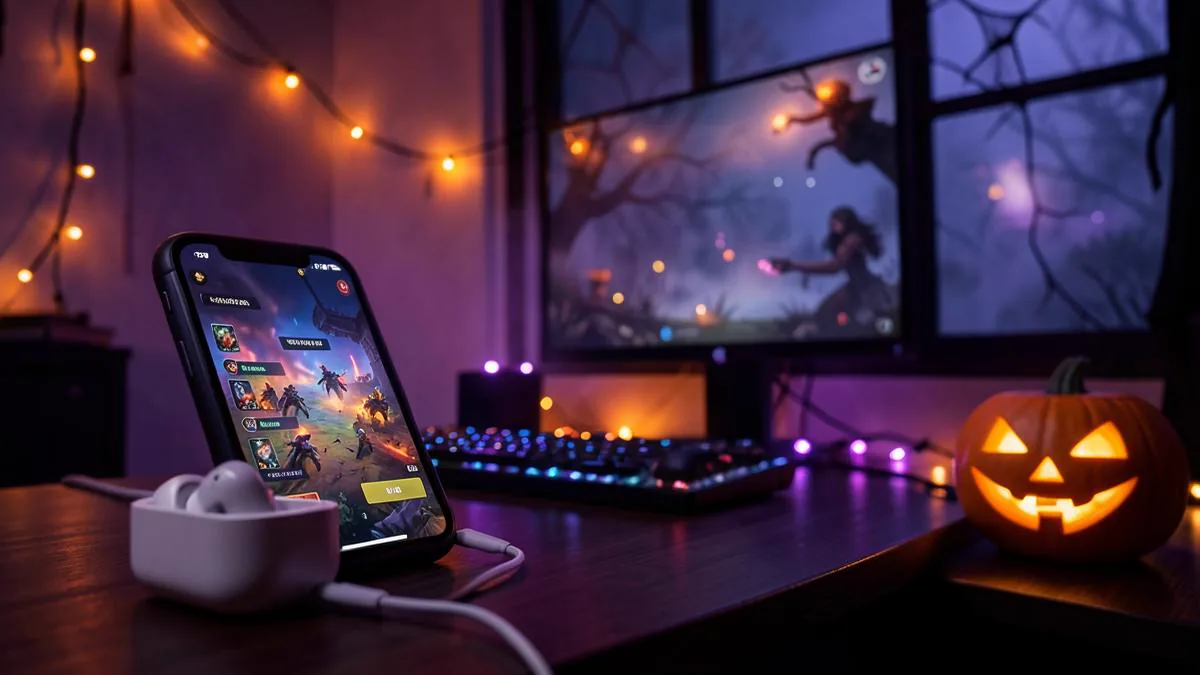
Every October, Fortnite turns into a different game. The map darkens, pumpkins appear where chests used to be, Halloween skins come back to the shop, and for a few weeks the whole player base leans into the bit. Fortnitemares is the one event where showing up prepared actually changes how much fun you have.
Most preparation guides stop at two questions: when does it start, and which skins should you buy. Both matter, but there's a third layer almost nobody plans for — what you sound like when the match starts. This guide covers all three, in the order you should handle them.
What Fortnitemares is (and when to expect it)
Fortnitemares is Fortnite's annual Halloween event. Based on how Epic has run it in previous years, you can expect a Halloween-themed map refresh, limited-time modes, themed quests with free rewards, and a shop rotation stacked with spooky skins — both returning favourites and new collaborations.
Epic confirms exact dates close to launch, and as of September 2026 the 2026 schedule hasn't been officially announced. Historically the event lands in October and runs through the start of November. That gap between 'announced' and 'live' is exactly when you want to be ready, because the first weekend is when lobbies are fullest and the mood is best.
- Follow Fortnite's official channels so the date announcement doesn't pass you by.
- Check which of your owned skins fit the theme before the shop rotation starts.
- Decide your squad early — Fortnitemares modes are more fun with a full party.
- Finish any setup or testing before launch weekend, not during it.
Lock in your Halloween skin early
The skin is the centrepiece of Fortnitemares. It's also the part with a timer on it: themed shop rotations move fast, and the outfit you want might only appear for a day or two. If you're planning to spend V-Bucks, decide your character now so you can grab it the moment it rotates in.
- Pick one 'main' for the event — the character you'll be known as in your squad.
- Check your locker first; a forgotten Halloween skin from a previous year is free.
- Match your pickaxe, glider and back bling so the whole loadout reads as one character.
- Keep a second, sillier option for fill squads where the mood is looser.
One practical tip: take a screenshot of your planned loadout. When the event drops and the shop is rotating daily, you won't waste time second-guessing — you'll buy, equip, and drop in.
The prep step nobody covers: your voice
Here's the gap in every Fortnitemares checklist. You spent the season unlocking a vampire skin, you matched the glider, you queued with your squad — and then you open your mouth in voice chat and sound like yourself. The costume has a hole in it.
Fortnitemares is the one event where the whole lobby is in costume. If your skin has a voice and you don't, you're only half dressed.
This is where most players hit the same wall. Voice changer apps on phones can't feed a live microphone into another app — Fortnite reads the system input directly, which is the same reason recording-style apps fall short in our Fortnite mobile voice changer guide. On console there's no app option at all. The change has to happen before the destination reads its microphone input, which means hardware.
Voice changing earbuds solve it at the right point in the chain: the conversion happens in the Dubbing AI app on the phone, so the phone, PC or console just sees a normal audio device. No PC routing, no virtual drivers, no rooting your phone. We make them, so take that as a description of our own product — but the platform limitation it works around is real, and it applies to every software-only option.
Matching a voice to your Fortnitemares skin
This is the fun part of preparation, and it's worth doing before the event rather than mid-match. The library holds 500+ voices as of 2026, which is far more than you need — the goal is to shortlist two or three that fit your planned characters.
- Vampire or gothic skins: a low, slow, deliberate voice — menace works best when it's calm.
- Slasher or villain skins: gravelly and rough, saved for the endgame circle when the lobby is down to a handful.
- Cartoon or mascot costumes: pitched-up and bright, ideal for fill squads where the joke is the point.
- Zombie or monster skins: a distorted, raspy voice for short callouts — long sentences get tiring for teammates.
- Any skin, if you stream: a neutral shifted voice keeps you in theme while protecting your privacy.
Whatever you pick, keep it intelligible. Callouts still matter in a limited-time mode, and a voice so processed that 'east, two, low ground' becomes mush will cost you the match. Test each candidate by saying a real callout, not a joke line.
Delay matters for the same reason. Conversion runs in real time at 300 ms latency, which sits inside what voice chat already tolerates — your squad hears 'behind you' while it's still true. That's the difference between hardware conversion and routing your mic through a laptop, where the extra hops add up fast.
Setting up before the event drops
Do this a few days before launch weekend. The whole process is short, but launch night is the wrong time to discover a Bluetooth pairing issue.
- 1Install the Dubbing AI companion app on your phone — Android and iOS are both supported.
- 2Plug the USB-C earbuds into your phone and complete the connection in Dubbing AI.
- 3Shortlist your two or three event voices in the app and save them.
- 4On mobile, open Fortnite, enable voice chat and confirm the game uses your connected audio device. On PC or console, connect as your platform's audio device — console and VR support is live, and the PS5 walkthrough is in our PS5 voice setup guide.
- 5Say one real callout in a lobby and get a teammate's reaction. If they hear the character, you're done.
If you also play on PC, the same earbuds carry over — nothing is configured per game. The dual-platform details are covered in our PC and mobile Fortnite guide, but the short version is: pair once, pick a voice, play anywhere.
Squad etiquette during a Halloween event
Fortnitemares lobbies are full of strangers who queued up in costume, which makes them the best audience you'll get all year — and the easiest one to misread. A few ground rules keep the bit fun.
- Open with one in-character line, then check the room. If the squad plays along, commit; if not, dial it back.
- Keep callouts clear even when staying in character — the bit should never cost a teammate a fight.
- Never use a voice to impersonate a real person or pass yourself off as a different age.
- Epic's community rules apply to what you say regardless of how you sound. The voice is a costume, not a shield.
- If you stream the event, tell your audience the voice is processed. It reads as a feature, not a trick.
That's the whole checklist: skin, squad, voice, setup, manners. Handle them in the weeks before launch, and when the map goes dark and the pumpkins show up, your only job left is to enjoy the best month Fortnite has.
Get your voice ready before Fortnitemares starts
Real-time voice changing at 300 ms latency, 500+ voices, on Android, iOS, PC and console — with no PC or sound card required.
See the Earbuds pageFrequently asked questions
Dubbing AI Team
Hardware & Voice AI
We build real-time voice changing hardware for gaming, streaming and calls.