
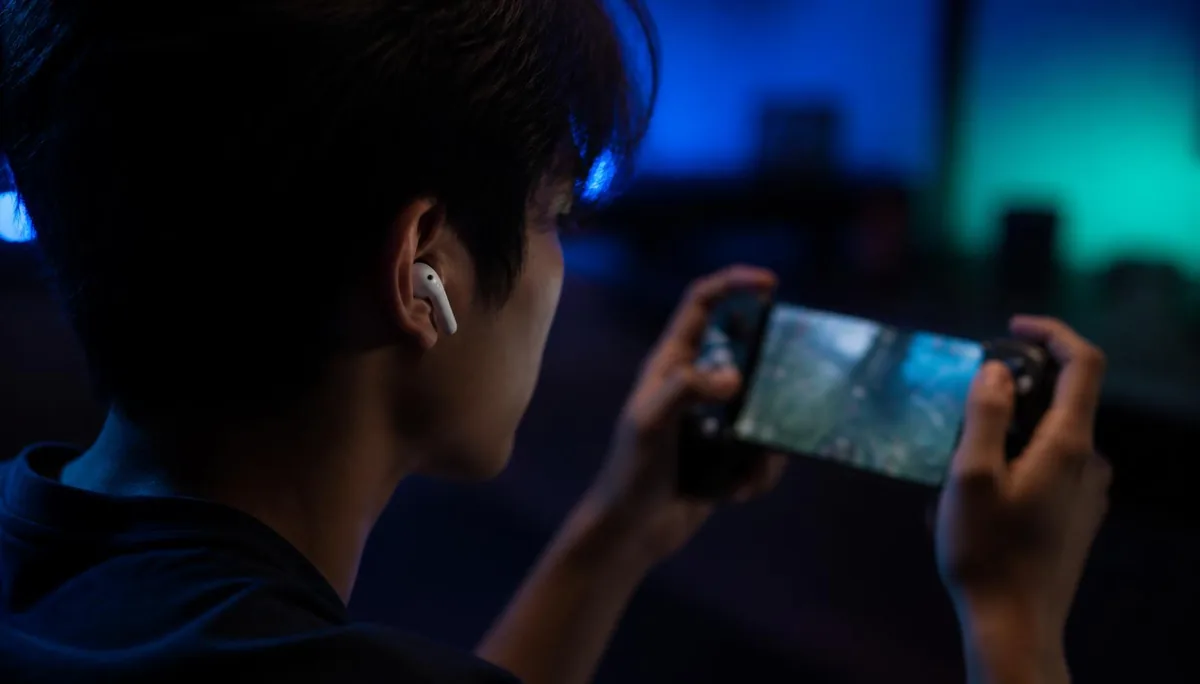
Squad chat is half of what makes Fortnite fun on a phone. It's also the reason so many mobile players go looking for a voice changer — a different voice makes duo fills funnier, keeps streamers a little more anonymous, and turns a bad drop into a bit. And if you're running a licensed skin, a different voice turns the whole match into roleplay: voicing Spider-Man, Naruto or whatever character you showed up as is what makes mobile Fortnite feel like a cosplay session rather than just a grind.
Then the search results send them to an app that records a clip and plays it back. That is not what you wanted. This guide covers what Fortnite mobile actually listens to, why most voice changers can't get near it, and how to run a changed voice in a live match. We make voice changing earbuds, so the hardware section is us describing our own product; the constraint it works around is not ours to invent.
The scenario: live squad chat, played on a phone
Picture the normal case. You're on Android or playing through a cloud client on iOS, running a controller grip or touch controls, and you're in a duo or squad with in-game voice chat on — or in a Discord party running alongside the game. Availability of Fortnite on mobile still varies by platform and region as of August 2026, but the audio path is the same in every version.
Fortnite requests microphone permission and reads the system input device. There is no microphone picker in the settings menu, and nothing inside the game applies effects to your voice. So the change has to happen earlier in the chain, before the phone hands the audio over.
If the voice isn't already changed by the time it reaches the operating system, Fortnite will never hear the change. Everything else is just a clip you can share afterwards.
That single rule explains almost every disappointing review on a mobile voice changer app. The apps usually work exactly as designed — they just can't become the microphone another app is using. The same wall shows up in our Roblox mobile voice chat guide, because it's an operating system rule, not a game-specific one.
What you need
- A phone running Fortnite, or a cloud client with voice chat enabled.
- Voice changing earbuds that process audio in hardware — the conversion has to sit between your mouth and the phone.
- The companion app, used to pick and switch voices. It never needs to be the microphone itself.
- Bluetooth on, and microphone permission granted to Fortnite (or to your party chat app).
Notice what is not on that list: a PC, an external sound card, a virtual audio driver, a jailbreak, or a modified game client. The moment any of those appear in a tutorial, you're reading a desktop guide that has been retitled for mobile traffic.
Setting it up for a Fortnite session
- 1Install the Dubbing AI companion app on your phone (Android and iOS are both supported) and open it.
- 2Pair the earbuds over Bluetooth the same way you'd pair any wireless headphones.
- 3Pick a voice in the app. Conversion happens in the earbuds, so the app can stay in the background once you've chosen.
- 4Open Fortnite, enable voice chat in the audio settings, and confirm the game is using your connected audio device.
- 5Say one line in the lobby before you drop. If a squadmate reacts to the voice, you're set — if not, check that Fortnite has microphone permission and that the earbuds are the active input.
The self-test in step five matters more than it sounds. A lobby is the cheapest place to find out that Bluetooth silently fell back to the phone's built-in microphone, and it takes about four seconds.
| Approach | Reaches Fortnite squad chat? | What it needs |
|---|---|---|
| Dubbing AI Voice Changing Earbuds | Yes | The earbuds and a Bluetooth pairing |
| Recording-style voice changer app | No | Nothing — but output is a saved clip |
| Desktop voice changer routed to a phone | Sometimes | PC, audio interface, cables, a desk |
| Rooted phone with a virtual audio driver | Sometimes | Root access, warranty and update risk |
Two of those four rows aren't really competing for a mobile player. They belong to someone editing clips, or someone sitting at a desktop who happens to also own a phone.
Voices that actually land in a match
Voice choice is a comedy problem more than a technical one. A voice that sounds great in a two-minute test clip can be unlistenable across a 20-minute session, usually because it's too processed to survive callouts.
- A deep, calm voice for callouts — the one preset your squad will thank you for, because it stays intelligible over gunfire.
- A pitched-up cartoon voice for fill lobbies, where the joke is the point and nobody is tracking rotations anyway.
- A gravelly villain voice for the endgame circle, saved for the moment you actually have the high ground.
- A neutral gender-shifted voice for streaming, when the goal is privacy rather than a bit.
- A bright superhero voice to match your Spider-Man skin — the quips land a lot harder when you actually sound the part.
- A young, energetic anime-hero voice for a Naruto skin, so every rotation callout feels like a scene from the show.
- One voice you keep as your default, so teammates who play with you regularly recognise you.
This is where a big voice library stops being a gimmick and becomes the best part of roleplay. With 500+ voices to choose from, you can match whatever skin you're running — a superhero landing, an anime hero mid-arc, a villain holding the high ground — and swap the instant you change outfits in the locker. The point isn't a single funny preset; it's having a voice for every character you own, so your squad hears the skin before they see it. For mobile players who treat Fortnite as a roleplay sandbox, that kind of catalogue is what makes the earbuds the best tool for the job.
The library holds 500+ voices as of 2026, and switching is a tap in the app rather than a menu dive in the game. In practice most players settle on two or three and rotate.
Delay is the other half of it. Conversion runs in real time at 300 ms latency, which is short enough for "west, second floor" to arrive while it's still true. Anything slower turns squad comms into a relay race, which is exactly why routing audio through a laptop is a poor fit for a game you're playing on a couch.
Etiquette, limits and the fine print
An audio accessory is not a game modification — you're changing what the microphone captures, not touching the Fortnite client. That's a meaningful distinction, and it's also where the responsibility sits with you rather than the hardware.
- Epic's community rules still apply to what you say. A different voice is a costume, not a shield.
- Don't use a voice to impersonate a real person, or to pass yourself off as a different age in chat.
- If you stream, tell your audience the voice is processed. It ages better than being found out.
- Fill lobbies are strangers. Read the room before committing to the loudest preset you own.
One hardware note worth knowing before you buy: the earbuds are the phone-friendly option because everything happens inside them. If you mainly play at a desk and want the same conversion for a wired headset, the Dubbing Box product page covers that setup instead — it pairs with a Bluetooth headset and is configured on an Android device.
Console support for PS5, Xbox, Switch 2 and VR headsets is planned for late August 2026. If Fortnite on mobile is a second screen for you and the console is the main one, that's a date to watch rather than something you can use today.
See what the earbuds do before you buy
Full spec breakdown, supported platforms and how the real-time conversion works on Android and iOS.
See the Earbuds pageFrequently asked questions
Dubbing AI Team
Hardware & Voice AI
We build real-time voice changing hardware for gaming, streaming and calls.