
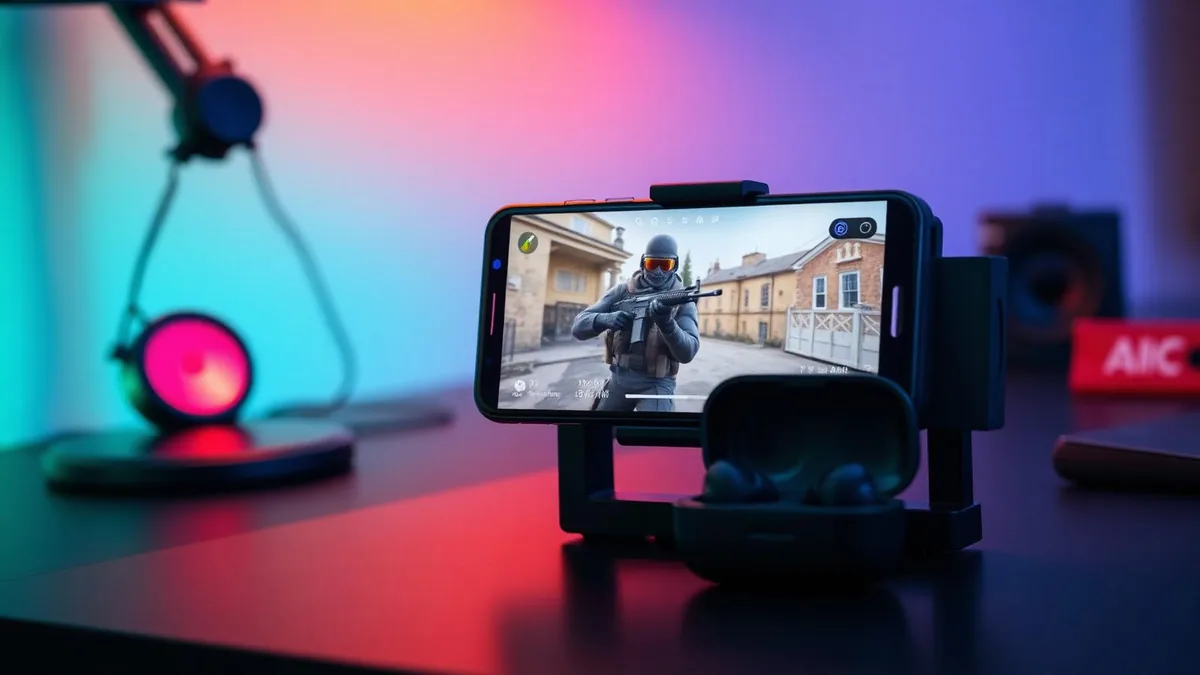
If you searched for the easiest way to change your voice in Call of Duty Mobile, you have probably already tried an app or two and heard nothing change in the match. That is not bad luck — it is how mobile audio works. This guide explains the one route that works, and walks you through it from unboxing to your first changed-voice callout.
We make the hardware this guide ends with, so factor that in. The mechanism and the settings below are accurate whether or not you buy anything from us.
The short answer
The voice model runs in Dubbing AI on the phone. Processed sound is sent to the wired earbuds and returned through the phone's USB-C microphone input. Keep the app running and the phone online throughout voice changing. CoD Mobile uses the connected microphone; grant its microphone permission and verify squad chat.
The current Earbuds connection and processing requirements
The Earbuds use wired USB-C audio and have no internal battery. Dubbing AI runs the voice model on the phone, sends the processed sound to the earbuds, and receives it back through USB-C microphone input. The app must remain running and the phone online throughout use. The app's device connection is separate from ordinary Bluetooth headset audio pairing.
Every other route you will see recommended — changer apps, clip editors, desktop software — fails for the same structural reason, and it is worth understanding for sixty seconds so you stop re-installing things that cannot work.
Why voice changer apps can't reach CoD Mobile
When a match starts, the game asks Android or iOS for the microphone. The operating system hands over the raw signal from whatever mic is active. Neither platform allows a regular app to sit between the mic and the game and rewrite the audio in transit.
So a changer app can record you, process the recording, and play it back inside its own interface — and that is where the effect stays. Your squad keeps hearing your raw voice. We break down the full mechanism and the alternatives in our CoD Mobile voice changer comparison; the short version is that the audio has nowhere to go.
The useful distinction is microphone routing, not whether software is involved. Dubbing AI runs on the phone, but the earbuds return its output as USB-C microphone audio rather than relying on another app to accept an internal audio stream.
What you need before your first match
The list is short on purpose. Ease is the whole point.
- A phone that runs CoD Mobile — Android or iOS, either works.
- The Dubbing AI Voice Changing Earbuds, with their USB-C connector.
- The companion app installed, running and online throughout processing, as well as browsing voices.
- Five minutes before your first session, for connecting in Dubbing AI and a recipient-side mic check.
Notice what is missing: no second phone, one USB-C earbud cable, no PC, no extra sound card, no game settings to hunt for. The conversion lives entirely in the Dubbing AI app on the phone.
Step by step: from unboxing to a changed-voice match
- 1Plug the USB-C earbuds into your phone, open Dubbing AI and complete the connection. Keep the app running and the phone online throughout play.
- 2Install the companion app and let it detect the earbuds.
- 3Pick a voice in Dubbing AI and check monitoring, then ask a squad member to confirm the outgoing voice. Local monitoring alone is not proof of the game input.
- 4Open Call of Duty Mobile and enable voice chat as you normally do. There is nothing new to find.
- 5Queue a casual Multiplayer match, make two or three callouts, and ask a teammate how you sound before trusting it in ranked or Battle Royale.
That is the entire procedure. The same converted voice also reaches party chat before the match, a Discord call running alongside the game, and ordinary phone calls — because the phone itself never hears anything else. The same principle applies across chat apps, which is why the routine for Discord on mobile reads nearly identically.

Picking a voice that survives a shooter lobby
A 500+ voice library is a spec sheet number until hour three of a session. What matters is how a voice holds up under the way people actually talk in a shooter — fast, loud, and occasionally shouted.
- Default to a grounded, operator-style voice for long sessions; novelty wears off faster than battery.
- Keep the heavily processed character voices for lobbies and Battle Royale drops, not ranked callouts.
- Favor voices that stay intelligible when you get loud — shooters make everyone shout eventually.
- Check your ear tip seal. A loose fit changes what the source mic picks up, and conversion is only as good as its input.
Latency, battery and callout habits
As of August 2026, the earbuds convert in roughly 300 ms — about a third of a second between speaking and being heard. In a shooter, that is the number that decides whether the setup is usable, so here is what it actually does to common situations.
| Situation | Effect at ~300 ms | Habit to build |
|---|---|---|
| Pre-round planning | No noticeable impact | None needed |
| Rotation calls between fights | A beat of delay | Speak a touch earlier |
| Mid-fight enemy callout | Detail can arrive late | Position and count first, detail second |
| Rapid banter | Occasional overlap | Wait a beat before replying |
The phrasing rule covers most of it: lead with what decays fastest. "B site, two" survives a third of a second. A sentence that changes direction halfway through does not. For longer sessions, keep the phone powered, Dubbing AI running and the network connection active and treat voice switching as a lobby activity — app-switching mid-fight costs more than any voice is worth.
The five-step setup, and nothing else
Real-time conversion in the Dubbing AI app on the phone: around 300 ms of latency, a 500+ voice library, and identical behavior on Android and iOS — with zero configuration inside CoD Mobile.
Buy Dubbing EarbudsKeeping it fair in the lobby
A character voice for fun, privacy or roleplay is ordinary lobby behavior. Impersonating a specific real person, misrepresenting your age, or ignoring a teammate who asks you to stop is where reports start. The conduct rules apply to whatever comes out of your mic, filtered or not.
One reassurance worth having: hardware in your audio chain is not a game modification. It never touches the CoD Mobile client, its files or its traffic — the same category as a headset or a controller grip.
Frequently asked questions
Dubbing AI Team
Hardware & Voice AI
We build real-time voice changing hardware for gaming, streaming and calls.