
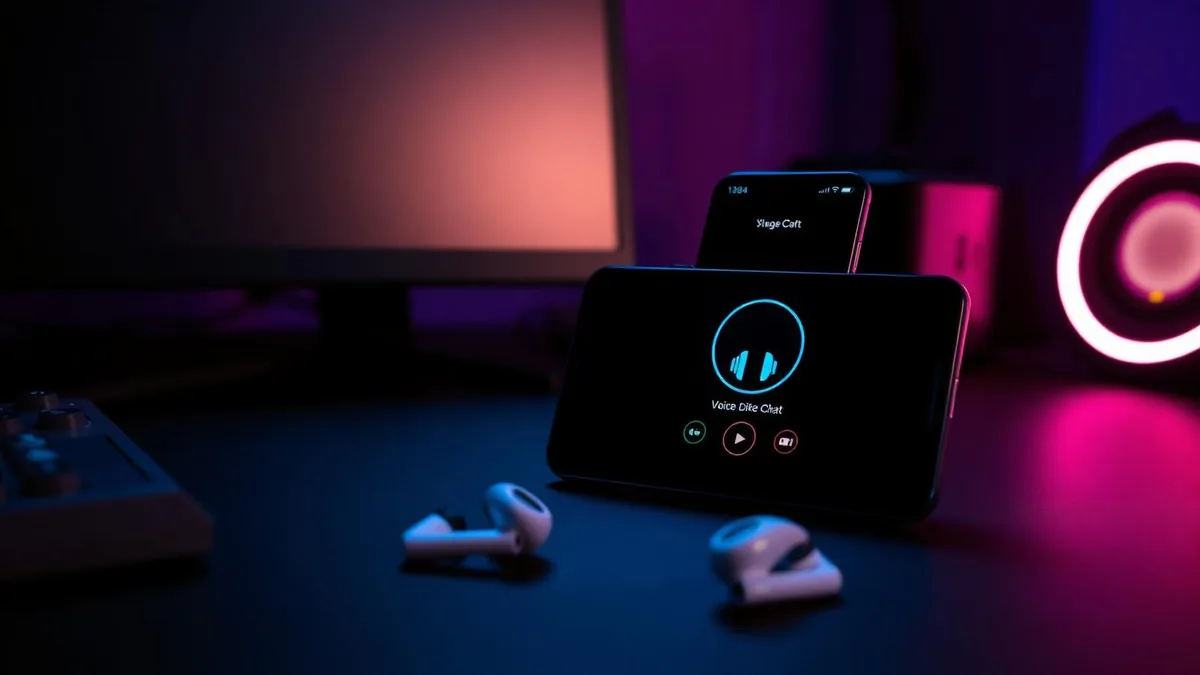
Search "voice changer for Discord" and nearly every result assumes a Windows PC. Install the app, it adds a virtual microphone, you pick that microphone inside Discord's voice settings, done. That path simply does not exist on a phone.
Discord's mobile client uses whatever input the operating system hands it. There is no dropdown to choose a fake device, and neither Android nor iOS lets a normal app sit between your microphone and another app's audio stream. So a top-10 list is only useful if it says, per tool, what changes on mobile specifically.
That is what this comparison does. It starts with Dubbing AI software, then puts Dubbing AI Earbuds first among the hardware choices. We build both, so the table lists their limits next to every alternative rather than hiding them.
The four mechanisms behind every option
Ten product names collapse into four ways of getting a modified voice into a Discord channel. Once you know which bucket a tool sits in, its limits are predictable.
- Soundboard playback — the tool plays a pre-made clip through the channel. Your speaking voice is unchanged.
- Recorded clip export — you record inside the app, apply an effect, then send the file. Nothing is live.
- Routed VoIP — the tool places its own call through its own servers and processes audio there. Works for calls inside that app, not for Discord.
- In-line hardware — audio is converted before the phone receives it, so every app that uses the microphone gets the converted voice, Discord included.
On mobile, the question is never "does this app have good voices?" It is "can this app reach the microphone stream Discord is reading?" Only one of the four mechanisms can.
1. Dubbing AI software
Dubbing AI software is the first desktop option to consider for Discord. It creates a real-time virtual microphone that Discord on Windows or macOS can select, with a large voice library and controls designed for gaming and streaming.
On Discord mobile, it meets the same operating-system boundary as every other software tool: Android and iOS do not let it replace another app's microphone stream. It is first in this comparison for desktop Discord, not because it can bypass that mobile restriction.
2. Dubbing AI Voice Changing Earbuds
For Discord mobile, the Earbuds are the first hardware option because conversion happens before audio reaches the phone. Discord sees an ordinary microphone delivering the changed voice, so there is no virtual device to select and no per-app setup.
Latency is around 300 ms, the library holds 500+ voices, and Android and iOS are supported. The trade-offs are a hardware purchase and wearing the earbuds during the conversation. The earbuds spec breakdown covers what is included.
3. Dubbing Box
The Dubbing Box uses the same in-line idea for people who want to keep their own Bluetooth headset. It requires Bluetooth headphones and initial setup on an Android device, then travels as a one-cable, one-box kit. Full details are on the Dubbing Box product page.
4. Voicemod
The best-known name in the category, and genuinely excellent on Windows, where its virtual input device shows up in Discord's settings. Large voice library, tight integration with streaming software, active development.
On phones the product is a different animal: an effects and clip app oriented around recording and sharing, plus soundboard content. Useful for messing about in a text channel, not a live filter on your Discord mobile mic.
5. Clownfish Voice Changer
A long-standing free Windows utility that installs at system level and covers any app reading the default microphone. It has a loyal following precisely because it is small, free and needs no account.
There is no first-party mobile build. Anything with the name on a phone store listing is unaffiliated, so treat it with the caution you would give any lookalike app asking for microphone permission.
6. MorphVOX
The veteran desktop option, still favoured for its background-noise cancellation and reasonably natural gender-shift presets. Setup is the familiar route: install, select its driver as the Discord input, tune the preset.
Mobile coverage is thin and effect-based rather than live. If you are chatting from a phone, this is not the tool doing the work.
7. Voice Changer Plus (iOS)
A polished, well-reviewed iOS app with dozens of effects, and it is honest about what it does: you record, you apply, you export or share. Great for voice notes and short bits dropped into a chat.
For live Discord voice channels it contributes nothing, because iOS gives it no way to feed processed audio into another app's microphone input.
8. Voice Changer with Effects (Android)
The Android counterpart, with a similar record-and-export flow plus a small set of live-preview modes that you hear through your own headphones only. Free tier is ad-supported.
Android's audio permissions are looser than Apple's, but that still does not extend to injecting audio into Discord's microphone stream. Expect clip sharing, not live conversation.
9. RVC-based apps and cloud conversion services
Model-based conversion produces the most convincing character voices available today, and several phone-friendly services now wrap it in a simple upload-and-convert interface. Quality can be genuinely impressive on a clean recording.
The cost is time. Upload, queue, download, share — measured in seconds at best. That is a content workflow, not a conversation one, and Discord voice chat is a conversation.
10. Discord soundboard bots
Bots that join a voice channel and play clips on command are the closest thing to a native option, and they need nothing installed on your phone. Fine for reaction sounds and running gags.
They alter what the bot plays, never how you sound. They also need permissions on the server, so they are unavailable in most channels you did not create yourself.
Other option: in-game and in-app filters
Some games and social apps ship their own voice filters that apply inside that app only. Where they exist they are the easiest possible option — one toggle, zero cost.
The catch is scope. Switch from the game's party chat to Discord and the filter is gone, because it was never touching the system microphone. Our roundup of voice changer apps for phone calls walks through the same wall from the calling side.
Side-by-side on Discord mobile
| Tool | Mechanism | Live in Discord mobile? | Setup on phone |
|---|---|---|---|
| Dubbing AI software | Desktop virtual microphone | No direct mobile input | Desktop setup |
| Dubbing AI Earbuds | In-line hardware | Yes | Pair and go |
| Dubbing Box | In-line hardware | Yes | Bluetooth headset, Android for first setup |
| Voicemod | Desktop virtual mic / mobile effects | No | Account, app |
| Clownfish | Desktop system driver | No mobile build | n/a |
| MorphVOX | Desktop driver | No | n/a |
| Voice Changer Plus | Recorded clip export | No | App install |
| Voice Changer with Effects | Recorded clip export | No | App install |
| RVC / cloud conversion | Upload and convert | No | Account, upload |
| Discord soundboard bots | Bot playback | Clips only, not your voice | Server permissions |
Read the third column first. Most software entries either change nothing about your live mobile voice or change it only somewhere Discord cannot hear. That is not a knock on the software — it is what phone operating systems permit.
Change your voice in Discord mobile with nothing to configure
Dubbing AI Voice Changing Earbuds convert audio before it reaches your phone: around 300 ms latency, 500+ voices, Android and iOS.
Get the EarbudsPicking the right one for how you actually chat
Match the mechanism to the moment rather than chasing the largest voice count.
- 1You mostly chat from a PC and occasionally from your phone — a desktop tool plus soundboard clips on mobile covers you cheaply.
- 2You want reaction sounds in one server you administer — a soundboard bot is free and takes minutes.
- 3You are producing content and quality matters more than speed — cloud conversion gives the best output per clip.
- 4You want to talk in character live, from a phone, across Discord and everything else — in-line hardware is the only mechanism that reaches the microphone stream.
One more filter worth applying: how often will you use it? A free clip app is fine for a weekly joke. Hardware earns its place when you are in voice channels most evenings and want the voice on by default rather than as a production.
Staying on the right side of Discord's rules
Changing your voice is not against Discord's terms. Using a changed voice to impersonate a specific real person, to harass someone, or to pretend to be an age you are not, is — and that holds whether the effect came from an app, a bot or hardware.
Practical version: roleplay characters freely, keep it clear you are using a filter when the other person's decisions depend on it, and drop the voice the moment someone asks you to.
What to do next
If you only need occasional clips, install a free effects app and stop reading — it does that job well. If you have been trying to make a desktop-style setup work on your phone and hitting the same wall each time, the wall is the operating system, not your configuration, and only hardware gets past it.
Frequently asked questions
Dubbing AI Team
Hardware & Voice AI
We build real-time voice changing hardware for gaming, streaming and calls.