
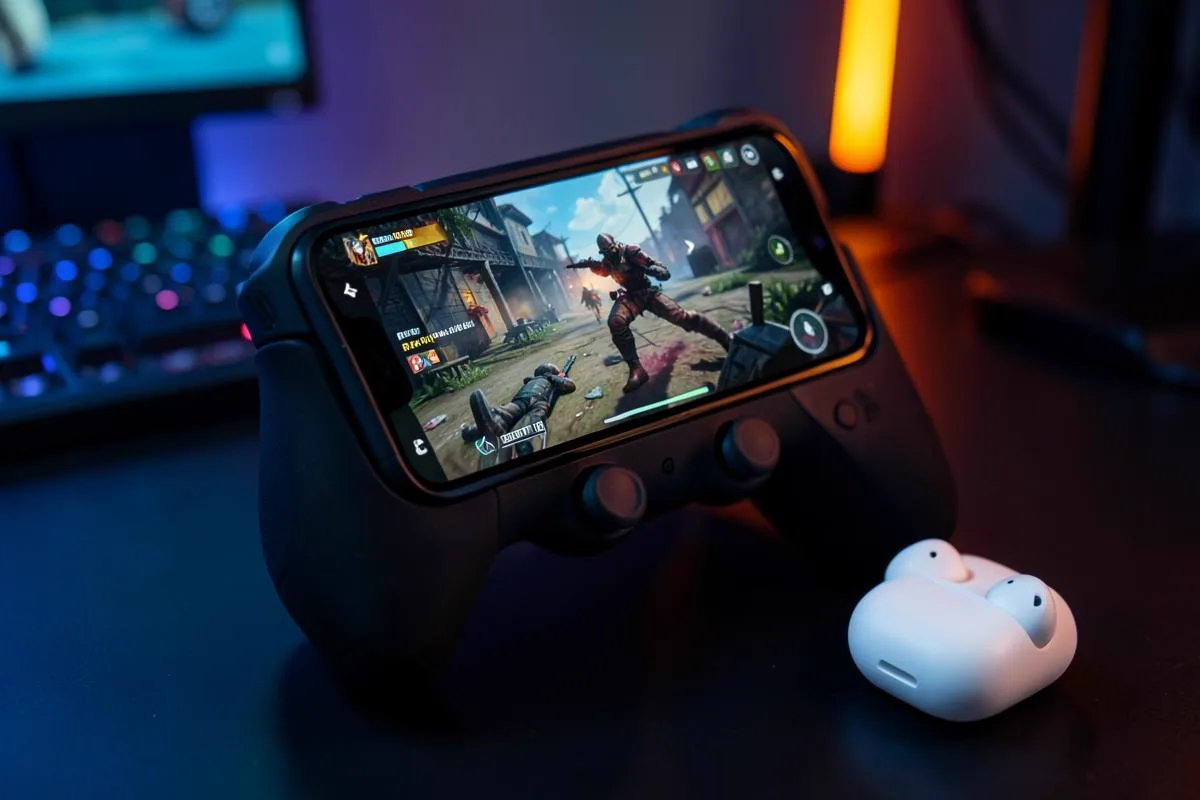
Search for a voice changer that works in PUBG Mobile and you will find dozens of app listings, each promising funny voices in squad chat. Install one, open a match, and your teammates hear your normal voice. That is not bad luck — it is how the game and your phone are built. This guide compares the three approaches that can actually reach PUBG Mobile's voice chat, so you can pick the one that fits how you play.
We make voice changing earbuds, so we have a stake in one of these options. We will still walk through all three honestly, including where each one genuinely wins.
Why PUBG Mobile ignores voice changer apps
PUBG Mobile reads audio from the phone's system microphone. There is no input picker inside the game — no dropdown where you could select a virtual mic created by an app. Whatever the operating system considers the current microphone, that is what squad chat and proximity chat transmit.
Voice changer apps hit a wall one level lower. On both Android and iOS, apps are sandboxed: an app can record you, change the recording and play it back, but it cannot insert itself between the microphone and another app. The only exceptions involve rooting or jailbreaking the phone, which breaks game anti-cheat checks and voids your warranty — a trade almost nobody should make for a funny voice.
If a voice changer installs like a normal app and asks for nothing special, it cannot reach PUBG Mobile's mic input. The operating system simply does not offer that path.
The three options that actually reach the game
Once you accept that the change has to happen before the destination reads its microphone input's microphone input is decided, the field narrows to three realistic setups.
| Approach | Real-time in PUBGM | Needs a PC | Extra hardware | Works on iPhone |
|---|---|---|---|---|
| Dubbing AI Voice Changing Earbuds | Yes, on the phone | No | The earbuds | Yes |
| Voice changer app alone | No — sandboxed | No | No | No effect |
| Emulator + PC voice changer | Yes, on PC only | Yes | No | N/A |
Option 1: PC emulator with desktop voice software
Play PUBG Mobile through an official emulator on a PC, and desktop voice changers work the way they do in any PC game: the software creates a virtual microphone, and you select it as the input. This is a legitimate path if you already play at a desk. The catch is in the name — you are no longer playing on your phone. Matchmaking also pools emulator players separately, so your squad needs to be on board.
Option 2: A chain of adapters and a mixer
Some players route their voice through a small mixer or audio interface and feed the processed sound back into the phone. It works, but the chain is fragile: adapters, ground-loop noise, monitoring delays and a bag of cables. We compared the main hardware categories in our mobile gaming voice device roundup — mixers solve real problems for streamers at a desk, not for someone playing a match on the sofa.
Option 3: Voice changing earbuds
The voice model runs in Dubbing AI on the phone. Processed sound is sent to the wired earbuds and returned through the phone's USB-C microphone input. Keep the app running and the phone online throughout voice changing. Check the destination's microphone permission and confirm the outgoing voice with another person.
The current Earbuds connection and processing requirements
The Earbuds use wired USB-C audio and have no internal battery. Dubbing AI runs the voice model on the phone, sends the processed sound to the earbuds, and receives it back through USB-C microphone input. The app must remain running and the phone online throughout use. The app's device connection is separate from ordinary Bluetooth headset audio pairing.
What actually matters when you choose
Marketing pages list hundreds of features, but four decide whether a voice changer survives a real PUBG Mobile match.
- Latency: past roughly 300 ms, your callouts arrive after the moment has passed. Below that, squad chat still feels natural.
- Where the conversion happens: if it happens in an app on the phone, it cannot reach the game. It has to happen before or at the microphone input.
- Setup cost: a solution that needs a PC, emulator or root excludes itself for most mobile players.
- Voice variety and stability: you want enough voices to find one you like, and an effect that does not cut out mid-fight.
Notice what is not on the list: the number of soundboard effects, or whether the app icon looks professional. Those matter for recordings, not for live squad chat.
The option we build: Dubbing AI Voice Changing Earbuds
Our Dubbing AI Voice Changing Earbuds are built around option three. The earbuds process your voice on the phone and return it through the USB-C earbuds at around 300 ms of latency, with more than 500 voices to choose from, and they work on both Android and iOS. From PUBG Mobile's point of view, you are using a USB-C microphone input — which is exactly why it works in every chat channel the game offers, including proximity chat.
Setup takes a few minutes: connect the USB-C earbuds, keep Dubbing AI running and online, pick a voice in the companion app, then launch the game and talk. We published a full walkthrough with screenshots in our PUBG Mobile voice changer setup guide, including how to test your voice before a match.
Change your voice in your next PUBG Mobile match
Phone-side real-time processing with USB-C audio return — 300 ms latency, 500+ voices, works on Android and iOS with no PC.
See the Dubbing EarbudsPicking the right option for how you play
If you already play PUBG Mobile on a PC emulator, desktop voice software is free and flexible — stay with it. If you stream from a desk with a mixer already in the chain, routing audio through it costs you nothing new. But if you play on your phone, on the sofa or on the go, the realistic choice is the hardware that converts your voice before the destination reads its microphone input hears it.
- 1Play on PC emulator? Use a desktop voice changer and select its virtual mic.
- 2Desk streamer with a mixer? Route your mic through it and back into the phone.
- 3Phone player who wants it to just work? Use voice changing earbuds — no PC, no root, no in-game setting.
Whichever route you take, test before a ranked match: drop into an unranked game, ask your squad how the voice sounds, and adjust. A voice that reads clearly at normal volume beats a dramatic effect nobody understands.
Ready to sound different on the battleground?
Dubbing Earbuds change your voice before the destination app reads its microphone input, so PUBG Mobile squad and proximity chat hear the effect, not your raw voice.
Buy Dubbing EarbudsFrequently asked questions
Dubbing AI Team
Hardware & Voice AI
We build real-time voice changing hardware for gaming, streaming and calls.