
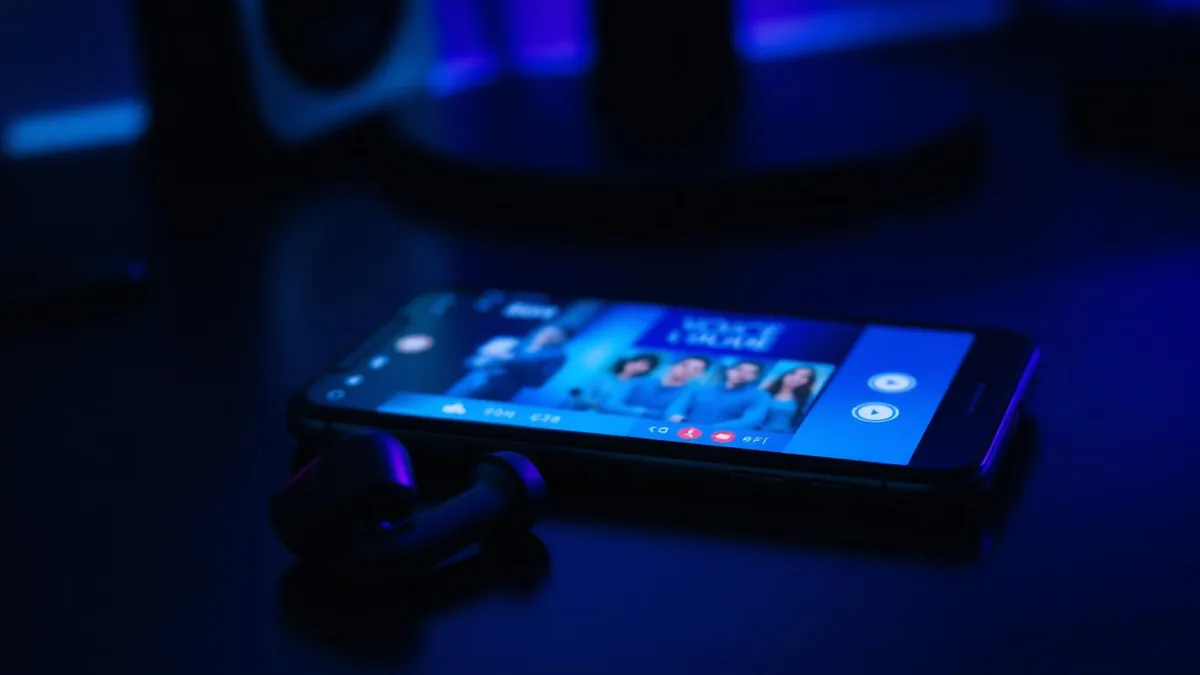
WePlay is a phone-first social app — you drop into a room, talk with a handful of people, and the conversation is the product. That makes it one of the most natural places to use a character voice, and one of the hardest places to get one working.
The reason is structural, not a bug in any particular app. Every popular voice changer guide was written for a desktop client, where the software installs a virtual microphone and you point the app at it. On a phone, that dropdown does not exist.
We build voice changing hardware, so this article ends with our product. It also shows the numbers and the trade-offs next to the alternatives, so you can decide whether the mechanism is worth it before the brand is.
Why a WePlay room ignores your voice changer app
When you join a room, WePlay asks the operating system for microphone input. Android and iOS hand over the raw signal from whichever mic is active. Neither system lets a normal app insert itself into that stream and hand back modified audio to a different app.
So a mobile voice changer can do three things: record you and apply an effect to the file, play the effect back through its own speaker, or run a call inside its own service. None of those reach a live WePlay room.
- Recorded clips — you export a file and share it. Nothing about your live voice changes.
- In-app playback — you hear the effect in the changer app; the room hears your normal voice.
- Routed calls — the tool processes audio on its own servers for its own calls, which WePlay is not.
- In-line hardware — conversion happens before the phone gets the audio, so every app reading the mic gets the converted voice.
On mobile, the useful question is not "how good are the voices?" but "can this thing reach the microphone stream the room is actually listening to?"
The four approaches, measured
Here is how the options compare on the things that decide whether a room believes the voice. Latency figures are for the full path from speaking to the other side hearing you, as of August 2026; app and cloud routes vary with your connection.
| Approach | Live in WePlay | Typical added latency | Setup inside WePlay |
|---|---|---|---|
| Dubbing AI Earbuds (in-line hardware) | Yes | ~300 ms | None — pair and talk |
| Mobile effects app (clips) | No | Not applicable — offline | None possible |
| Soundboard playback near the mic | Clips only | Instant, but audibly re-recorded | None |
| Cloud voice conversion | No | Seconds per clip | None possible |
| PC voice changer + phone | No | n/a — needs a desktop client | No input picker |
Read the second column first. Only the first hardware row says yes, and it says yes for the same reason it needs no configuration: the phone never sees your original voice, so there is nothing for WePlay to be pointed at.
What 300 ms actually feels like in a room
Latency is the number people underestimate. Below roughly 400 ms, conversation stays workable — you slightly over-wait before replying, and nobody comments on it. Past that, people start talking over each other and the effect gets blamed for a broken connection.
| Round-trip delay | How a room reads it |
|---|---|
| Under 150 ms | Indistinguishable from a normal call |
| ~300 ms | Slightly deliberate rhythm; interruptions still work |
| 500-800 ms | Noticeable talk-over, people repeat themselves |
| Over 1 second | Reads as lag, not as a voice effect |
That is why the earbuds target the middle row rather than chasing a headline number that only holds in a lab. Conversion happens on the earbuds themselves, so the delay does not grow when your data connection gets worse.
Talk in character in WePlay with nothing to set up
Dubbing AI Voice Changing Earbuds convert audio before it reaches your phone — around 300 ms latency, 500+ voices, Android and iOS.
Get the EarbudsSetting up for a WePlay room
The whole point of the hardware route is that the room-side steps are missing. There is no audio menu to open in WePlay, and no permission to grant beyond the microphone access the app already asks for.
- 1Pair the earbuds with your phone and install the companion app.
- 2Pick a voice in the app and speak a line to hear it monitored back.
- 3Open WePlay and join a room the way you normally would.
- 4Talk. The room hears the converted voice; you switch voices from the companion app mid-session.
If you also chat elsewhere, the same pair carries over without changes — the setup is identical to what we describe for changing your voice in Discord mobile, because neither app is ever configured.
Choosing voices that hold up in a small room
A 500+ voice library sounds like a spec sheet flex until you are in a four-person room and need something that survives close listening. Wide libraries matter for range, not for count.
- Pick two everyday voices you can hold for an hour without the novelty wearing thin.
- Keep one heavily processed character voice for bits, and use it sparingly.
- Match the voice to the room's energy — a deep villain read lands badly in a casual chat room.
- Re-test after switching earbud tips; a poor seal changes how the source mic hears you.
Where the earbuds are the wrong answer
If you want polished character audio for edited content, cloud conversion still wins on raw quality per clip, because it can spend seconds on what the earbuds must do in milliseconds. And if you only want a laugh once a month, a free effects app is enough.
Hardware earns its place when the voice is on by default: nightly rooms, long sessions, and switching between apps without re-doing anything. If you want the same conversion for console and desk setups instead, the Dubbing Box covers that path — it pairs with a Bluetooth headset and is set up from an Android device.
Keeping it fun rather than deceptive
Changing your voice for roleplay, privacy or a bit is ordinary. Using it to impersonate a specific real person, to claim an age you are not, or to keep pressing after someone asks you to stop is where rooms — and moderators — draw the line.
The practical rule: if someone's decision depends on who they think they are talking to, say you are using a filter. Everything else is just a costume, and the full earbuds spec sheet explains what the hardware does and does not do.
Frequently asked questions
Dubbing AI Team
Hardware & Voice AI
We build real-time voice changing hardware for gaming, streaming and calls.