
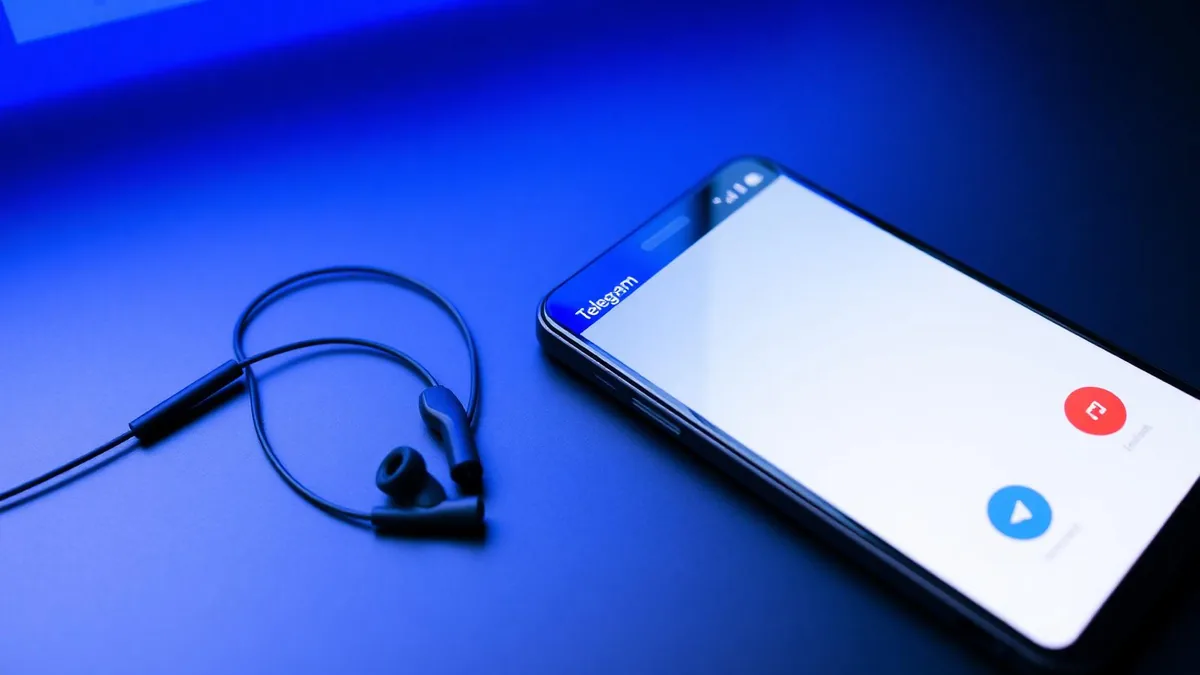
Telegram does not have a built-in voice changer. Third-party apps cannot modify a live Telegram call either, because Android and iOS keep each app's microphone access in its own sandbox. The practical way to change your voice on Telegram is to change the audio before the destination app reads its microphone input. Dubbing AI Voice Changing Earbuds do that in hardware: they convert your voice in the Dubbing AI app on the phone, then pass the changed audio to Telegram through the normal microphone path.
The current Earbuds connection and processing requirements
The Earbuds use wired USB-C audio and have no internal battery. Dubbing AI runs the voice model on the phone, sends the processed sound to the earbuds, and receives it back through USB-C microphone input. The app must remain running and the phone online throughout use. The app's device connection is separate from ordinary Bluetooth headset audio pairing.
This guide covers one-to-one voice calls, video calls, voice messages and group Voice Chats on Android and iOS. If you want to understand why rooting or jailbreaking is not required, see our no-root Telegram voice changer guide.
What you need before you start
- Dubbing AI Voice Changing Earbuds with the included cable and any adapter your phone needs.
- An Android phone or iPhone with the Dubbing AI companion app installed.
- Telegram installed and signed into the account you plan to use.
- A quiet place for your first test call so you can clearly hear the result.
How the earbuds change your voice before Telegram hears it
Telegram reads whatever the phone's microphone gives it. When you plug in Dubbing AI Earbuds, the phone treats them as a standard headset microphone. Dubbing AI runs the model on the phone, sends processed sound to the earbuds and receives it back through USB-C microphone input. Keep the app running and the phone online throughout use. Telegram sees only the converted microphone signal, so the other party hears the chosen voice without any change inside the Telegram app.
The current specs are straightforward. Voice conversion runs at roughly 300 ms, the companion app offers 500+ voices, and the whole system works on both Android and iOS. Because the model runs on the phone and returns its output through USB-C, it does not depend on Telegram adding effects or on you granting any unusual permissions.
Telegram never knows a voice changer is connected. It simply reads from the microphone. If that microphone is the Dubbing Earbuds, the voice it sends is already changed.
Step 1 — Connect the earbuds and choose a voice
- 1Plug the Dubbing AI Earbuds into your phone. Use the included cable and any adapter your phone requires.
- 2Open the Dubbing AI companion app and grant microphone access if it asks.
- 3Browse the voice library and pick one voice to start with. You can preview it by speaking normally.
- 4Leave the app running in the background. Voice conversion stays active as long as the earbuds remain connected.
Step 2 — Make Telegram use the earbuds as your microphone
Telegram will not automatically know that the earbuds are doing the voice conversion. It only knows which microphone source to use. You need to make sure the call is routed to the earbuds.
- 1Open Telegram and start a voice call with a contact as you normally would.
- 2Look at the in-call screen for an audio source button. It may show a speaker icon, the word Audio, or a headset symbol.
- 3Tap it and select the wired earbuds if they are not already chosen. On some phones they appear as Headset or the earbud name.
- 4Ask the other person how you sound. If they hear the converted voice, the route is correct.
On Android, the audio route menu is usually on the call screen. On iOS, you may need to tap the speaker icon first, then choose the earbuds. The exact labels depend on your phone model and iOS version, but the idea is the same: route the call away from the built-in microphone and onto the wired earbuds.
Step 3 — Confirm the changed voice on different Telegram features
Once the audio route is correct, the same setup covers every Telegram feature that uses a microphone. You do not need a separate configuration for each one.
| Telegram feature | What to do | What the other person hears |
|---|---|---|
| Voice call | Start a call and route audio to the earbuds. | Your converted voice in real time. |
| Video call | Start a video call and route audio to the earbuds. | Converted voice; your camera video stays unchanged. |
| Voice message | Hold the mic button in a chat while wearing the earbuds. | The saved message contains the converted voice. |
| Group Voice Chat | Join a Voice Chat and route audio to the earbuds. | Other participants hear the converted voice. |
How to check it's working before you call anyone
You can test the earbuds without making a live call. This is useful because it tells you whether the problem is the earbuds or Telegram's audio route.
- 1Open your phone's built-in voice recorder app.
- 2Speak while wearing the earbuds with the companion app open and a voice selected.
- 3Play back the recording. If it contains the converted voice, the earbuds are working correctly.
- 4Now open Telegram and start a call. If the recording works but the call does not, the issue is Telegram's microphone selection, not the earbuds.
If something goes wrong
Most setup problems are not hardware failures. They are audio routing or permission issues. Use this table to narrow down the cause quickly.
| Symptom | Likely cause | Fix |
|---|---|---|
| The other person hears your normal voice | Telegram is using the phone's built-in mic | Open the in-call audio menu and switch to the wired earbuds. |
| No audio during the call | Loose cable, missing adapter, or dead earbuds battery | Re-seat the connector, check the adapter, and test with a voice recording. |
| Voice changes in the app preview but not in Telegram | Telegram microphone permission is denied | Go to system settings, find Telegram, and enable microphone access. |
| Sound is distant, echoey or robotic | Call is on speakerphone or routed to a Bluetooth headset | Switch the call to the wired earbuds and disable Bluetooth audio. |
| Small delay or lip-sync issue on video calls | Network latency plus conversion latency | Use a stable Wi-Fi network; the 300 ms conversion is usually not noticeable. |
What this setup does and doesn't do
- It changes your voice on one-to-one Telegram calls, video calls, voice messages and group Voice Chats.
- It works on both Android and iOS without rooting or jailbreaking.
- It changes how you sound, not your Telegram identity, phone number or caller ID.
- It requires the earbuds to be worn and connected during the call.
- Console & VR Mode is available. Connect the earbuds to your phone, select Console Mode in Dubbing AI and complete the connection, then unplug them and connect them to the console. Keep the phone app running and online throughout voice changing.
- You should inform the other party whenever you alter your voice on a call.
Ready to change your voice on Telegram?
Dubbing AI Voice Changing Earbuds convert your voice in about 300 ms with 500+ voices. Connect them to your phone, open Telegram, and start talking — no root, no jailbreak, no system changes.
Buy Dubbing AI EarbudsFrequently asked questions
Dubbing AI Team
Hardware & Voice AI
We build real-time voice changing hardware for gaming, streaming and calls.