
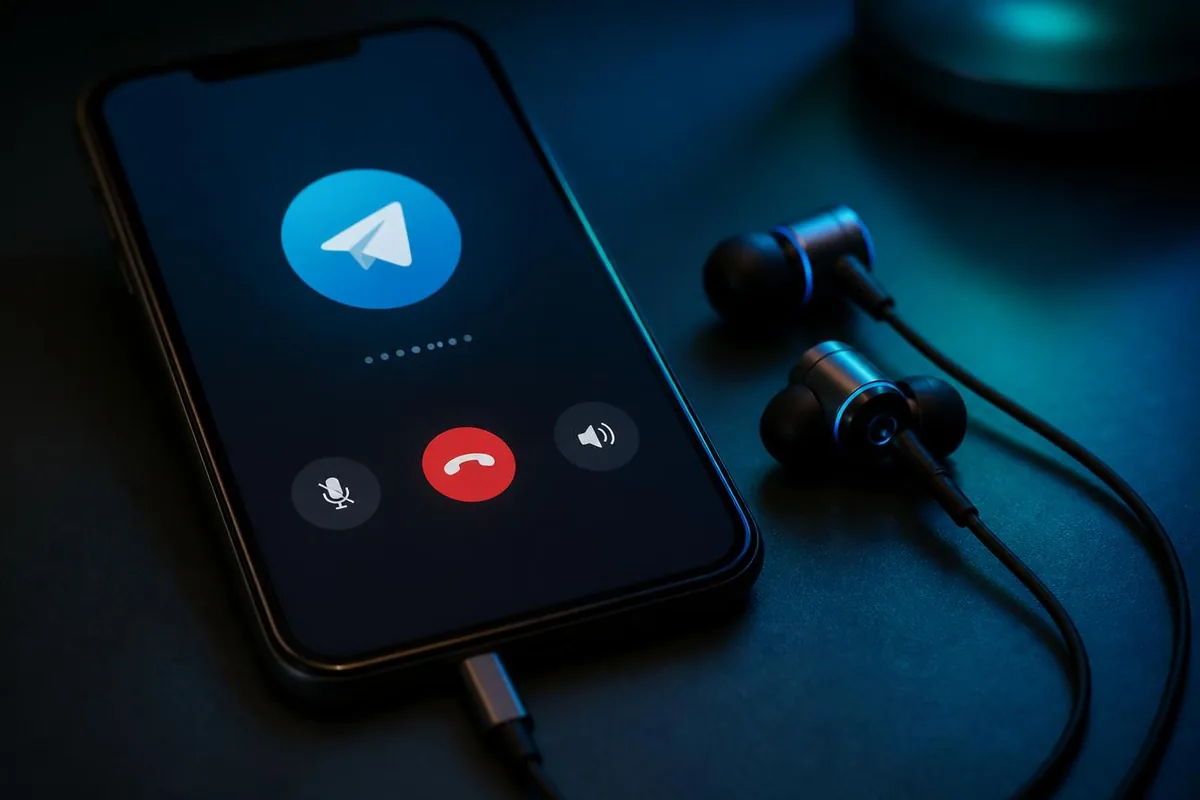
Telegram users who want to change their voice during a call usually run into the same wall. They search for a Telegram voice changer, find apps that promise real-time effects, install one, and discover it only works on recordings. Then they find forum threads telling them to root their Android phone or jailbreak their iPhone. That is where the idea of a Telegram voice changer without root becomes interesting.
The short answer is yes, you can change your voice on Telegram without rooting or jailbreaking anything. The cleanest way is to change the audio before it reaches the phone. That is exactly what Dubbing AI Voice Changing Earbuds do: they process your voice inside the earphones, then pass the converted audio to Telegram through the normal microphone path.
Why most Telegram voice changer guides ask you to root
Telegram is a messaging and calling app, not an audio effects processor. It reads whatever the phone's microphone gives it and sends that to the other party. It has no plugin system for voice effects, and it cannot see virtual microphones created by other apps.
A voice changer app running on the same phone lives inside the operating system's audio sandbox. On Android and iOS, one app cannot inject its audio stream into another app's microphone input. To get around this, some tutorials ask you to root the phone so you can install a low-level audio driver that creates a system-wide virtual microphone. On iOS, the equivalent is a jailbreak that disables the same protections.
- Rooting lets apps install virtual audio drivers that Telegram could use as a microphone source.
- Jailbreaking removes iOS sandbox limits so apps can reroute audio between each other.
- Both approaches modify the operating system, which breaks security updates and app compatibility.
- A hardware voice changer bypasses the problem entirely by converting audio before it reaches the phone.
Root versus no-root: what each route actually costs
Before you decide to root, it is worth comparing the two paths side by side. The no-root hardware route avoids most of the downsides that make rooting a bad idea for a daily driver phone.
| Route | What you need | Main risks | Works on iOS? |
|---|---|---|---|
| Dubbing AI Voice Changing Earbuds | Earbuds + companion app | Must wear the earbuds; requires charging or phone-powered connection | Yes, fully supported |
| Root / jailbreak | Unlocked bootloader, custom recovery, patched OS | Voided warranty, broken banking apps, missed security updates, possible data loss | Jailbreak only; newer iOS versions often have no public exploit |
| Voice changer app | Install from app store | Cannot alter live Telegram calls on Android or iOS; only records and edits files | Yes, but still cannot modify live calls |
The hardware route is the only one that gives you real-time voice changing on Telegram without changing your phone's software. It also works the same way on Android and iOS, which is not true for root-based solutions.
Telegram's four audio paths and where a voice change can happen
Telegram does not treat all audio the same way. If you want to know whether a voice changer will work, you need to look at the specific feature you are using.
| Telegram feature | Audio source | Can earbuds change it? | Notes |
|---|---|---|---|
| Voice call | System microphone during live call | Yes | Earbuds present as the mic source; Telegram receives the converted voice. |
| Video call | System microphone during live call | Yes | Same audio path as a voice call; your camera video stays unchanged. |
| Voice message | System microphone during recording | Yes | Record while wearing the earbuds; the saved message contains the converted voice. |
| Group Voice Chat | System microphone during live session | Yes | Works the same as a one-to-one call because the audio path is identical. |
The common thread is the system microphone. Whenever Telegram is reading from a microphone that the earbuds can feed, the converted voice goes through. When Telegram is reading from a different source, such as your laptop's built-in mic during a desktop call, the earbuds cannot help unless they are connected to that computer.
How Dubbing Earbuds change your voice before Telegram receives it
Dubbing AI Voice Changing Earbuds are wired in-ear headphones with a built-in voice processor. You plug them into your phone, open the companion app, choose a voice and start talking. The conversion happens inside the earbuds before the audio reaches the phone, so Telegram sees a normal microphone input that already sounds different.
The current specs are simple: conversion runs at roughly 300 ms, the voice library contains 500+ voices, and the companion app runs on both Android and iOS. Because the change is done in hardware, it does not depend on Telegram adding support or on you granting extra permissions beyond the microphone access Telegram already requests.
Telegram never knows the voice changer is there. It just reads from a microphone. If that microphone is the Dubbing Earbuds, the voice it sends is already changed.
Console and VR support is planned for late August 2026. This guide focuses on mobile Telegram use on Android and iOS, which is where most people want a no-root voice changer today.
Setting up Dubbing Earbuds for a Telegram call in five steps
The setup is intentionally simple. There is no per-app configuration inside Telegram because the earbuds do not need to talk to Telegram directly.
- 1Plug the Dubbing AI Voice Changing Earbuds into your phone. Use the included cable and any adapter your phone needs.
- 2Open the Dubbing AI companion app and grant microphone access when prompted.
- 3Pick a voice from the library. Preview it by speaking into the earbuds before starting the call.
- 4Open Telegram and start a voice call, video call, group Voice Chat or record a voice message as you normally would.
- 5Make sure the call audio is routed to the earbuds, not the phone's earpiece or speaker. Most phones show the current audio route on the in-call screen.
A useful pre-flight check: open your phone's built-in voice recorder, speak while wearing the earbuds, and play it back. If the recording contains the changed voice, the earbuds are converting correctly. Then start a Telegram call and confirm the audio route is set to the earbuds.
For a more detailed walkthrough of the same audio routing principles, see a four-step earbuds setup for calls. If you also use WhatsApp, the same hardware setup works there too: read how the same setup handles WhatsApp calls.
If Telegram still hears your real voice, check these
Most problems are not the earbuds failing to convert audio. They are the phone using a different microphone source, or Telegram not having permission to use the one the earbuds provide.
| Symptom | Likely cause | Fix |
|---|---|---|
| The other person hears your normal voice | Telegram is using the phone's built-in mic instead of the earbuds | Check the in-call audio route and switch it to the earbuds. |
| No audio at all during the call | The earbuds are not fully seated, or the adapter is loose | Re-seat the connector and test with a voice recording first. |
| Voice changes in the app preview but not in Telegram | Telegram microphone permission is denied or set to a different device | Go to system settings, find Telegram, and confirm microphone access. |
| The converted voice sounds distant or echoey | The call is on speakerphone or routed to a Bluetooth headset | Switch the call to the wired earbuds and turn off Bluetooth audio. |
One quick diagnostic: if the earbuds work in every other app but not Telegram, the issue is almost always Telegram's microphone permission or the audio route. If they do not work in any app, check the physical connection first.
What this setup does not do
No voice changing setup is perfect. You still have to wear the earbuds during the call. They need to be charged or connected through the phone's port. You also need the companion app to pick and switch voices. And, like any voice changing setup, you should follow local laws and get consent from the other party before altering your voice on a call.
There is also a limitation around identity. Changing your voice changes how you sound, not who you are on Telegram. Your Telegram number, username and caller ID stay the same. That is usually what people want for fun calls or content creation, but it is worth keeping in mind if your goal is to hide your identity completely.
- You must wear the earbuds for the changed voice to reach Telegram.
- The companion app is required to select and switch voices.
- It changes your voice, not your Telegram identity or caller ID.
- Always inform the other party when your voice is being altered.
Change your Telegram voice without touching your system
Telegram will not change your voice for you, and most apps cannot break out of the mobile microphone sandbox. Rooting or jailbreaking can work, but the cost is high and the risk is real. The practical no-root answer is to change the voice before it reaches the phone. Dubbing AI Voice Changing Earbuds do exactly that, giving you a changed voice inside Telegram voice calls, video calls, voice messages and group Voice Chats on both Android and iOS.
Get a Telegram voice changer that does not need root
Dubbing AI Voice Changing Earbuds convert your voice in about 300 ms with 500+ voices. Plug them in, pick a voice, and start your Telegram call — no root, no jailbreak, no system changes.
Buy Dubbing AI EarbudsFrequently asked questions
Dubbing AI Team
Hardware & Voice AI
We build real-time voice changing hardware for gaming, streaming and calls.