
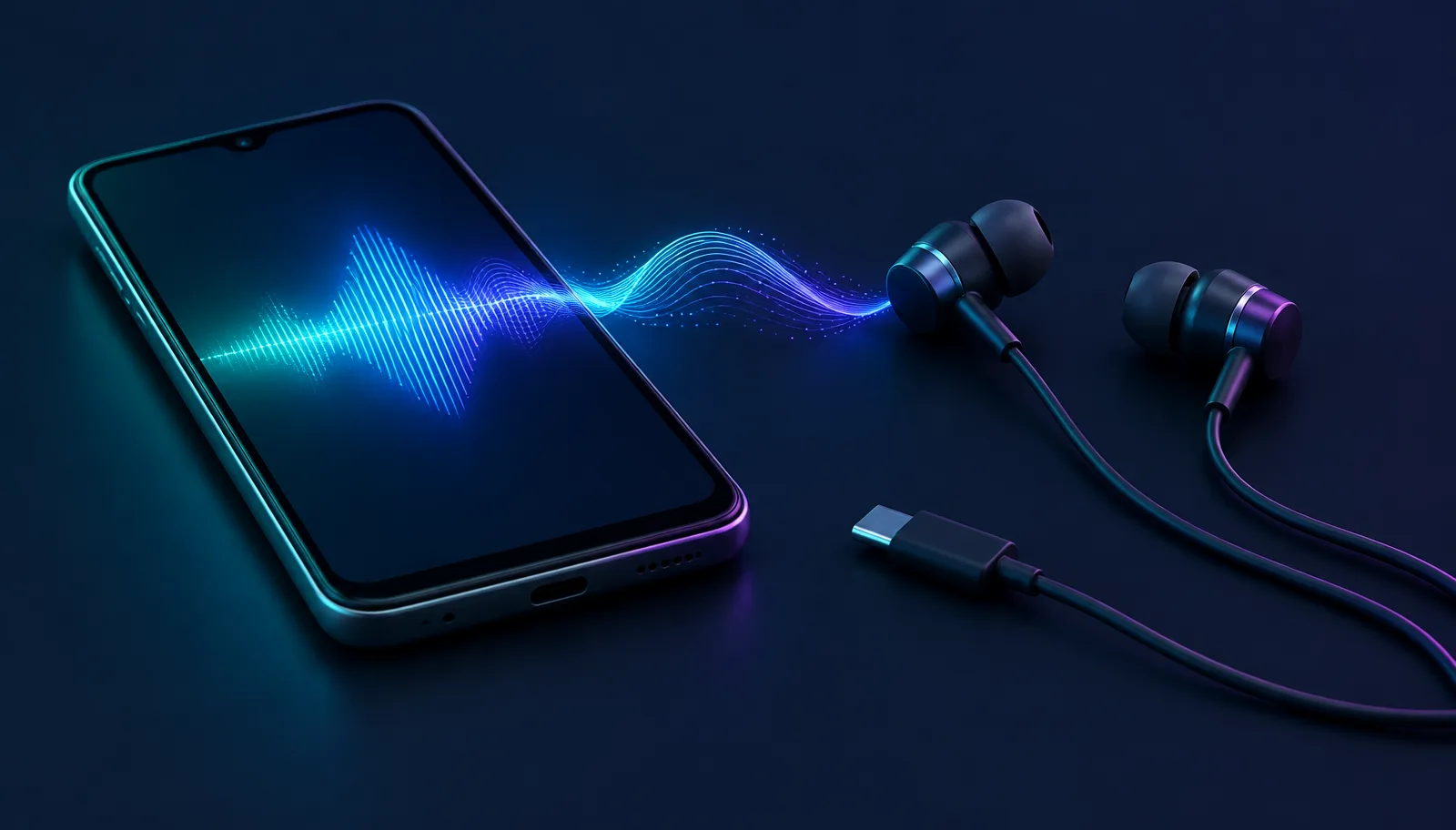
Tecno sells some of the most popular budget Android phones in Africa, South Asia and Southeast Asia, and the Camon, Spark and Pova lines show up in voice changer searches constantly. The question "does this voice changer work on my Tecno" sounds like it should have a brand-level answer. It does not, and understanding why saves you from installing five apps that all fail the same way.
Compatibility on a Tecno is decided by two things: whether the phone's USB-C port accepts audio input, and how aggressively HiOS, Tecno's Android skin, manages background apps. Get those two answers and you can predict the result for any voice changer before you download it.
What "compatible with Tecno" actually means
Tecno phones are Android phones. HiOS changes the look, adds its own apps and tunes power management, but the audio rules underneath are standard Android. That means no voice changer maker maintains a Tecno compatibility list, because there is nothing Tecno-specific to list. The real question is which category of voice changer you are trying to use.
Recording-style apps, the ones where you speak, apply an effect and share a clip, work on essentially every Tecno model with a working microphone. Live voice changing, where the other person in a call or game hears the effect in real time, is where compatibility gets narrow. That distinction matters more than any model name, and our breakdown of why voice changer apps behave differently per calling app explains the routing behind it.
On a Tecno, the question is never "does this app support my phone" — it is "does this kind of voice changing work on Android at all."
Which Tecno phones can run a live voice changer
Rather than a model-by-model list that would go stale within months, use this table to place your own phone. The checks take under a minute and apply to any Tecno released in the last few years.
| Tecno line | Typical port | What to check | Live voice changing outlook |
|---|---|---|---|
| Camon series | USB-C | Plug in a USB-C audio accessory and confirm the phone routes the microphone through it | Good, if the port accepts audio input |
| Spark series | USB-C on recent models | Same USB-C audio check; older micro-USB models cannot take a USB-C audio device | Good on USB-C models |
| Pova series | USB-C | Same check; gaming-focused models handle sustained processing well | Good, if the port accepts audio input |
| Older micro-USB models | Micro-USB | No USB-C audio path exists | Recording apps only |
The single most reliable test is physical: connect any USB-C headset with a microphone, make a voice recording, and play it back. If the recording came from the headset mic, your Tecno accepts USB-C audio input, and every live voice changing option that depends on that path is open to you.
Why recording apps work but live calls do not on HiOS
Android does not give ordinary apps a virtual microphone. A voice changer app can record and process your voice inside itself, but it cannot hand that processed audio to WhatsApp, a game, or the dialer as their microphone source. This is an Android platform rule, not a Tecno limitation, and it is why every "live call voice changer" on the Play Store quietly turns out to be a recorder.
HiOS adds a second problem on top. Its battery management is aggressive about suspending background apps, which is exactly what a real-time audio processor needs to survive. Even the rare app with a legitimate live mode can be killed mid-call unless you find it in HiOS's battery or app management settings and exclude it from cleanup. Budget phones ship with tighter memory limits too, so sustained real-time processing competes with the game or call app for resources.
- Recording and sharing clips: works on virtually any Tecno.
- Live effects inside one specific app that supports soundboard input: rare, and fragile under HiOS background limits.
- System-wide live voice changing from an app: not possible on unrooted Android.
- Live voice changing from hardware on the USB-C audio path: works wherever the port accepts audio input.
There is also a performance angle specific to budget phones. Real-time audio processing is a sustained workload, and entry-level chipsets throttle under heat during a long gaming session. A voice effect that sounds fine in a two-minute test can start crackling forty minutes into a match, which looks like a compatibility failure but is really the phone protecting itself. Keeping the game graphics one notch lower frees enough headroom for clean audio.
The hardware route: change your voice before the destination reads its microphone input hears it
If the software walls are the problem, the fix is to stop asking software for permission. Dubbing AI Voice Changing Earbuds are wired USB-C earbuds that convert your voice before the signal reaches the destination app, so the Tecno simply receives a normal microphone input. There is no virtual mic to install and no background process for HiOS to kill.
The current Earbuds connection and processing requirements
The Earbuds use wired USB-C audio and have no internal battery. Dubbing AI runs the voice model on the phone, sends the processed sound to the earbuds, and receives it back through USB-C microphone input. The app must remain running and the phone online throughout use. The app's device connection is separate from ordinary Bluetooth headset audio pairing.
Set expectations before buying. Earbuds use wired USB-C audio and contain no battery. The voice model runs on the Tecno phone and the earbuds return its output through USB-C microphone input. Keep Dubbing AI running and the phone online throughout use. About 300 ms is the October 2026 processing figure, and phone performance can increase the experienced delay.
For a wider look at where software still earns its place, our Android phone call voice changer guide covers the dialer side of the same problem.
A 60-second compatibility check for your Tecno
Run this before installing anything else. It tells you which category of voice changing your specific phone can support.
- 1Check the charging port. USB-C means the hardware audio path is possible; micro-USB ends the live-changing question immediately.
- 2Borrow any USB-C headset with a microphone, record a sentence in the voice recorder, and confirm the audio came from the headset.
- 3Open HiOS battery or app management settings and note where background cleanup exclusions live, in case a live app needs one.
- 4Test one recording-style app to confirm the microphone and processing work at all.
- 5Make one short real call with your chosen setup and ask the other person what they heard — their answer is the only compatibility result that counts.
If the USB-C headset test fails on a phone that should support it, try a second cable or accessory before blaming the port. Some budget USB-C headsets are charge-only or use a wiring standard the phone does not expect, and a two-dollar difference in cable quality can flip the result. Testing with a known-good audio accessory removes that doubt.
Most Tecno owners finish this checklist in one of two places: happily making clips with a free recorder app, or certain that live changing needs the USB-C hardware path. Either outcome is fine. The point is that you reached it with evidence from your own phone instead of a review section full of one-star guesses.
Live voice changing that HiOS cannot kill
Dubbing AI Voice Changing Earbuds convert your voice over a wired USB-C connection with 500+ voices and about 300 ms latency as of October 2026. The Dubbing AI App and an internet connection are required.
Buy Dubbing EarbudsFrequently asked questions
Dubbing AI Team
Hardware & Voice AI
We build real-time voice changing hardware for gaming, streaming and calls.