
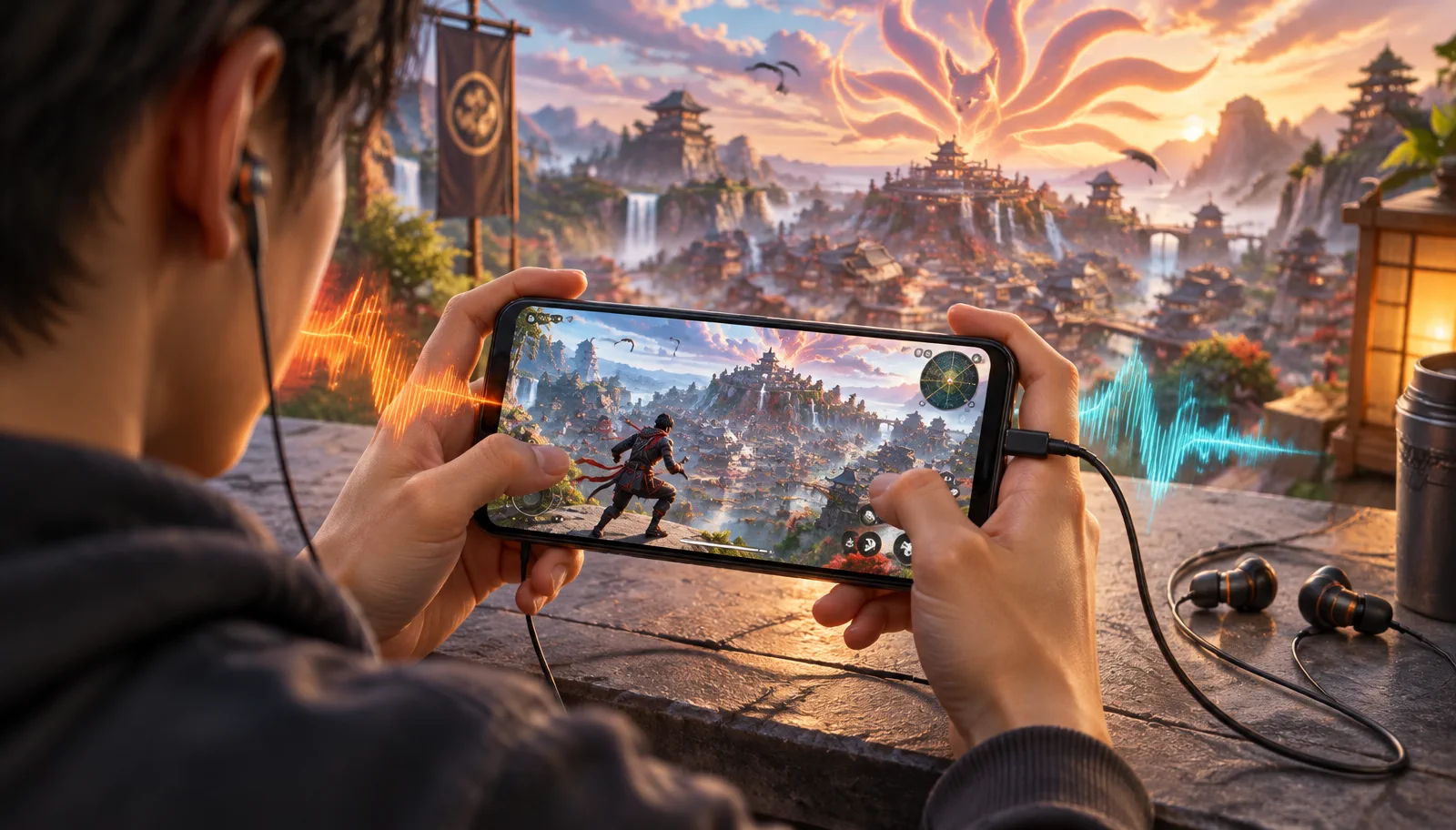
A Naruto outfit changes what your Free Fire squad sees. A Naruto-inspired voice changes what they hear. During a collaboration match, that combination can turn the pre-drop lobby, a revive, or a last-circle call into light roleplay without changing the game itself. The difficult part is not choosing a dramatic voice. It is getting that processed voice into live mobile squad chat while keeping every callout understandable.
This guide focuses on that narrow job. It does not promise an exact copy of Naruto, a voice actor, or any licensed performance. Instead, it shows how to build an energetic anime-hero style, route it into Free Fire on a phone, and test it before the plane launches. For the broader microphone explanation, start with our complete Free Fire mobile voice changer guide.
Why the Naruto collaboration makes voice roleplay work
Garena brought back Free Fire x NARUTO SHIPPUDEN Chapter One: Nine Tails Strikes from September 16 through October 15, 2026. The official return adds Hinata Hyuga, the Ninja Academy, Sharingan: Control, and refreshed rewards alongside the Hidden Leaf Village. Those visuals give squad roleplay a shared reference: teammates understand the bit before you explain it, especially when your outfit and voice point in the same direction.
The strongest moments are short. An excited drop call suits an energetic hero voice; a calm revive line suits a softer, focused style; a gravelly warning can fit a veteran-ninja look. None of those moments requires quoting the series. A voice style works because it supports the match situation, not because it imitates a protected performance word for word.
Treat the changed voice like part of the outfit: recognizable in mood, original in performance, and clear enough for the squad to follow.
What sounding like Naruto should actually mean
Searches for a Naruto voice changer usually describe a direction rather than one measurable sound. Naruto's familiar English and Japanese performances belong to their actors and rights holders. A safer creative target is a bright anime-hero delivery: youthful energy, forward resonance, quick reactions, and enough pitch lift to feel animated without crushing consonants. That gives the roleplay energy players want while keeping the result your own.
Start with one character-style preset, then shape your delivery around it. Speak slightly faster in the lobby, slow down for locations, and avoid forcing your throat into an unnatural rasp. The effect should come from processing and performance together. If you have to shout to sell the voice, the preset is probably too far from your natural range.
- Use a bright mid-to-high pitch for energetic lobby banter and celebrations.
- Keep firm consonants for enemy locations, item names, and revive timing.
- Lower the effect intensity when gunfire starts masking the ends of words.
- Save longer character lines for the lobby rather than an active firefight.
That balance matters more than resemblance. Your squad needs to hear “two left, roof” on the first attempt. A less extreme anime voice that preserves those words will feel better in a full match than a dramatic preset that only works in a ten-second clip.
Why ordinary mobile apps miss Free Fire squad chat
Free Fire listens to the microphone input supplied by Android or iOS. A typical mobile voice changer records audio inside its own app, adds an effect, and exports or plays the result there. Mobile operating systems do not normally let that app replace the live microphone used by another app. The processed Naruto-style test can sound correct in the recorder while your squad still hears the untreated phone microphone.
The practical route is to change the signal before Free Fire receives it. Dubbing AI Voice Changing Earbuds use a wired USB-C connection and send the processed microphone signal into the phone as the active input. They are not wireless earbuds, contain no battery, and need the Dubbing AI App plus an internet connection while changing voices. That tradeoff removes the virtual-microphone problem, but it does not remove processing delay.
The current Earbuds connection and processing requirements
The Earbuds use wired USB-C audio and have no internal battery. Dubbing AI runs the voice model on the phone, sends the processed sound to the earbuds, and receives it back through USB-C microphone input. The app must remain running and the phone online throughout use. The app's device connection is separate from ordinary Bluetooth headset audio pairing.
If your goal is only a recorded Naruto-style clip for social media, a recorder app may be the simpler choice. Hardware becomes relevant when the changed voice must reach teammates during the live match. Choose based on the destination of the audio, not the size of the preset list.
Set up a Naruto-inspired voice before the match
Do the full setup before opening ranked play. The sequence below separates voice selection from game testing, so a permission problem cannot masquerade as a bad effect. It also gives you one clean recording to compare with what a teammate hears in the lobby.
- 1Connect the wired earbuds to a phone that supports USB-C audio input, then confirm the phone recognizes the accessory microphone.
- 2Open the Dubbing AI App while connected to the internet and choose a bright anime-hero or youthful character-style voice.
- 3Record one normal sentence and one short callout, then reduce the effect if either becomes difficult to understand.
- 4Open Free Fire, allow microphone access, enter a lobby with a teammate, and make sure squad voice chat is enabled.
- 5Ask the teammate to repeat one location word back to you; if it is correct, the routing and clarity are ready for the match.
That last check is more useful than asking whether the voice sounds “good.” Repeating a word proves the signal reached the correct input and survived voice compression. If the teammate hears your natural voice, reconnect the USB-C accessory and verify the app is online before changing presets again.
Match the voice style to your collaboration outfit
The 2026 event centers on recognizable ninja themes, but one preset does not fit every outfit or match moment. Use the table as a performance brief rather than a list of official voices. Each direction describes an original style you can create with a preset and delivery; it does not claim a licensed Naruto voice exists in the library.
| Outfit or theme | Voice direction | Best match moment | Clarity rule |
|---|---|---|---|
| Naruto-inspired hero | Bright, eager, quick | Lobby, drop, celebration | Keep pitch moderate during callouts |
| Hinata-inspired style | Soft, composed, precise | Revives and close coordination | Add volume rather than extra distortion |
| Jiraiya-inspired style | Warm, older, theatrical | Banter and rotation planning | Avoid a rasp that hides consonants |
| Nine Tails theme | Deep, intense, restrained | Final circle or win screen | Use short phrases and lower effect depth |
The table reveals a useful pattern: the more dramatic the voice, the shorter its best moment. Hero and composed styles can survive ordinary squad conversation. Deep creature effects are better as punctuation because low frequencies and distortion compete with weapons, vehicles, and compressed mobile chat.
Switching styles between matches is safer than changing them during a fight. Pick one readable default for ranked play, then keep the most exaggerated option for the lobby or victory screen. That turns the voice into a recognizable character choice without making teammates decode every sentence.
Keep squad callouts clear through processing delay
Every real-time voice changer adds processing time. Dubbing AI Earbuds run at about 300 ms latency as of October 2026, and the experienced delay can vary with phone performance, network conditions, and the voice path. Three hundred milliseconds is manageable for conversation, but it rewards compact callouts. Lead with the location or action instead of building toward it.
Say “roof, two enemies” rather than “I think I saw two people up on the roof.” Say “revive now” before adding context. The first version puts the useful word through the audio chain earlier and leaves less processed speech for Free Fire to compress. Our voice changer delay guide explains how to separate device processing from network lag when the delay feels longer than expected.
- Lead with place: “bridge,” “roof,” or “left wall.”
- Follow with count: “one,” “two,” or “full squad.”
- End with action: “push,” “hold,” “heal,” or “rotate.”
This structure still sounds natural in an anime-hero voice, and it gives teammates the important information first. If the effect clips the opening word, lower its intensity or speak a little farther from the microphone. Do not compensate by shouting; louder input can create more distortion after processing.
Test the voice before the plane launches
A five-part lobby test catches most failures before they cost a match. First, confirm the app remains online. Next, record a local sample, join squad chat, speak one location phrase, and ask a teammate what they heard. Finally, mute and unmute once to make sure Free Fire returns to the USB-C microphone instead of the phone's built-in mic.
Use the symptom to decide what to change. Natural voice means the input route is wrong. No voice points to permission, mute, connection, or accessory recognition. A changed but muddy voice means the routing works and the preset needs less pitch or distortion. A clean voice that arrives late calls for a network comparison with the effect disabled.
Test routing with one ordinary callout, not a character catchphrase. A teammate repeating the location back proves the setup works.
Roleplay without misleading or exhausting teammates
A character-style voice is entertainment, not a license to impersonate a real person or claim an official affiliation. Do not present yourself as a voice actor, use the effect to deceive younger players, or keep a disruptive preset after the squad asks you to stop. Free Fire's communication rules still apply to the words and behavior carried through the effect.
Good roleplay supports the team. Introduce the bit in the lobby, return to clear calls during fights, and save the biggest performance for a win. That rhythm makes the collaboration outfit feel more complete without turning squad chat into a soundboard. The skin starts the joke; a readable original voice keeps it fun.
Build a live anime-hero voice for Free Fire
Dubbing AI Voice Changing Earbuds use a wired USB-C path with 500+ character-style voices and about 300 ms latency as of October 2026. The Dubbing AI App and an internet connection are required for voice changing.
Buy Dubbing EarbudsFrequently asked questions
Dubbing AI Team
Hardware & Voice AI
We build real-time voice changing hardware for gaming, streaming and calls.