
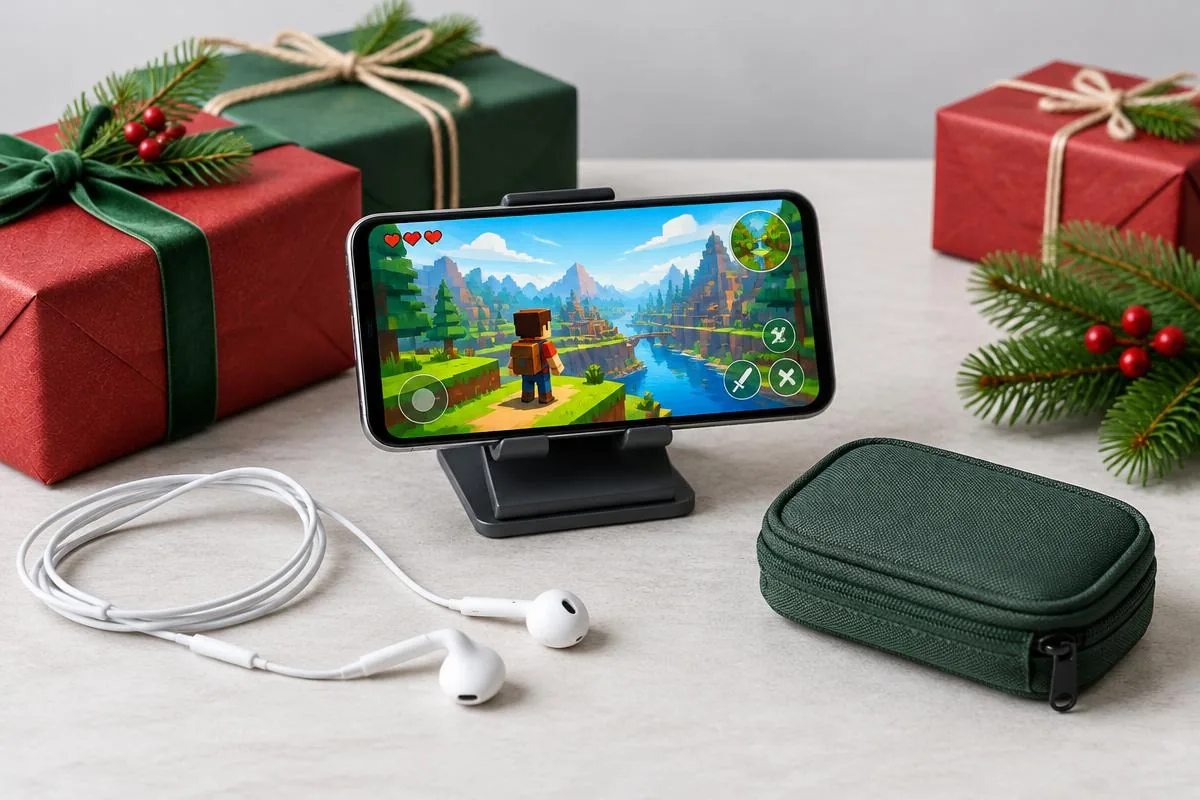
You know the teenager plays Roblox, Free Fire or Fortnite on their phone. That is a useful clue, but it is not yet a shopping list. They might love building with friends, collecting outfits, or playing short matches without talking. A good Christmas gift respects that routine and the family's choices about spending and online conversation.
This guide helps parents, relatives and family friends choose Christmas gifts for teens who play those games on mobile. Unlike our Roblox mobile friend-gift guide, it starts with the adult handoff: who approves the purchase, which account receives it, and what the teen can use without changing household rules. No accessory here promises better rankings or unrestricted chat.
Start with the teen's routine and the family's boundaries
Ask the parent or guardian whether game credit, microphone accessories and connected devices are welcome. Then ask the teen which part of playing feels inconvenient. Keep those conversations separate from account passwords or private messages. You can confirm a phone model and favorite game without examining their contacts or opening their account on another device.
A thoughtful gaming gift supports the family's choices; it does not quietly change them.
For example, a teen who already chats with known friends may want a microphone accessory. Another who plays silently might appreciate a comfortable grip or a stand for watching tutorials. Someone who enjoys choosing outfits could prefer approved game credit. Start with those preferences rather than deciding that every gamer needs more electronics.
Avoid making Christmas a subscription commitment
Check whether a digital gift starts a recurring payment, needs a stored card or renews on the parent's account. An ongoing plan is not the same as a fixed-value present. Where the terms are unclear, let the family choose the purchase method. Keep a receipt and explain what you bought instead of handing over an unexplained login or payment link.
Use different purchase checks for each game
A game logo does not establish what a teen's account can redeem or which social features it can use. Use this table to identify the next question before shopping. These are checks, not promises that every account has the same options. The family should confirm them in the current game and official help.
| Game | A gift direction to consider | Confirm first |
|---|---|---|
| Roblox | Approved gift card or accessories for existing play | Correct account, redemption route and chat eligibility |
| Free Fire | Practical phone gear or family-approved credit | Regional purchase channel and recipient account |
| Fortnite | Approved gift card or gear for the current phone setup | Card terms, Epic account permissions and actual mobile access |
For mixed-game players, a useful physical accessory can avoid choosing one game's currency. But it still needs to fit the phone and their way of playing. A stand is good for a companion screen, not automatically for touch-controlled matches. Do not buy a controller simply because Fortnite or Roblox appears in a product listing.
Roblox: separate gift-card redemption from voice access
As checked in November 2026, Roblox's gift-card instructions provide a browser redemption route and describe device-specific exceptions. Include the official instructions, not a promise that every mobile app has the same redemption button. The recipient should check the signed-in account themselves before entering the code. Keep the code private until gifting.
Gift credit does not unlock voice chat. Roblox's chat guidance, checked in November 2026, requires age checks for chat and describes voice access for eligible age-checked users aged 13 or older in supported regions and experiences. Family preferences still matter. Do not offer a voice accessory as a way around a missing chat button.
Free Fire: do not invent a universal gift-code route
Confirm the family's accepted purchasing method in the player's region before choosing diamonds or store credit. A code from one storefront is not automatically a Free Fire gift everywhere. Do not share the teen's password with a seller or buy a preloaded account. When the purchase route is unclear, choose practical gear instead of relying on a discount message.
Garena's Brazilian payment guidance, checked in November 2026, describes several regional payment methods. It should not be copied into a worldwide guarantee. For a US or global reader, the useful lesson is to verify the local route. Our Free Fire gifts beyond skins and diamonds guide offers additional non-currency options.
Fortnite: check the account before choosing social gear
Epic's Cabined Account guidance, checked in November 2026, explains that certain younger accounts cannot use voice or free-text chat until parental consent is provided. A new headset cannot change that condition. Epic's parental controls also let parents manage social permissions. Confirm the allowed conversation settings rather than treating unrestricted chat as part of the present.
If you choose credit, read the current Fortnite gift-card terms before buying. Verify the card type and account requirements rather than assuming it buys every subscription or content type. Also confirm that the teen already plays through a working mobile setup. A gift is not a guarantee of installation or availability on every phone and in every region.
Voice gifts belong with approved, existing chat
A voice effect can be a fun character-performance tool for a teen who already uses permitted chat with friends. It is not a safety measure, an age-verification workaround or a way to conceal identity from a parent. Ask whether the teen wants that specific effect. Ordinary listening headphones are the more direct choice if clear game audio is the only goal.
Dubbing Earbuds for a clearly agreed voice-effect gift
The Dubbing AI Voice Changing Earbuds page lists 500+ voices and approximately 300 ms latency as of November 2026. Phone performance affects the delay; do not present it as instant conversation. Confirm compatible USB-C microphone input, the app requirements and the intended game chat. These are product specifications, not a hands-on guarantee for every Roblox experience, Free Fire session or Fortnite channel.
The Earbuds use wired USB-C audio and have no internal battery. Dubbing AI runs the voice model on the phone, sends the processed sound to the earbuds, and receives it back through USB-C microphone input. The app must remain running and the phone online throughout use. The app's device connection is separate from ordinary Bluetooth headset audio pairing.
The running app and internet requirement should be part of the family's decision before payment. The recipient also needs to accept wired audio rather than expecting a cordless headset. Do not add an undocumented adapter to make a doubtful phone appear compatible. If those conditions are not welcome, choose a simpler physical accessory instead.
Keep the first voice test private and friendly
After opening the gift, test the outgoing microphone with a trusted listener in an allowed chat setting. Ask what they hear rather than judging only the local effect. Choose an obviously fictional character style and tell friends it is an effect. Stop if anyone is uncomfortable; never use it to impersonate a teacher, friend or family member.
Changing a voice changes the sound, not the permission to speak or the responsibility for what is said.
Physical gifts that do not require account credit
A stand, grip or cable pouch can be a good alternative when the family prefers not to add game currency. Match it to a real inconvenience instead of assuming more gear is always better. Check the phone with its normal case attached. A gift that blocks a side button or covers the camera may be used less than the original setup.
Choose a stand or grip for its actual job
A stand can hold a phone for a walkthrough, video call or companion screen between matches. Touch-controlled play may still require holding the phone. A grip can help someone who already wants that shape, but fit and comfort are personal. Avoid promising it improves aim, prevents injury or makes every game easier.
Make organization useful rather than decorative
A small pouch makes sense when the teen carries an existing headset, cables or a stand between places. Check the actual dimensions and ask what gets left behind. Choose a gift that organizes what they already own instead of adding another unneeded charging cable. It can be a practical present without demanding a new account or more screen time.
Consider a teen who moves between two households with the same phone. A pouch and a familiar headset may be more useful than game credit tied to an account the giver has guessed. For someone who plays only at a desk, a stable stand might suit the routine better. Context matters more than the number of accessories in the box.
Hand over the gift without handing over extra problems
Before checkout, read the seller's delivery estimate and return conditions. Do not assume a November purchase remains returnable after Christmas, or that a seasonal label guarantees savings. Keep packaging and the order record until the fit is confirmed. This guide makes no claim about a current discount, guaranteed holiday delivery or retailer-specific gift-return extension.
Let the teen and parent complete account steps
Put a short note in the gift explaining the intended use and offering help with the first check. Let the family handle redemption, app installation and permission choices on their own account. Do not pre-redeem a code or create an account in the teen's name to preserve the surprise. Clear instructions are more useful than hidden setup work.
Choose a voice gift when the teen wants effects and the family accepts its conditions. Choose approved game credit when personal choice is the priority. Choose practical phone gear when account or microphone questions remain unresolved. A Christmas present should make their existing hobby more enjoyable, without deciding their purchases, social settings or gaming schedule for them.
Review the voice gift together
Check the phone, app, network and permitted chat requirements before buying a voice-effect accessory.
Explore Dubbing EarbudsFrequently asked questions
Dubbing AI Team
Hardware & Voice AI
We build voice-changing hardware. This family-oriented guide combines current product requirements with official game-account help, not tests of every game or third-party accessory.