
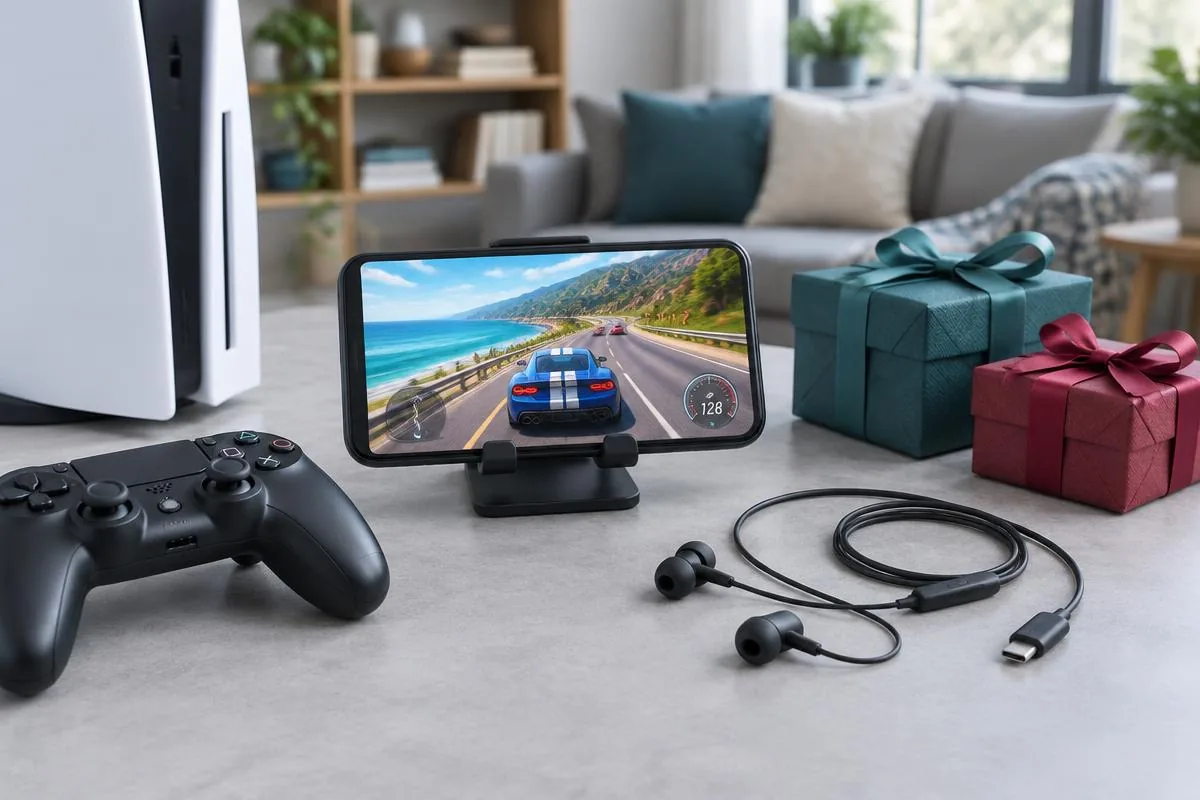
Your friend plays on a console after dinner, then opens a phone game when someone else needs the television. Their gaming life already crosses devices. A useful Black Friday gift makes that transition less awkward, or adds something they actually want on both sides. It does not need to replace a controller or headset they already like.
This guide focuses on Black Friday gifts for console players who also game on mobile, not a roundup of live deals. The starting point is their move between devices: what they carry, how they talk, and which controls they use. Our mobile gamer gift guide covers broader shopping; this checklist addresses the extra connection questions that a two-device setup creates.
Shop for the transition between console and phone
Ask what happens when the television session ends. Do they continue the same game on their phone, open a different game with friends, or watch a walkthrough while waiting? Those routines suggest different gifts. A phone mount helps someone using documented controller support; a cable pouch helps someone carrying wired audio. Neither solves a missing voice-chat feature.
A shared accessory is useful only when its second connection is as clear as its first.
Separate native phone gaming from streaming a console game to the phone. The screen may look similar, but controls and audio can follow different paths. For example, a headset working directly on a console is not proof that a remote-play app accepts its microphone. Check the exact app documentation before treating one accessory as a gift for every route.
Write down the devices without asking for passwords
Ask about the console model, phone model and usual chat channel during an ordinary gaming conversation. A mutual friend can confirm an accessory they already own. Do not inspect private accounts to preserve the surprise. If an essential connection remains unknown, choose a non-electronic gift or offer a contribution toward an accessory the recipient selects.
Voice-changing earbuds for players who enjoy talking
Consider voice gear when the recipient already chats with friends and wants character-style effects. It is less relevant to someone who plays quietly or primarily needs a cordless listening headset. Keep the two jobs separate. Changing an outgoing voice is not the same as improving positional game sound, and neither guarantees a competitive advantage.
Dubbing Earbuds: check the mobile requirements first
The Dubbing AI Voice Changing Earbuds page lists 500+ voices and approximately 300 ms latency as of November 2026. That delay depends partly on phone performance, so buy for playful conversation rather than an expectation of zero delay. Compatible USB-C microphone input matters as much as the shape of the connector. Hearing an effect locally does not prove another player receives it.
The Earbuds use wired USB-C audio and have no internal battery. Dubbing AI runs the voice model on the phone, sends the processed sound to the earbuds, and receives it back through USB-C microphone input. The app must remain running and the phone online throughout use. The app's device connection is separate from ordinary Bluetooth headset audio pairing.
For a phone gift, confirm the exact device and whether the recipient accepts that running-app requirement. An iPhone or Android charging cable alone does not establish microphone-input support. If they want to leave their phone switched off during console sessions, this is the wrong voice-changing workflow. An ordinary headset may suit that preference better.
Console Mode is available, but the connection still matters
Console & VR Mode is available in the current Earbuds workflow. It is not a promise of every adapter, headset model or party-chat route working interchangeably. Before gifting, check the recipient's console and intended microphone connection with the current product guidance. The setup follows this order, rather than starting by plugging the earbuds into a controller:
- 1Plug the USB-C earbuds into your phone and open Dubbing AI with internet access.
- 2Select Console Mode (Console & VR Mode) on the earbuds page in the app.
- 3Complete the connection in the app before disconnecting the earbuds from the phone.
- 4Unplug the earbuds from the phone and connect them to the console using the supported connection for that platform.
- 5Keep Dubbing AI running and the phone online throughout voice changing. Check the console's active microphone input and ask a listener to confirm the outgoing voice.
On PS5, plug the earbuds into a USB-C port on the console itself. The DualSense controller's USB-C port only charges and carries no audio data; the controller supports headsets only through its 3.5 mm jack. Because the earbuds are wired to the console, you need to sit within cable reach of the PS5 while voice changing.
That cable reach is a buying decision, not a minor setup detail. A player sitting close to a desk-mounted PS5 has a different arrangement from someone across a living room. Our PS5 Earbuds connection troubleshooting guide explains the relevant checks. Do not assume an unverified extension or adapter preserves the supported audio path.
Compare gifts by what actually carries across devices
Use this table after confirming the recipient's routine. It compares purchase conditions, not products we have personally ranked. Some gifts carry physically between rooms without sharing any electronics. Others need separate support checks on each device, even when a listing describes them as multi-platform.
| Gift category | Why it fits a two-device player | What to verify |
|---|---|---|
| Dubbing Earbuds | Character-style conversation on checked audio routes | Phone app online, microphone input and console connection |
| Controller or phone mount | Familiar controls where the game supports them | Exact controller, game support, case fit and port clearance |
| Ordinary headset | Listening and standard microphone use | Documented console and phone audio paths |
| Phone stand | Walkthroughs and companion screens beside the console | Stable base, viewing angle and charging clearance |
| Cable pouch | Moving existing accessories between rooms | Dimensions and space for the recipient's real gear |
| Platform credit | Letting the player choose a game or content | Correct storefront, account region and redemption terms |
The safest shared gift often has the fewest uncertain connections. A stand can be useful beside the console even if a phone game remains touch-only. A controller is a stronger choice when the recipient already names a supported game and model. Buy the item that solves a known inconvenience, rather than building a bundle around assumptions.
Treat Dubbing Box as a separate setup decision
If the recipient asks about the Dubbing Box product setup, keep its requirements separate from the Earbuds. Box must be used with Bluetooth earbuds and must be set up on an Android device. An iPhone-only recipient without Android setup access is therefore not an easy surprise-gift match. Ask about their existing Bluetooth earbuds before choosing that route.
Controllers and account credit need their own checks
A familiar controller can make a thoughtful gift, but phone support is not one universal switch. Hardware pairing, app support and game controls are different questions. Start with what the recipient already uses successfully. A new mount is useful only if it fits their phone and leaves room for the controls and cables they need.
Do not confuse pairing with game support
Apple's wireless-controller guidance, checked in November 2026, describes connecting compatible controllers to Apple devices. It does not establish that every phone game supports one. For a gift, confirm the named controller against both the device and the game. Do the same for Android rather than copying an iPhone setup claim across platforms.
Picture someone who uses a controller on console but touch controls in a phone shooter. Another controller may add nothing to their mobile routine. A compact stand for tutorials or a pouch for their existing headset could solve a more obvious problem. Familiarity is a reason to ask about controls, not a reason to assume the answer.
Keep platform credit tied to the right account
Store credit is useful when your friend prefers choosing games themselves. Check the storefront and region before buying a code; a console voucher is not automatically mobile-store credit. Avoid guessing which account holds their purchases. Let the recipient redeem the gift privately, and retain the retailer's receipt rather than entering the code yourself to test it.
Make the first shared-device test part of the gift
Before comparing Black Friday listings, compare the complete purchase. A headset photograph may show an adapter that is sold separately; a mount may exclude a charging cable. Check delivery estimates and the return deadline, especially when the gift will stay wrapped. This article does not promise a current discount code, sale price or Christmas delivery date.
Give a gift receipt and a short test plan
For audio gear, test the phone and console separately. Ask a trusted listener what reaches the intended chat channel, then reconnect the accessory after switching devices. For a stand or mount, check it with the normal case and cable attached. A first setup check should happen before a match with friends, not during one.
One successful phone call does not verify the console party, and one console session does not verify the phone game.
Choose voice-changing earbuds for someone who wants the effect and accepts the phone-and-network workflow. Choose a controller only after its game support is clear. Choose a stand, pouch or approved store credit when the connection questions remain unanswered. The best Black Friday gift fits the way they move between devices after the sale has ended.
Check the voice gift against both devices
Review the current wired connection, Console Mode and phone requirements before choosing Earbuds.
Explore Dubbing EarbudsFrequently asked questions
Dubbing AI Team
Hardware & Voice AI
We build voice-changing hardware. This guide uses our confirmed connection requirements and official platform help; it is not a hands-on comparison of third-party accessories.