
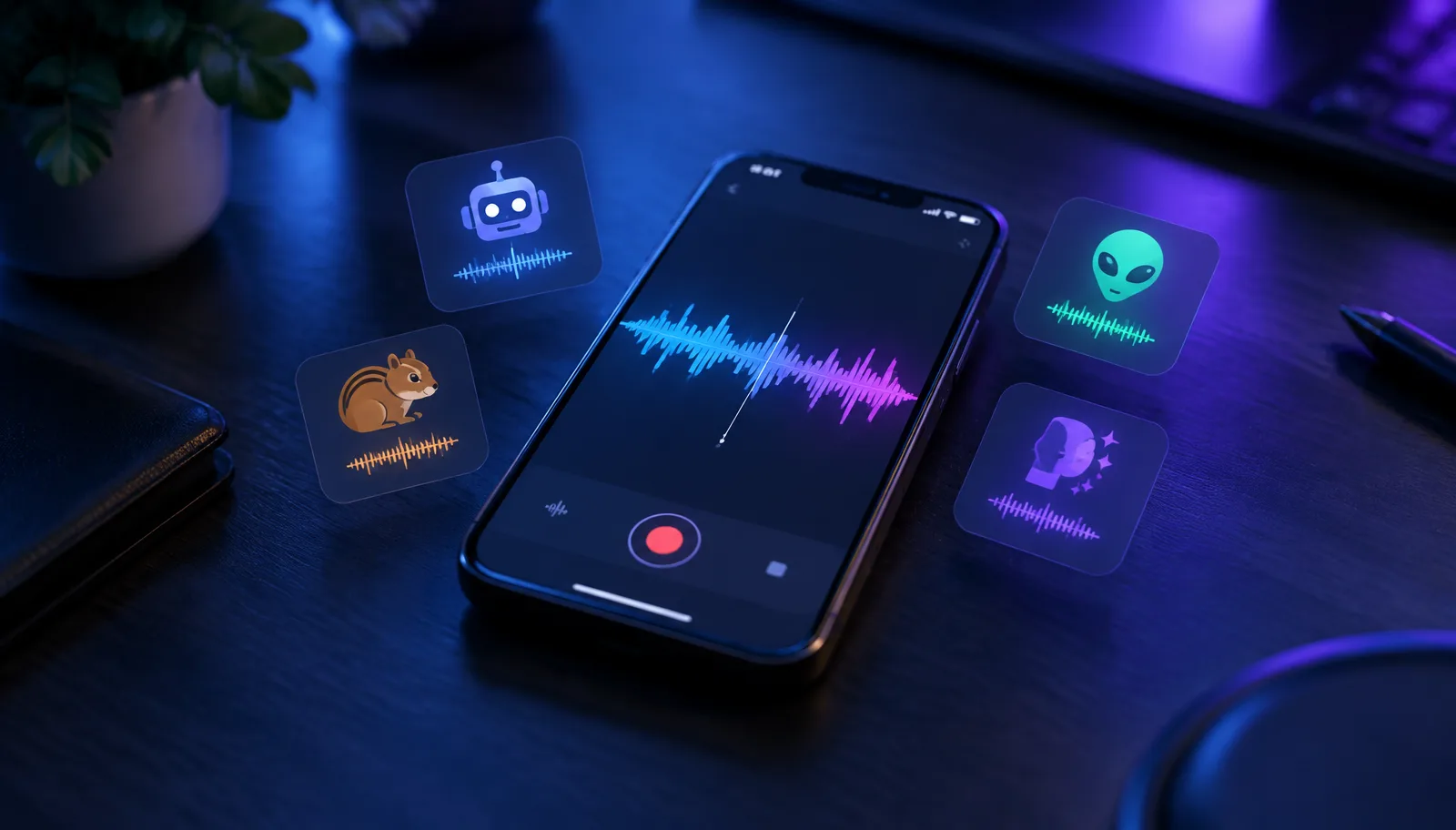
Search "voice changer" on the App Store and you get a wall of near-identical icons: a microphone, a waveform, maybe a cartoon monster. The screenshots all promise dozens of effects, and the ratings all look plausible. What the storefront does not tell you is that almost everything in this category does the same narrow job — record a clip, process it, share the file — and the real differences are in audio quality, export limits, pricing tricks and privacy practices.
This guide compares the category by the dimensions that actually matter, so you can evaluate any app in the store in about two minutes. We build voice changing hardware ourselves, so factor in that bias — but the checklist below works whether or not you ever consider our products. For the bigger picture of every iPhone voice changing approach, see our full iPhone voice changer comparison.
What "voice changer app" actually means on the App Store
Everything in the search results falls into three buckets, and only one of them is common. Recording editors dominate the category: you speak into the app, pick an effect, and export or share the processed clip. VoIP dialer apps place calls through their own internet calling service so they can process audio on their servers. In-app filters live inside social apps and only work there.
This article compares the first bucket, because it is what most people downloading a "voice changer" actually end up with. Recording editors are genuinely useful for voice messages, video voiceovers, prank clips and content creation. They are also the bucket with the widest quality spread and the most aggressive monetization, which is exactly why a checklist helps.
The App Store page tells you what an app promises. The dimensions below tell you what it will actually be like to use after the third day.
The four dimensions that separate good apps from bad ones
Before downloading anything, score the app on four dimensions: audio quality, export and sharing, subscription terms, and privacy. The App Store page itself contains most of the evidence if you know where to look — the in-app purchase list, the privacy nutrition label, and the update history are more honest than the screenshots.
| Dimension | What to check | Where to check it | Red flag |
|---|---|---|---|
| Audio quality | Effect count matters less than whether effects preserve consonants and avoid metallic artifacts | Preview videos, recent reviews mentioning sound | Every preview clip is under five seconds |
| Export & sharing | Formats, share-sheet support, watermark or length limits on the free tier | App description, paywall fine print | Export locked behind subscription entirely |
| Subscription terms | Renewal price, billing period, what the free tier keeps | App Store page's In-App Purchases list | Weekly billing with a 3-day trial |
| Privacy | Whether recordings leave the device, what the privacy label admits collecting | App Privacy section on the store page | "Data Used to Track You" on a simple recorder |
None of these requires installing the app. Two minutes on the store page filters out most of the category, which saves you from the delete-and-refund cycle that these apps count on.
Audio quality: why effect count is the wrong metric
Store listings compete on effect counts — fifty voices, a hundred voices — because it is the easiest number to inflate. In practice, most effects in a long list are the same pitch shift with different icons. What separates a good recording app is how the processing treats the parts of speech that carry meaning: consonants, sibilants and the ends of words.
A cheap pitch shifter raises everything uniformly, which pushes sibilants into a harsh hiss and smears plosives. Better apps use formant shifting alongside pitch, so a deeper voice still sounds like a person rather than a slowed-down tape. You can hear the difference in any preview clip longer than a sentence: listen to the word "test" — if the final "st" dissolves into static, the effect will be tiring in a sixty-second clip.
- Prefer apps whose previews include full sentences over ones showing single words.
- Check whether effects can be adjusted in intensity, not just toggled.
- Look for re-recording and trimming inside the app, so a good take is not lost to one bad word.
- Treat "AI voices" claims cautiously unless the app explains what the AI actually does.
Export and sharing: where free tiers draw the line
A recording app is only as useful as its export path. The questions that matter: Can the clip go straight into the iOS share sheet, so it lands in Messages, WhatsApp or TikTok without a detour? Is the export a standard audio file you keep, or a link hosted by the app? And what does the free tier actually allow — full exports, a watermark, a length cap, or nothing at all?
The most restrictive pattern in the category is export-locked design: recording and previewing are free, but saving or sharing anything requires a subscription. That is not necessarily dishonest, but it means the app is a paid tool with a free demo, and you should evaluate it at its subscription price rather than its download price. If you only need a changed voice note occasionally, an app with a fair one-time unlock or a usable free tier beats a cheaper-looking subscription.
Subscriptions and paywalls: the category's biggest trap
Voice changer apps are a textbook case of aggressive subscription design. The common pattern is a three-day free trial that converts to a weekly renewal, where a single month costs more than many one-time-purchase apps cost forever. The trial countdown starts at activation, not first use, and cancelling requires a trip to your Apple ID subscription settings rather than anything inside the app.
The reliable defense is to read the In-App Purchases list on the App Store page before downloading. It shows every SKU the app can charge, including the weekly tiers that paywall screens present as the default. If the list shows a weekly subscription as the top item and no lifetime option, you know exactly what the business model is.
- 1On the App Store page, open the In-App Purchases section and note the renewal prices and periods.
- 2If you start a trial, set a calendar reminder one day before it converts.
- 3Cancel through Settings, your Apple ID, then Subscriptions — deleting the app does not cancel billing.
- 4If you were charged unexpectedly, request a refund through Apple's report-a-problem page rather than emailing the developer first.
Privacy: what a recorder app can do with your voice
A recording voice changer needs microphone access by definition, so the permission prompt alone tells you nothing. The meaningful question is what happens after recording: does processing run on the device, or are clips uploaded to a server? The App Privacy label on the store page is the fastest signal — a simple recorder that declares tracking data or links recordings to your identity is asking for more than the job requires.
Voice is biometric-adjacent data. A clip of your natural voice can be used to train impersonation models, and a service that stores your recordings has them under its own retention policy, not yours. Prefer apps that process on-device, let you delete recordings permanently, and come from developers with a real privacy policy page rather than a template. None of this is paranoia — it is the same hygiene you would apply to any app that holds your face or fingerprint.
Where every recording app hits the same ceiling
All of the apps above share one hard limit, and it is not a quality problem — it is the architecture of iOS. A recording editor processes audio inside its own sandbox, after the fact. It cannot sit between your microphone and another app, so it cannot change your voice on a live phone call, a FaceTime call, a Discord call or in a game's voice chat. We broke down the per-app mechanics in our guide to voice changer apps for iPhone calls.
The only route around that ceiling is to change the voice before the iPhone receives it. That is what our Dubbing AI Earbuds do: the conversion runs in the Dubbing AI app on the phone, and the phone hears the result through a standard wired USB-C connection, so every app that uses the system microphone hears the changed voice. As of October 2026 they offer 500+ voices at around 300 ms of latency, work with iPhone 15 through 18 families and iPhone Duo as well as USB-C Android phones, and require the Dubbing AI App with an internet connection while changing voices.
The current Earbuds connection and processing requirements
The Earbuds use wired USB-C audio and have no internal battery. Dubbing AI runs the voice model on the phone, sends the processed sound to the earbuds, and receives it back through USB-C microphone input. The app must remain running and the phone online throughout use. The app's device connection is separate from ordinary Bluetooth headset audio pairing.
That is a different product for a different job — hardware you buy once, against an app category built on subscriptions. If your goal is recorded clips, a good recording app is the right tool and this article's checklist will find you one. If your goal is a live changed voice, a recording editor alone will not provide the required input route, and knowing that before you subscribe is worth more than any single review.
Need a live changed voice, not a recording?
Dubbing AI Earbuds change your voice in real time before the destination app reads its microphone input — 500+ voices, around 300 ms latency, works with every calling and gaming app on iPhone and USB-C Android.
See the Dubbing AI EarbudsWhich option fits what you actually want to do
The right choice depends on the destination of the audio, not on any app's feature list. Match the job first, then shop within the matching bucket.
| What you want | Right tool | Why |
|---|---|---|
| Funny voice notes and prank clips | Recording editor app with a fair free tier | Editing after the fact is exactly what these apps do well |
| Voiceovers for videos and content | Recording editor with good export and formant control | Quality and file access matter more than effect count |
| A changed voice on live calls | Phone app with a USB-C microphone return | iOS blocks every software route into live call audio |
| Changed voice in mobile game chat | Hardware route, same as calls | Games read the system microphone, which apps cannot replace |
Most disappointment in this category comes from buying the wrong bucket, not the wrong app. A recording editor will never ring someone's phone with a changed voice, and hardware will never edit a video voiceover. Decide which job you have, and the App Store's wall of identical microphones becomes much easier to navigate.
Frequently asked questions
Dubbing AI Team
Hardware & Voice AI
We build real-time voice changing hardware for gaming, streaming and calls.