
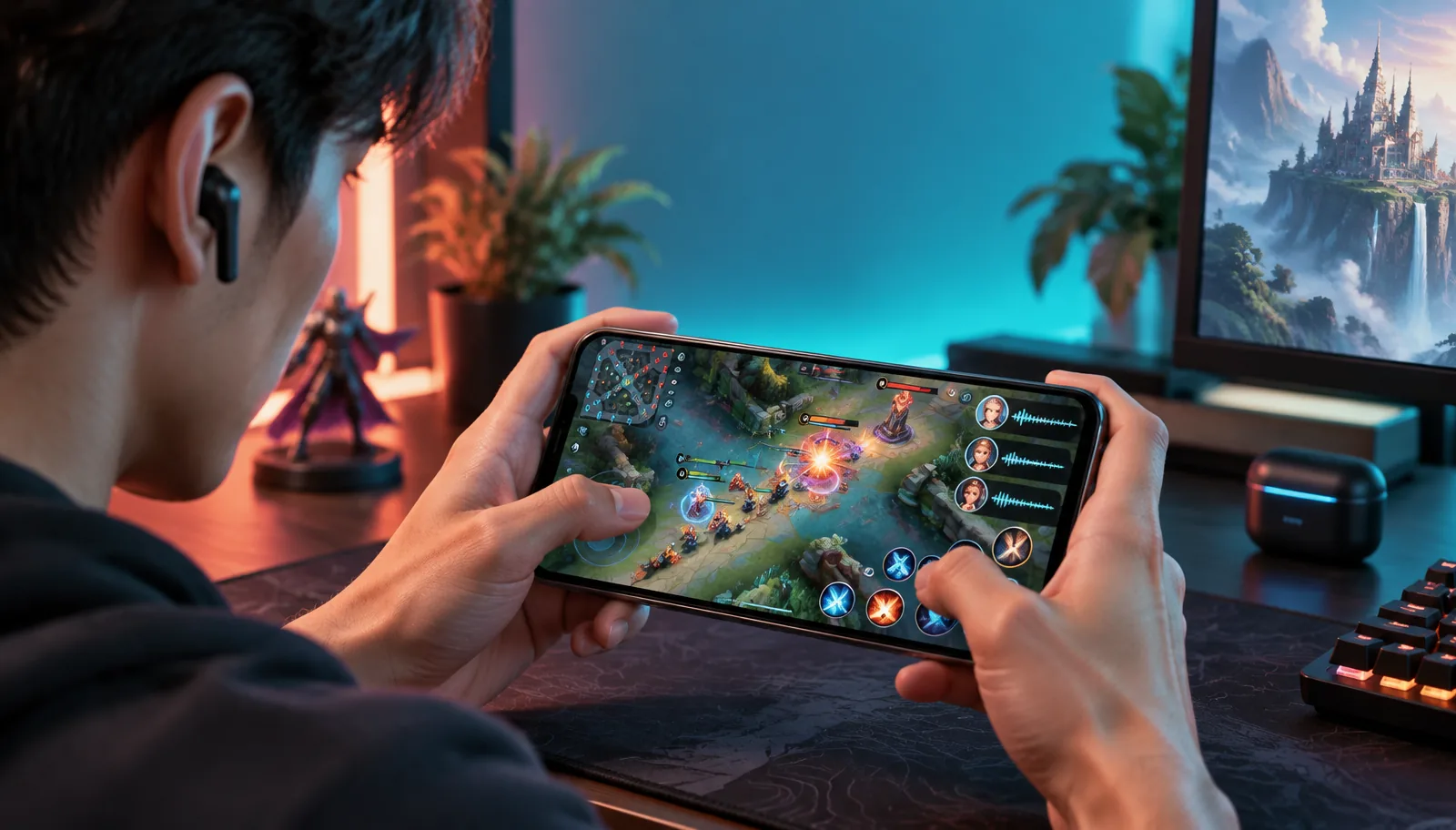
League of Legends: Wild Rift is the official mobile game, but players often search for it as LOL Mobile or League of Legends Mobile. Whichever name brought you here, the audio question is the same: can a voice effect reach live party chat while you play on a phone? It can, but only when the chosen method changes the microphone signal before Wild Rift receives it.
That distinction separates four very different approaches. Voice changing hardware can feed a processed microphone into the phone. Recorder apps make finished clips. Soundboards play prepared lines, while a second device or desktop rig can build a more complex audio route. This guide compares those routes by live-chat support, setup effort, portability and control rather than treating every result in an app store as the same tool.
For live Wild Rift chat, the useful test is not whether you can hear an effect in an app. The test is whether another party member hears it through the game's voice channel.
What changing your voice means in Wild Rift
A Wild Rift voice changer can mean three things in search results. The first is real-time conversion: you speak, the sound changes, and your party hears the result during the match. The second is a soundboard that sends a prepared joke or character line. The third is a recorder that changes a clip for a post after the game. Only the first one changes your live callouts.
Wild Rift also places an important boundary around who hears you. According to Riot's official voice communications guide, voice chat becomes available when you form a party of at least two, and only party members hear that channel. The microphone icon appears in the lobby, during Champion Select and beside the minimap in a match. A solo queue test with no party therefore proves nothing about your changer.
The practical signal path is mouth → microphone → processing → phone → Wild Rift party chat. If processing happens after the game has already captured the microphone, your teammates hear the original voice. This routing rule matters more than the number of presets an app advertises, and it is the basis for every method below.
Dubbing AI Voice Changing Earbuds
Dubbing AI Voice Changing Earbuds are the first option because they are designed for a phone-first, live microphone path. Your speech enters the earbud microphone, the hardware applies the selected voice, and the phone receives the changed signal as headset audio. Wild Rift does not need a plug-in, virtual microphone or special integration. It simply uses the connected headset input.
The Dubbing AI Earbuds product details list support for iOS and Android, around 300 ms latency and 500+ voices as of September 2026. Compatible phones include the iPhone 15, 16, 17 and 18 families—including Plus, Pro and Pro Max models—iPhone Duo, and Android phones that support USB-C audio input. That coverage makes this route useful for players who want one mobile setup rather than a desk of adapters.
Where the earbuds fit best
This approach fits players who use party voice throughout a match and move between a bedroom, commute and campus network. It also keeps both hands free once the voice is selected. The compromise is processing delay: around 300 ms is short enough for normal conversation, but it is still real. Lead urgent calls with the important word—“Baron,” “back,” or “left”—instead of burying the location at the end.
- Best for live party chat on one iPhone or Android phone without root, jailbreak or a PC.
- Best when you want the same changed microphone for Wild Rift and a separate mobile voice app.
- Less suitable when you only need to edit one recorded highlight and never speak live.
- Worth testing before ranked play so your chosen voice stays clear over music and combat audio.
The key advantage is predictable routing, not a claim that hardware wins every use case. If your goal is a polished edited clip, a recorder gives you more time to tune the result. If you need live League of Legends Mobile party chat on one phone, moving the processing into the input path is the simpler answer.
Mobile voice changer apps and soundboards
Mobile voice changer apps are the easiest option to try because they require no extra device. Most record your microphone inside the app, apply pitch or character effects, then save or share a file. That workflow is useful for posting a reaction, adding narration to a Wild Rift highlight, or sending a prepared message before your party queues. It does not automatically replace the microphone Wild Rift is already using.
The restriction comes from mobile audio routing. Android and iOS isolate apps, so an ordinary voice editor usually cannot register itself as a system-wide virtual microphone for another app. An overlay can put controls above the game, but appearing above Wild Rift does not mean it owns Wild Rift's audio input. This is why an effect may sound perfect in the app preview and disappear as soon as you unmute in party chat.
When an app is still the right choice
Choose an app when the output is a file rather than a live conversation. A recorder is often better for a creator who wants to cut mistakes, layer several voices, or synchronize a line with a replay. A soundboard is better for a small library of repeatable reactions. These are honest strengths, and buying hardware for a once-a-week edited clip would add cost without solving a real problem.
Before paying for an app, run one test: join a party with a friend, enable the Wild Rift microphone, and ask what they hear while the changer is active. Do not rely on the app's monitor button. If your friend hears the raw mic, the tool is a recorder or private monitor in that setup—not a real-time League of Legends Mobile voice changer.
A second phone or external audio route
A second phone can separate gaming from processing. One device runs a voice tool or prepared audio, while a cable interface or small mixer feeds that output into the phone running Wild Rift. This can work because the game phone sees a physical input, much like it sees a headset microphone. It also gives creators a spare screen for controls without covering the minimap.
The cost is complexity. The correct adapter depends on the connector, some phones expect a headset-style microphone pinout, and charging while routing audio may require a powered hub. Gain can also be wrong: a headphone-level signal pushed into a microphone input may distort before the game receives it. Add each piece one at a time and test a voice note before opening Wild Rift.
- 1Confirm that the game phone accepts external microphone audio through its USB-C or supported adapter path.
- 2Connect the processing phone or sound source through an interface made for smartphone microphone input.
- 3Set a conservative output level, then record a voice note on the game phone and listen for clipping.
- 4Create a two-person Wild Rift party, enable both microphone and speaker, and ask the other player to confirm the result.
- 5Secure the cables before playing so a hand movement cannot disconnect the microphone during Champion Select.
This route makes sense for a fixed streaming desk or for someone who already owns a mobile interface. It is harder to recommend for a player who wants to queue from anywhere. More connections create more failure points, and diagnosing a silent party channel becomes a process of checking every cable, gain stage and permission.
Desktop processing with mobile game audio
A computer offers the most flexible processing. Desktop voice software can expose a virtual microphone, combine soundboard audio with speech, and let you tune noise reduction or equalization. Streamers who already route a phone through a capture device may prefer this method because the computer is already part of their setup. It is the strongest route for detailed control and the weakest route for portability.
The difficult step is getting the processed computer output back into the mobile phone as a valid microphone. Monitoring the game on a PC is not enough; Wild Rift still needs an input it recognizes. That usually means an audio interface, a compatible cable path and careful echo management. Our mobile-versus-PC voice changer guide explains why desktop virtual microphones do not automatically cross into a phone game.
Use desktop processing when you stream from one place, need precise control, and already understand your audio chain. For a League of Legends Mobile player who only wants a different party-chat voice, it solves the problem with far more equipment than necessary. The route is capable, but capability and convenience are not the same thing.
Which method fits your match setup
The useful comparison is not a list of effects. It is whether the method reaches live chat, stays mobile, and remains easy to verify before a match. The table below separates those jobs so you can choose around your actual use rather than a store description.
| Method | Live party chat | Phone-only | Setup effort | Best use |
|---|---|---|---|---|
| Dubbing AI Earbuds | Yes, through headset input | Yes | Low | Regular live matches |
| Recorder app | Usually no | Yes | Low | Edited clips and posts |
| Soundboard app | Depends on physical routing | Sometimes | Low to medium | Prepared reactions |
| Second phone + interface | Possible | Two devices | High | Fixed mobile creator setup |
| Desktop processing | Possible with return routing | No | High | Streaming desk and detailed control |
The table points to a simple decision. Choose earbuds for repeated live play on one phone, a recorder for edited content, and desktop processing when maximum control matters more than mobility. The second-phone route sits between those options: flexible enough for experimentation, but too fragile for most everyday queues.
Test your setup before Champion Select
Do not make ranked Champion Select the first time another person hears the setup. A short test isolates the voice changer from Wild Rift's own controls and gives you time to fix the input without holding up a party. Use the same headphones, phone orientation and network you expect to use in the match.
- 1Record ten seconds in the phone's voice memo app and confirm the effect is present, intelligible and not clipping.
- 2Open Wild Rift, form a party of two or more, and tap the crossed-out microphone in the lobby.
- 3Ask the other party member to repeat one exact phrase they heard, which confirms both clarity and the selected voice.
- 4Move into Champion Select and test again because the game displays the microphone control in that screen too.
- 5Play a low-stakes match, then shorten urgent callouts if processing delay makes longer sentences feel late.
A voice memo proves the hardware or processing stage works. The party test proves Wild Rift is listening to the same input. Both checks matter. If the memo is changed but the party hears your raw voice, the operating system or game has selected a different microphone path.
When teammates cannot hear the changed voice
Start with the game rather than changing every audio setting at once. Riot says voice chat is initially disabled, requires a party of at least two, and uses separate microphone and speaker controls. Confirm the microphone icon is active in the lobby or beside the minimap, then verify Wild Rift has microphone permission in the phone's settings.
| What your teammate hears | Likely cause | Next check |
|---|---|---|
| Nothing | Party voice off or mic permission denied | Enable mic and speaker; check OS permission |
| Raw voice | Phone selected its built-in microphone | Reconnect the input and repeat a voice memo test |
| Changed but distorted | Input level too high or connection unstable | Lower gain; reconnect; close competing audio apps |
| Changed voice in memo only | Recorder output is not the live game input | Use a hardware input path or external interface |
| Voice cuts out mid-match | Battery, cable or Bluetooth interruption | Charge devices and secure every connection |
Change one variable, test, then move to the next. Reinstalling apps before checking the party microphone usually wastes time. If the phone cannot record the changed input outside the game, Wild Rift will not receive it either; if the phone can record it, focus on party status, permissions and the active headset connection.
Use a changed voice without disrupting the team
A changed voice should support the match, not bury information. Pick a clear preset, keep soundboard clips out of fights, and return to a normal or neutral setting when a teammate asks. Do not imitate a real person to deceive others, and do not use a voice to harass players. Riot's community rules still apply to what you say, regardless of how the microphone makes it sound.
Used responsibly, a League of Legends Mobile voice changer is closer to a cosmetic layer than a gameplay tool. It can add personality to a premade party, but it does not improve mechanics or replace clear calls. The best setup is the one your teammates understand without asking you to repeat every sentence.
Bring a changed voice into your next Wild Rift party
Dubbing AI Voice Changing Earbuds process your microphone before it reaches your phone, with 500+ voices and around 300 ms latency as of September 2026.
Buy Dubbing EarbudsFrequently asked questions
Dubbing AI Team
Hardware & Voice AI
We build real-time voice changing hardware for gaming, streaming and calls.