
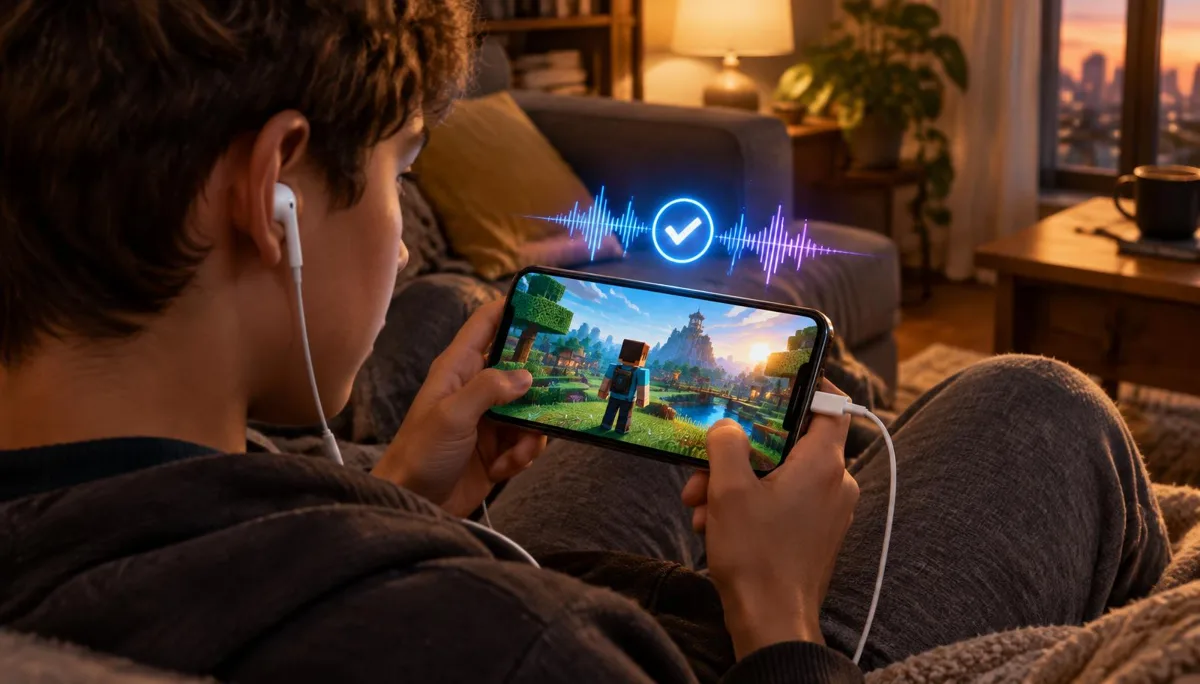
Nothing kills a character bit faster than joining a Roblox lobby and hearing someone say, "Why do you sound normal?" Or worse, nobody hears you at all. A changed voice only works if the converted signal actually reaches Roblox voice chat, and that is easy to assume and hard to see.
This guide is a pre-game routine. It assumes your voice changer is already set up; if it is not, start with our Roblox Mobile voice changing setup guide. Here we focus on proving it works, in three short tests that take about five minutes together.
Why your own monitoring is not a real test
Many voice changers let you hear yourself through the earpiece. That is useful for picking a voice, but it only proves the processing step works. It does not prove the phone is sending the processed audio to Roblox as its microphone input.
Roblox reads whatever the phone's operating system offers as the active microphone. If the system falls back to the built-in mic, you will hear the effect locally while everyone else hears your real voice. Testing the outgoing signal is the only way to catch that.
Rule of thumb: trust a recording or another person's ears, never your own monitoring alone.
Prepare your phone before you test
Most failed tests come from a missed basic step rather than a broken device. Run through this list first so the tests measure the voice, not the setup.
- 1Plug your voice changing accessory firmly into the phone's USB-C port and remove any other headset or adapter.
- 2Open your voice changing app, pick the voice you plan to use, and keep the app running in the background.
- 3Check that the phone has a stable Wi-Fi or mobile data connection if your voice changer depends on it.
- 4In Roblox, confirm voice chat is enabled for your account and that the app has microphone permission in system settings.
- 5Close other apps that might grab the microphone, such as video calls or screen recorders.
If you use Dubbing AI Voice Changing Earbuds, the connection is wired over USB-C and there is no battery to charge. The Earbuds use wired USB-C audio and have no internal battery. Dubbing AI runs the voice model on the phone, sends the processed sound to the earbuds, and receives it back through USB-C microphone input. The app must remain running and the phone online throughout use. The app's device connection is separate from ordinary Bluetooth headset audio pairing.
Voice chat eligibility and age checks are set by Roblox and change over time, so check Roblox's official help pages if the mic button does not appear for you.
Three tests that confirm other players hear the changed voice
Test 1: a 30-second voice-memo record-back
Open the phone's built-in voice recorder, such as Voice Memos on iPhone or the recorder app on Android. Record a short line, then play it back. If the recording has the changed voice, the system microphone is carrying the converted signal, and any app that uses that mic should too.
If the recording sounds like your normal voice, stop here. The problem is upstream of Roblox, usually the cable, the app not running, or the phone choosing the built-in mic.
Test 2: a private server or quiet experience
Join a private server or a low-traffic voice-enabled experience. Turn your mic on and watch for the speaking indicator above your avatar as you talk. If it flickers when you speak, Roblox is receiving input from the active microphone.
This step catches Roblox-side issues such as a muted mic toggle, missing permission, or the in-game voice setting switched off. It does not yet tell you what the voice sounds like on the other end.
Test 3: one friend, one honest opinion
Invite a friend into the same server and ask them to describe what they hear. Say a sentence slowly, then quickly, then shout a short callout. A second listener hears exactly what the lobby will hear, including any delay or distortion added by the network.
What to listen for in every test
Each test is only useful if you know what a pass sounds like. Focus on four signals and ignore small differences in tone between your earpiece and the recording.
- Delay — a short lag is normal for real-time conversion; Dubbing Earbuds are rated at about 300 ms as of October 2026. Long pauses that make people talk over you are not normal.
- Robotic or metallic tone — usually a weak network or an overloaded phone rather than the chosen voice.
- Dropouts — words that vanish mid-sentence point to a loose connector or the app being paused in the background.
- Volume — too quiet means a low in-game mic level; clipping or crackle means you are too close or too loud.
Test results and what each one means
| What you observe | Likely cause | What to do |
|---|---|---|
| Recording sounds like your real voice | Phone is using the built-in mic | Reseat the USB-C plug, reopen the voice app, record again |
| Recording is changed, friend hears real voice | Roblox picked a different input | Force-close Roblox, reopen it with the accessory already plugged in |
| No speaking indicator in Roblox | Mic muted or permission denied | Enable voice chat in Roblox and allow microphone access |
| Friend hears robotic or choppy voice | Unstable network or busy phone | Switch to a stronger Wi-Fi, close background apps |
| Voice cuts out after a few minutes | Voice app suspended in background | Disable battery saving for the voice app |
| Friend says you are very quiet | Low in-game mic volume | Raise the Roblox mic level and speak closer |
If you hear robotic artifacts or cutouts even after these fixes, our guide to diagnosing robotic or cutting-out voice changers walks through the network and device checks in more depth.
A 60-second checklist before you queue
Once the full test passes, you do not need to repeat all three every time. Before each session, this short routine is enough.
- 1Accessory plugged in before Roblox opens.
- 2Voice app open, correct voice selected, phone online.
- 3Five-second voice memo played back with the changed voice.
- 4Roblox mic unmuted and speaking indicator moves when you talk.
If any step fails, go back to the matching row in the table above. Fixing it in the menu takes a minute; fixing it mid-round usually means leaving the game.
Keeping the voice stable during long sessions
A voice that passes the test can still drift during a two-hour session. Phones throttle when they get warm, and some systems pause background apps to save battery. Keep the phone out of direct sunlight, avoid charging cases that trap heat, and exempt the voice app from battery optimisation.
Re-run the voice-memo check whenever you switch networks, take a call, or unplug the accessory. Those are the moments when the phone is most likely to change its active microphone without telling you.
Want a phone voice changer that works in Roblox voice chat?
Dubbing AI Voice Changing Earbuds connect over USB-C and work with Android and iPhone apps that use the system microphone.
See Dubbing EarbudsFrequently asked questions
Dubbing AI Team
Hardware & Voice AI
We build real-time voice changing hardware for gaming, streaming and calls.