
To sound like a girl or a guy on your phone in real time, you need two things: an effect you like and a way for the other app to receive it. A recorder that changes a saved clip does not automatically change a live call. Start with the microphone path. Otherwise, you can spend time adjusting a voice that nobody else hears.
Here, 'girl' and 'guy' describe common searches for more feminine or masculine voice effects, not rules about how people should sound. Voices vary, and an effect does not determine your identity. This tutorial focuses on adult self-expression, fictional characters and consensual play. The mobile voice-app compatibility guide covers the broader distinction between local playback and outgoing microphone audio.
Decide whether you need a live voice or a saved clip
For a Discord conversation or game chat, the effect needs to operate while you speak and reach that app's microphone input. For a prerecorded sketch, changing a file afterward may be enough. Text-to-speech is different again: it generates speech from words rather than transforming your live performance. Choose the workflow before comparing voice names or subscription screens.
| What you want | Required workflow | What proves it works |
|---|---|---|
| A changed voice in live chat | Live conversion plus outgoing microphone routing | The other participant hears the effect |
| A character voice in a saved video | Recording input or post-production effect | The saved video contains the changed voice |
| Narration from typed words | Text-to-speech | The generated file says the intended script |
This distinction prevents the most common false success: hearing the effect locally and assuming the call is changed. A preview proves that the voice processor can produce audio, but not where the phone sends it. If you only need a saved clip, an editor can be simpler. Live hardware is relevant when the recipient needs to hear your performance as it happens.
Choose a voice by character and clarity, not pitch alone
Pitch is the perceived highness or lowness of a voice. Resonance describes how the vocal sound is shaped, and speaking rhythm affects the overall impression too. ASHA's gender-affirming voice overview discusses pitch, intonation, voice quality and resonance among several communication features. That is clinical context, not evidence that a consumer effect provides therapy.
Start with a preset close to your intended style
Choose a more feminine, more masculine or character-style preset that you actually enjoy hearing. Preset names and availability vary; do not expect every app to expose separate pitch and resonance controls. If controls exist, make modest changes one at a time. Raising pitch to the maximum can create a squeaky effect, while lowering it heavily can make words less distinct.
Use an ordinary sentence rather than only a sustained vowel. Try, 'I'll join the call after dinner; can you hear every word?' Include a question and a relaxed pause so you can compare clarity across normal speech. The goal is a voice you can use comfortably in conversation, not a single dramatic syllable that falls apart during a longer sentence.
Let the effect work without forcing your voice
Speak in your comfortable range instead of squeezing your throat to imitate a preset. A strained source can make the processed result harder to understand, and pain is not a useful tuning signal. ASHA's voice-therapy guidance notes that unsupported changes in voice production can be fatiguing or damaging. Stop if speaking hurts; seek qualified advice for persistent voice concerns.
Prepare a supported phone microphone path
Dubbing AI Voice Changing Earbuds are one hardware route for compatible phones. The Earbuds product specifications list 500+ voices and approximately 300 ms latency as of November 2026. That means a noticeable processing interval can exist, with phone performance influencing the experience. The specification is not a promise of identical results across every model, app or network.
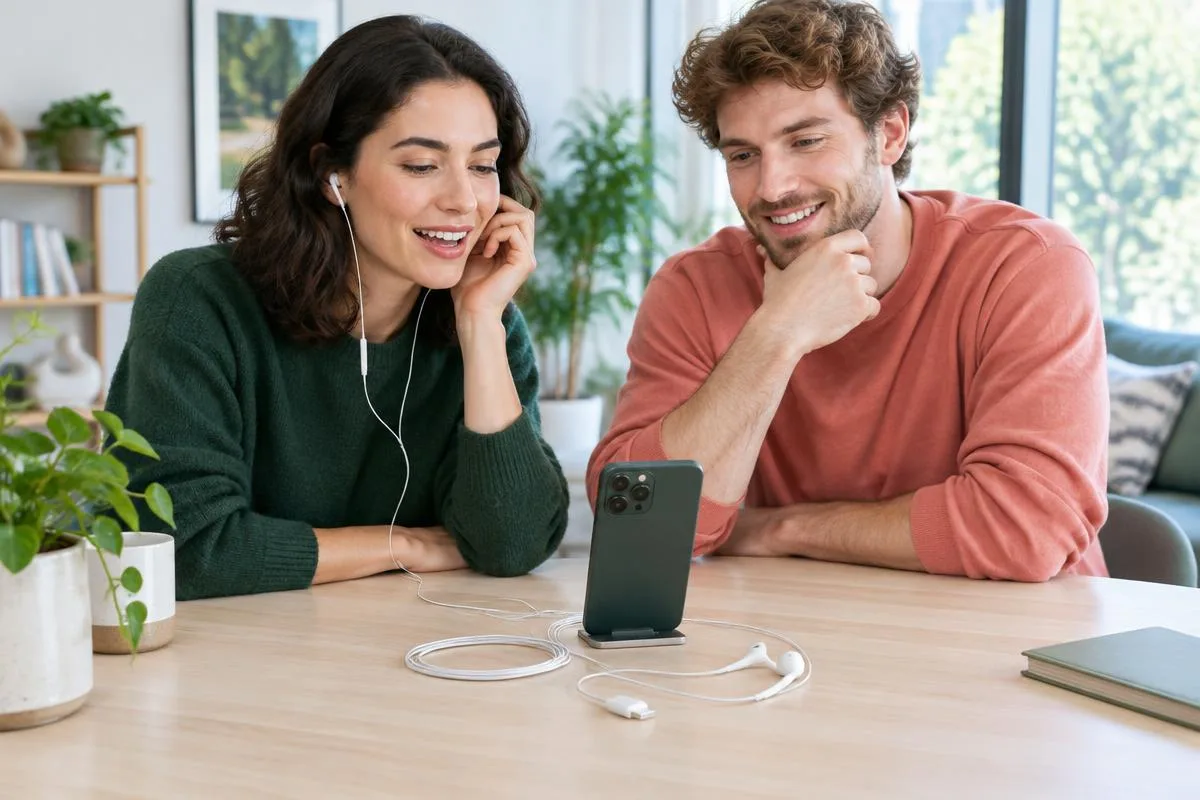
The Earbuds use wired USB-C audio and have no internal battery. Dubbing AI runs the voice model on the phone, sends the processed sound to the earbuds, and receives it back through USB-C microphone input. The app must remain running and the phone online throughout use. The app's device connection is separate from ordinary Bluetooth headset audio pairing.
Check the connector and permissions before effects
You need a phone that accepts the supported USB-C microphone audio path, not just a socket that charges. Confirm the exact device requirements on the product page and allow microphone access in the intended call or game app. Keep the Dubbing AI app running and the phone online throughout use. This article does not promise a Lightning-adapter workaround or universal support from a matching connector.
Phone routing should not be confused with desktop setup. For example, Voicemod's girl-voice page describes selecting its virtual microphone inside an app or game, as checked in November 2026. That is useful when you use a supported desktop setup. It is not proof that installing a phone companion app creates the same system-wide virtual microphone on iOS or Android.
Connect, select a voice and verify the live result
Begin in a private conversation with someone who agrees to help. A listener can tell you whether the processed signal reaches the call and whether words remain clear. Keep the first attempt away from a public stream or an important conversation. You are checking the signal path first and the character performance second.
- 1Connect the wired USB-C earbuds to the supported phone and open Dubbing AI with internet access.
- 2Complete the device connection shown in the app and keep the app running.
- 3Open the intended calling or game app, allow microphone access and confirm ordinary speech reaches your listener.
- 4Enable a more feminine, more masculine or character voice available in your current library.
- 5Repeat the same sentence and ask whether the listener hears the changed voice clearly.
- 6Disable the effect and confirm that the normal voice returns before joining a longer session.
The normal-voice comparison is important. If the listener hears silence both before and after enabling the effect, investigate permissions or microphone routing instead of choosing more presets. If normal speech works but the effect does not, return to the device connection and active input. Keep the app and internet requirements unchanged while checking; closing the processor changes the test itself.
Judge the voice from the listener's side
Ask concrete questions: 'Are the words clear?' and 'Does the effect stay consistent when I finish the sentence?' Avoid asking whether it sounds like a 'real' girl or guy, which treats a varied human trait as a pass-or-fail category. Agree before recording a comparison. You can then choose the preset that feels right without turning the test into an identity judgment.
Fix routing and clarity before adding stronger effects
A stronger preset does not fix the wrong input, and a different input does not remove every processing delay. Separate those problems while troubleshooting. Change one condition, repeat the same sentence and compare the result. This table is a diagnostic sequence, not a guarantee that every app accepts processed audio.
| What happens | What to check first | Next comparison |
|---|---|---|
| Only you hear the changed voice | The call's outgoing microphone path | Ask the listener to compare effect on and off |
| Nobody hears any speech | Microphone permissions and USB-C connection | Confirm normal speech before using an effect |
| The voice sounds squeaky or muddy | Preset intensity or extreme tuning, if available | Try a gentler preset with the same sentence |
| Speech cuts out during a longer call | App remains running, network and phone workload | Retry privately with other demanding apps closed |
| Conversation feels delayed | Processing interval and connection conditions | Use shorter turns and compare normal speech |
For a longer private test, include conversational pauses as well as speech. That shows whether you can take turns comfortably rather than just produce a short effect. Our voice-changer audio-delay guide separates processing delay from other audio problems. Do not compensate by shouting or forcing your speaking pitch; restore a comfortable setup instead.
Use changed voices with consent and realistic expectations
Voice effects can support fictional roleplay, a private experiment or a sketch with friends. Follow the app's rules and let participants know when that context calls for it. Never use a changed voice to impersonate a real person for fraud, bypass identity checks or mislead someone in a consequential situation. A voice effect is not an anonymity guarantee.
Choose the voice that feels comfortable to use, and verify what the other person actually hears.
For self-expression, your preference is enough; you do not need to prove your gender through a preset. For a performance, check that the effect serves the character without making speech hard to follow. For a live phone conversation, keep the processor connected and online, and have a normal-voice fallback. Those practical habits matter more than chasing an extreme pitch setting.
Explore a live phone voice setup
Review the Earbuds' supported USB-C connection and ongoing app and internet requirements before buying.
Explore Dubbing EarbudsFrequently asked questions
Dubbing AI Team
Hardware & Voice AI
We build voice-changing hardware. This tutorial combines our current phone-processing requirements with official voice and audio-routing guidance; it is not clinical voice training or a claim of testing every calling app.