
Type the question into a search box and you will find two camps shouting past each other. One says voice changer apps are all fake. The other says they work perfectly. Both are describing something real — they are just answering different questions.
Here is the honest answer, and it takes about seven minutes to read in full.
The short answer: some do, most don't — and it depends what "work" means
Before judging any app, decide which of these three jobs you actually need done. They look identical in a store listing and are completely different in practice.
- Record, transform, play back. You speak into the app, it processes the clip, you share the result as a voice note or video. Almost every voice changer app does this well.
- Effects inside the app's own space. Filters that apply while you record a video or stream from within that specific app. These work because the app owns the whole audio chain.
- Change your voice live, on a two-way call, in an app made by somebody else. This is what most people mean when they ask if voice changers work — and it is the one a standalone phone app almost never does.
So the accurate answer is: voice changer apps work for the first two jobs and fail at the third. The disappointment comes from expecting the third while buying the first.
Why phones are harder than PCs for voice changers
On a computer, a voice changer installs a virtual microphone — a software input device that any other program can select. Discord, a game, a browser tab: they all see it as just another mic. That single trick is why desktop voice changing feels reliable.
Phones do not offer this. Neither iOS nor Android lets an ordinary app register itself as a microphone for other apps. Add two more constraints — a call owns the microphone session exclusively, and the system suspends background apps aggressively — and a voice changer simply has no seat at the table during a live call.
We break down how each calling channel handles this in our voice changer app compatibility guide. The short version: it is not the app's fault, and no settings page will fix it. If your app already failed during a regular phone call specifically, our diagnostic walkthrough for calls that ignore your voice changer picks up from there.
What app store listings actually show
Listings are rarely dishonest. They are just showing the first two jobs while you are imagining the third. A quick translation guide:
- A waveform with a play button means recorded playback, not a live conversation.
- A screenshot beside a call screen shows two apps open at once, not audio flowing between them.
- "Works with your favourite apps" usually means you can export a clip and share it — which any audio file can do.
- "Real-time" often refers to how fast the effect applies inside the app, not whether it reaches a live call.
If a tool asks you to press record before you speak, it was built for clips — not for a conversation where somebody is waiting for your reply.
iPhone vs Android: does the platform matter?
Less than you would think. The core limitation — no virtual microphone for other apps — exists on both platforms. The differences are at the margins.
| Question | iPhone | Android |
|---|---|---|
| Can an app act as a system-wide mic? | No | No |
| Record and transform voice notes | Yes, widely available | Yes, widely available |
| Live voice on carrier phone calls | No — the telephony stack is closed | No — the telephony stack is closed |
| Live voice inside another app's call | Only if that app invites it (rare) | Only if that app invites it (rare) |
| Workaround that changes the outcome | Processed audio returned through USB-C | Processed audio returned through USB-C |
Android is more open in many respects, and some tools ask for striking permissions, but the call-audio path is protected on both. Switching phones will not change the answer.
The scenarios where apps genuinely work
None of this makes voice changer apps useless. For a long list of jobs, they are the fastest and cheapest tool that exists:
- Sending a funny voice note in a messaging app.
- Recording a character voice for a short video or skit.
- Trying out voices to find one you like before committing to anything.
- Content creation where you edit before publishing anyway.
The pattern: if the audio can be processed before anyone hears it, software is fine. The failure zone is specifically live, two-way conversation — the moment where processing has to happen between your mouth and the other person's ear, inside somebody else's app.
When you need it live on any call: the hardware route
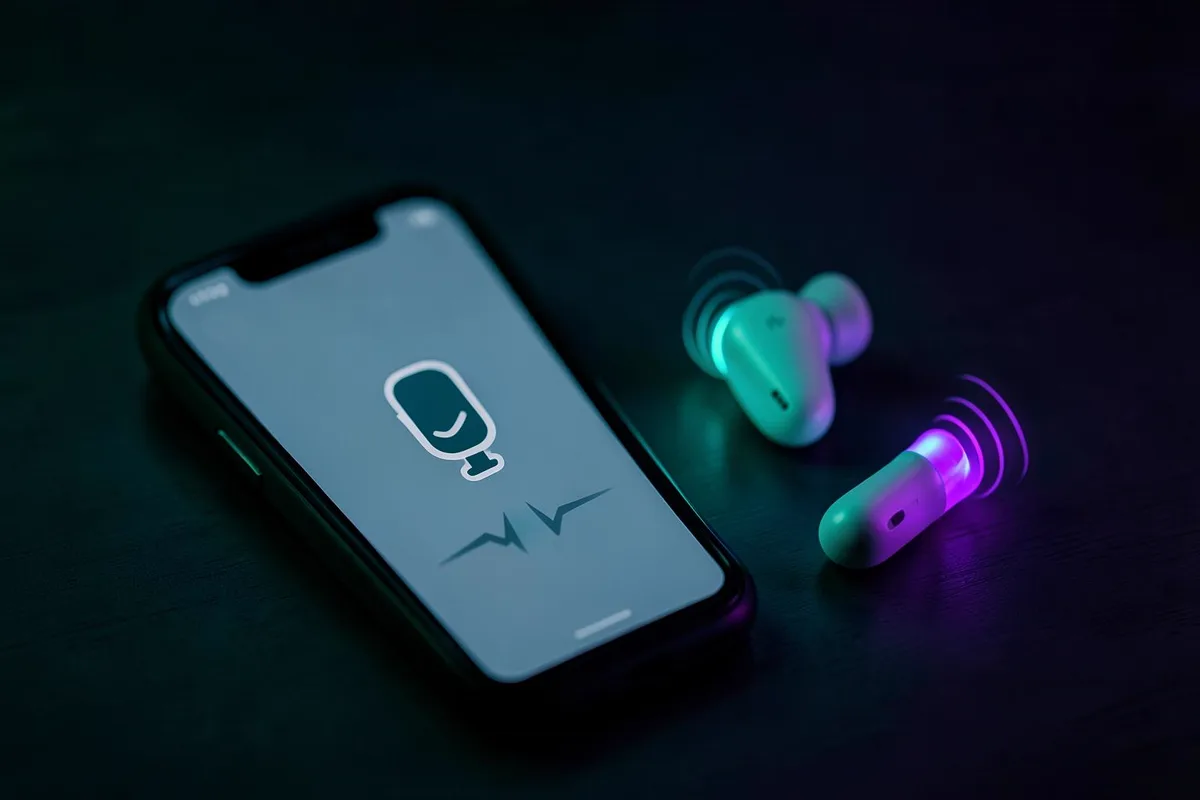
A recording app alone cannot replace another app's microphone. Dubbing Earbuds use a phone-side model with a USB-C return: the processed sound goes to the earbuds, then back through the phone's microphone input. Dubbing AI needs its permissions and must remain running online; check the destination's input and microphone permission as well.
Dubbing AI processes the voice model on your phone. The processed sound is sent to the wired earbuds, which return it through the phone's USB-C microphone input. Keep Dubbing AI running and the phone online throughout voice changing. Confirm the destination uses the USB-C input and test with a trusted listener rather than assuming the preview proves the call works.
The current Earbuds connection and processing requirements
The Earbuds use wired USB-C audio and have no internal battery. Dubbing AI runs the voice model on the phone, sends the processed sound to the earbuds, and receives it back through USB-C microphone input. The app must remain running and the phone online throughout use. The app's device connection is separate from ordinary Bluetooth headset audio pairing.
| Question | Dubbing AI Earbuds | Dubbing AI software (desktop) |
|---|---|---|
| Live voice on a two-way call | Verify each call channel and active input | Only when routed from a computer |
| Needs the calling app to cooperate | No | Yes — it must accept a virtual or routed input |
| Voice options | 500+ voices | Varies by software version |
| Latency | About 300 ms | Depends on the computer and routing chain |
| Platforms | Android and iOS, plus console and VR modes | Desktop setup |
Skip the compatibility lottery
Dubbing AI Voice Changing Earbuds convert your voice before the destination reads its microphone input hears it — about 300 ms of latency, 500+ voices, Android and iOS.
Shop Dubbing EarbudsHow to test any voice changer app in two minutes
Before you spend an evening on presets, run this. It tells you which of the three jobs the app can actually do.
- 1Record a short clip inside the app and play it back. If the voice changed, the app handles job one.
- 2Look for any setting that lets another app select it as a microphone. On a phone, there will not be one — that is normal, not a bug.
- 3Start a real call with a friend or a second phone and enable the effect mid-call. If the other side hears no change within seconds, the app cannot do job three.
- 4Check whether the listing's screenshots show a play button on every demo. If so, it was always a recording tool.
Once you know which job an app does, the question stops being "does it work" and becomes "does it do the job I need". For clips and content, keep the app. For live conversations, that is a hardware problem — and it already has a hardware answer.
Change your voice on any call, live
500+ voices, about 300 ms of latency, and no per-app compatibility list to check first.
Get Dubbing EarbudsFrequently asked questions
Dubbing AI Team
Hardware & Voice AI
We build real-time voice changing hardware for gaming, streaming and calls.